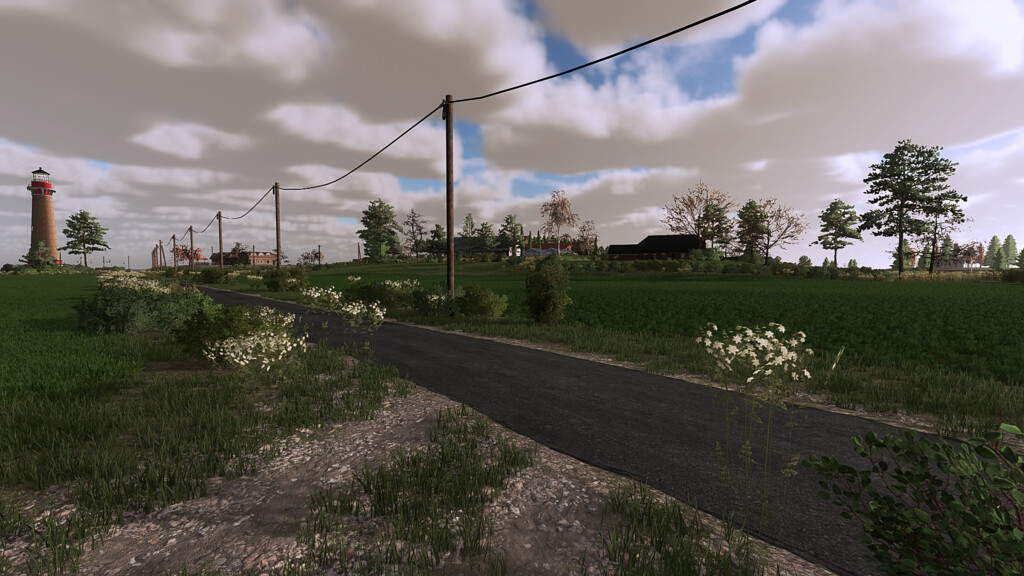

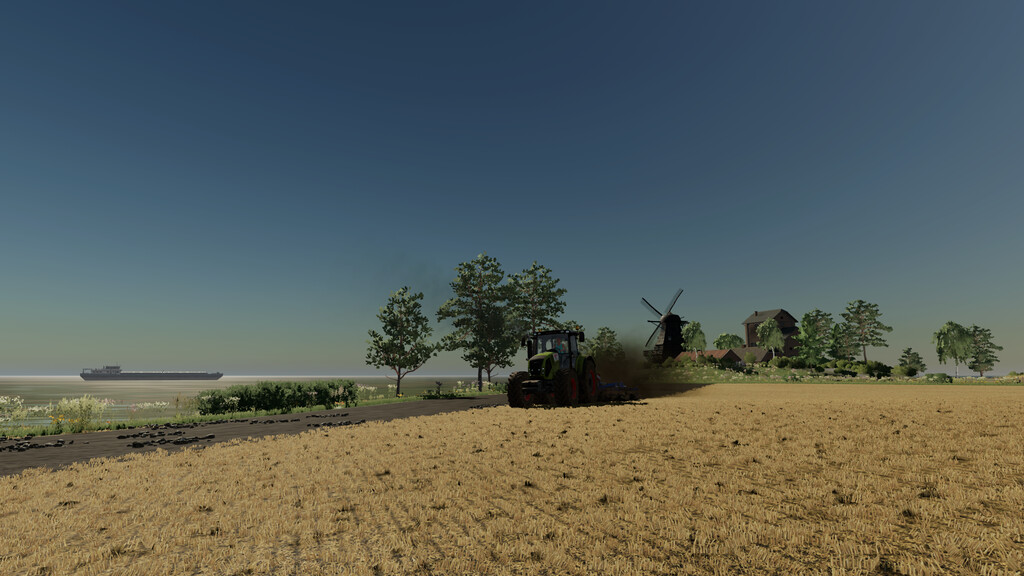
Hallig Petrus Map v 1.0.0.2


This map has 2 versions:
– Standard version with a lining that corresponds to the standard card
– Adapted feeding where you can offer more different feed to your animals. But be careful, your animals eat everything at the same time and can only reproduce if
all categories are filled, including mineral feed for CMR
6 Farms:
– Kurtswarft with cows and chickens
– Petruswarft with pigs
– Ewaldswarft with sheep and chickens
– Paterswarft with 3 cow enclosures
– An abandoned terp with old buildings that you can completely demolish to realize yourself
– A small terp that you can purchase for $0
– “Marians Holiday wharft” with 18 holiday homes available for purchase
There are 63 fields waiting for you to cultivate:
– 49 farmland
– 14 meadows
– 2 forests
The sizes are from 0.11 ha to 6.26 ha:
– Total 91.56 ha
– Arable land 78.27 ha
– Meadows 13.29 ha
Version 1.0.0.2:
* Fixed issues with the Harvester from the Premium Expansion DLC (thanks to Giants for the help)
* Removal of pallets from the object storage height adjusted
Credits:
otti-peterle, nop82 [NO-Modding]