

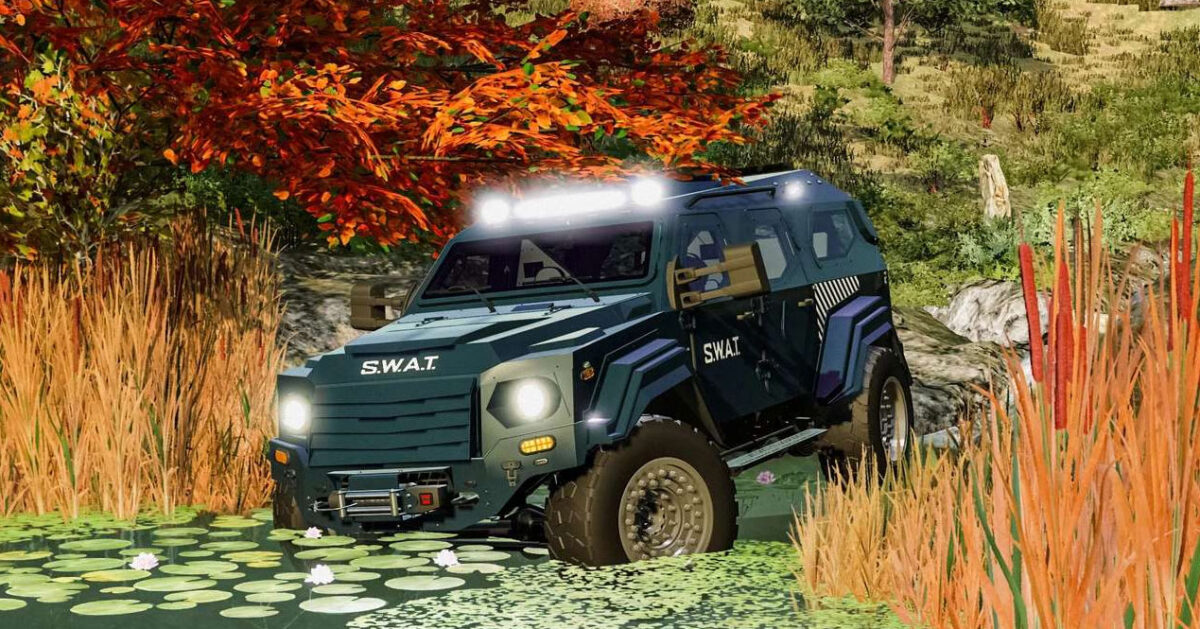
Gurkha Terradyne LAPV v 1.0


– Price: 415,000 $
– Power: 330 HP
– Transmission: Automatic
– Diesel capacity: 151 Liters
– Max speed: 130 KM/H
– Weight: 8 Tonnes
– Winch capacity: 1.6 Tonne
Shop Options:
– Extra front lights configuration
– Extra rear lights configuration
– Rear attacher configuration
– SWAT Configuration
– Window tint color
– Secondary color
– Window tint
– Trims color
– Rims color
– Body color
– Weapon box
Interactive Control:
– Weapon Box (Open/Close)
– Rear step (Fold/Unfold)
– Sunvisor (Fold/Unfold)
– Roof hatch (Open/Close)
– Mirrors (Fold/Unfold)
– Emergency lights
– Interior lights
– Toggle lights
– Turn Lights
– Wail siren
– Yelp siren
– All doors
– Ignition
– Phaser
– Horn
Dashboard Live (optional)
Vehicle Years (optional)
Platinum DLC (optional)
Passenger Seat (optional)
Interactive Control (recommended)
Credits:
My GameSteam


