
FS25 Buildings

Ground Markings v 1.0

Ground Markings v 1.0

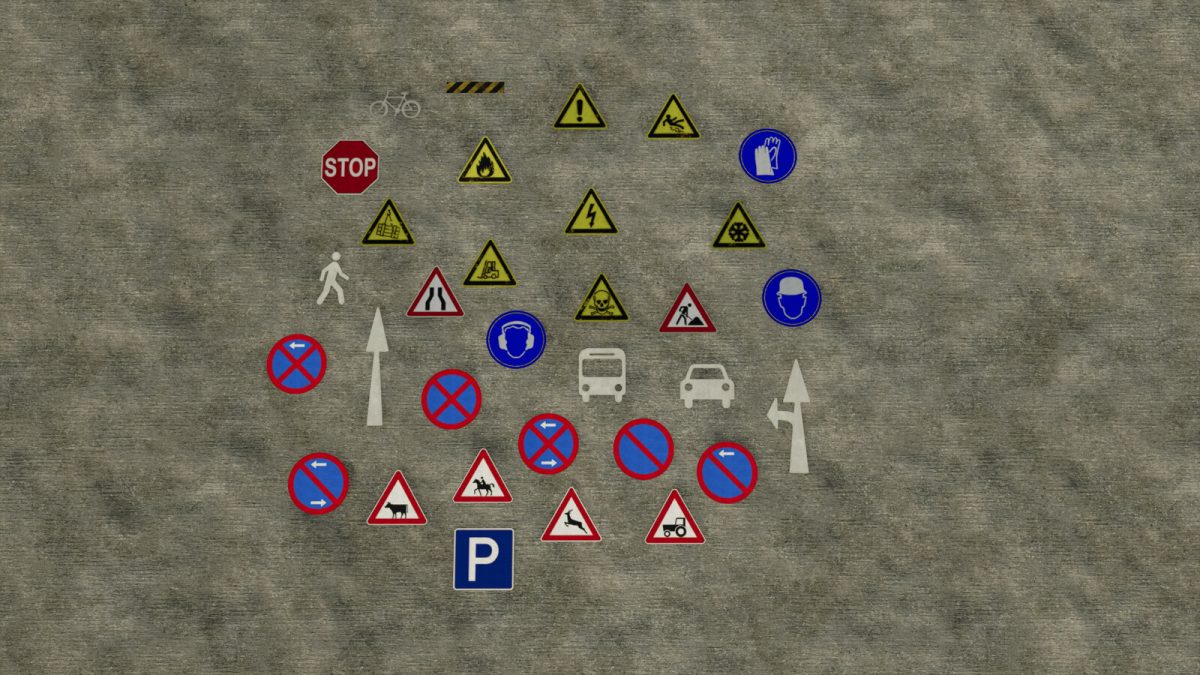
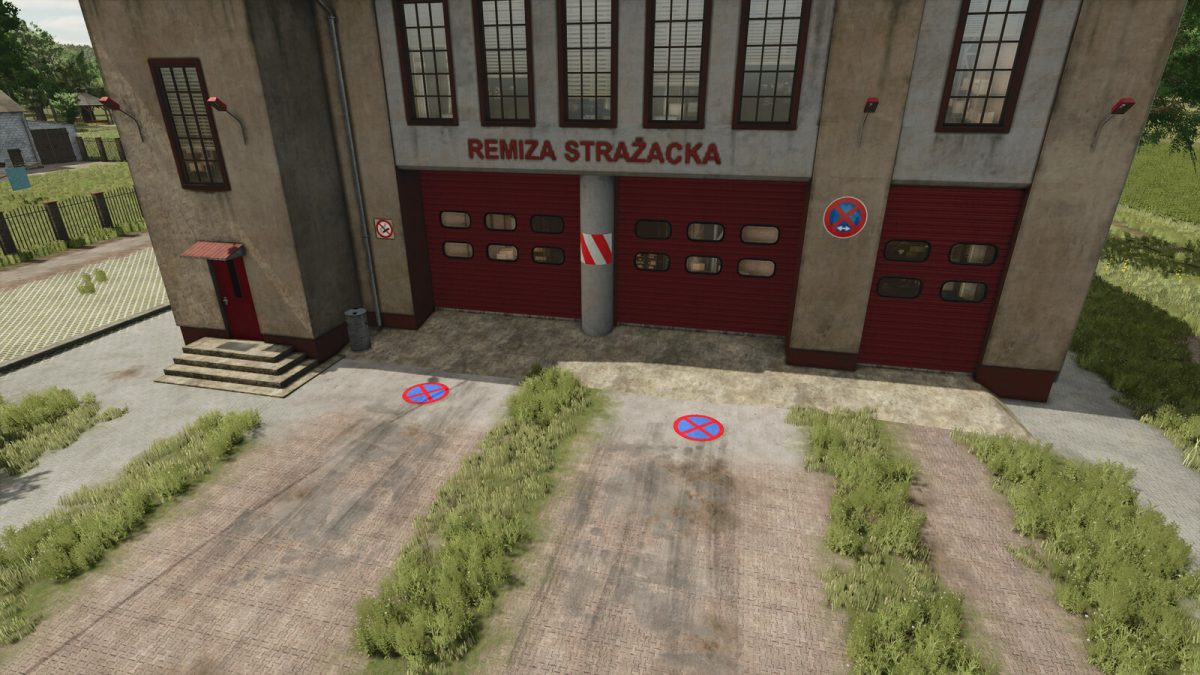
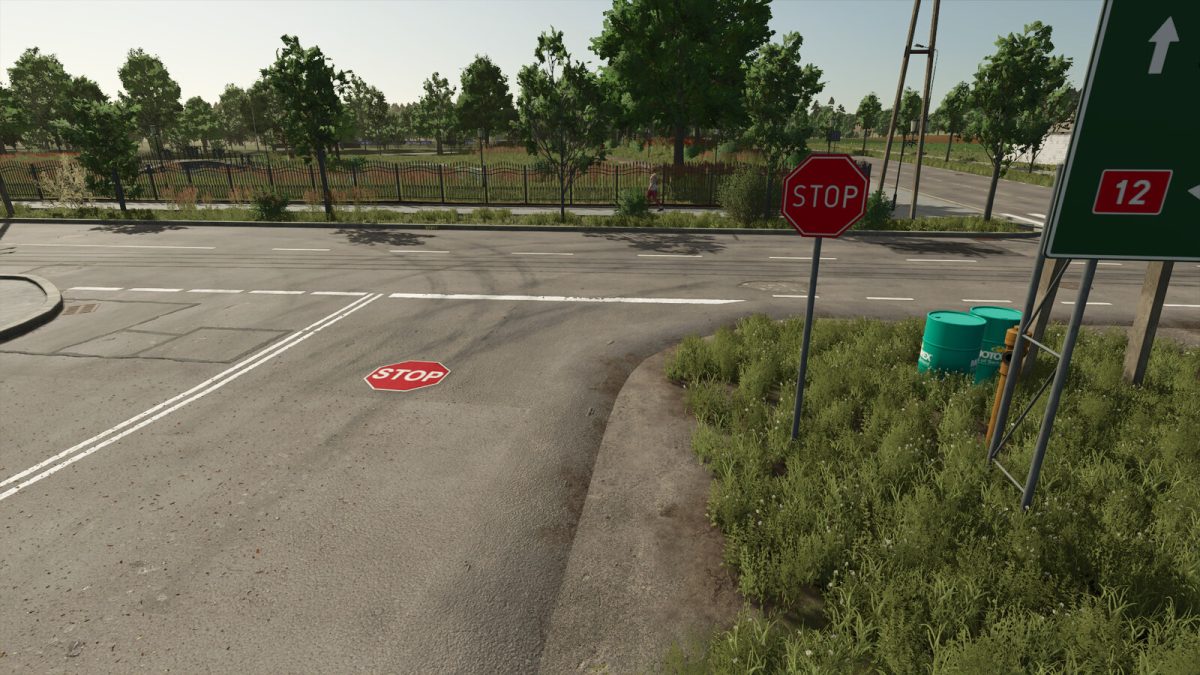
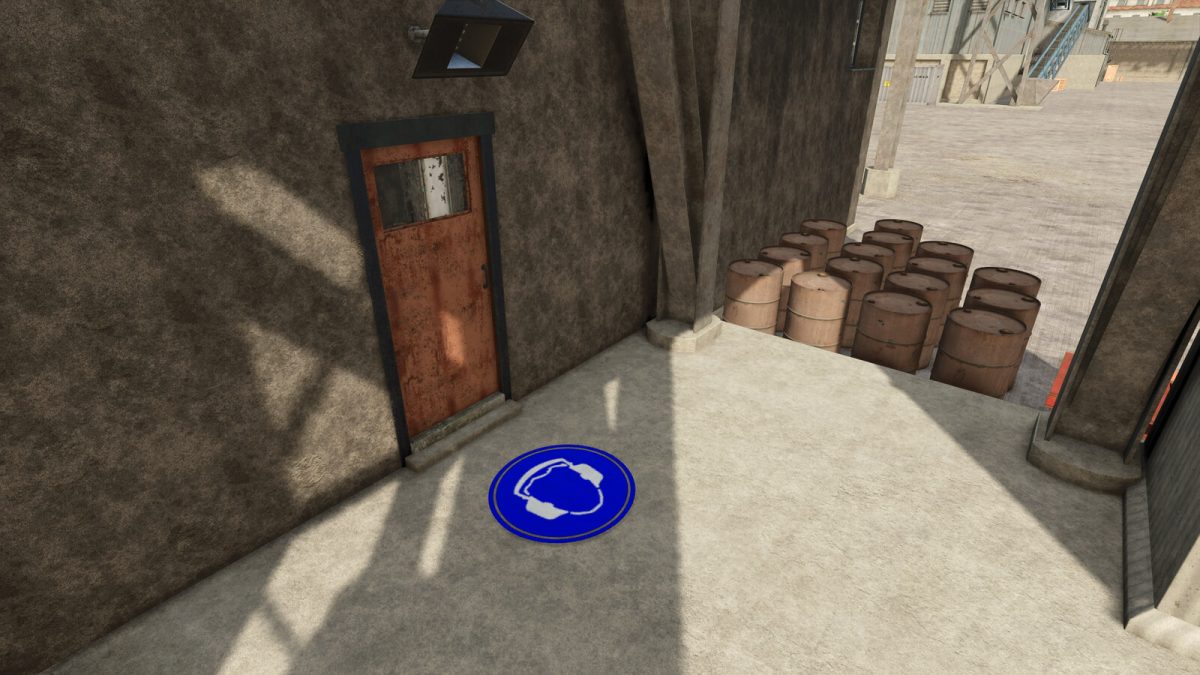
This is a pack with many different floor markings. You can find them under decoration. You can use them to mark danger or other places.
Price: 50$
There are:
Bus marking
Car marking
Turn arrow
Human marking
Arrow marking
No stopping
No stopping left
No stopping left and right
No parking
No parking left
No parking left and right
Cow marking
Wild crossing
Horse marking
Tractor marking
Parking lot marking
Danger
Risk of slipping
Risk of fire
High voltage
Extreme cold
Forklift traffic
Caution objects may fall
Danger to life
Construction site
Bike marking
Warning strips
Stop marking
Narrowed street
Earmuffs
Helmet
Gloves

Credits:

Andi Modding

How to install FS25 Buildings?
Firstly find a mod which you like and want to download. Then download a mod to your PC. Mods are usually in .zip format file. But sometimes it can be in .rar. If a mod file is a .zip format no needed additional actions. If a file is in .rar, then you must unarchive mod with software like WinRar or Zip7. Windows 10 users no need to use software for archives, Win10 itself has a feature to unarchive files.
The next step is to find mods folder in your PC. Usually, it is in Documents/My Games/Farming Simulator 25/2025. Open the "mods" folder and put downloaded .zip archive or unarchived .rar file to this folder.
Last step. Enjoy of FS25 mods!

Leave a Reply

Your email address will not be published. Required fields are marked *