

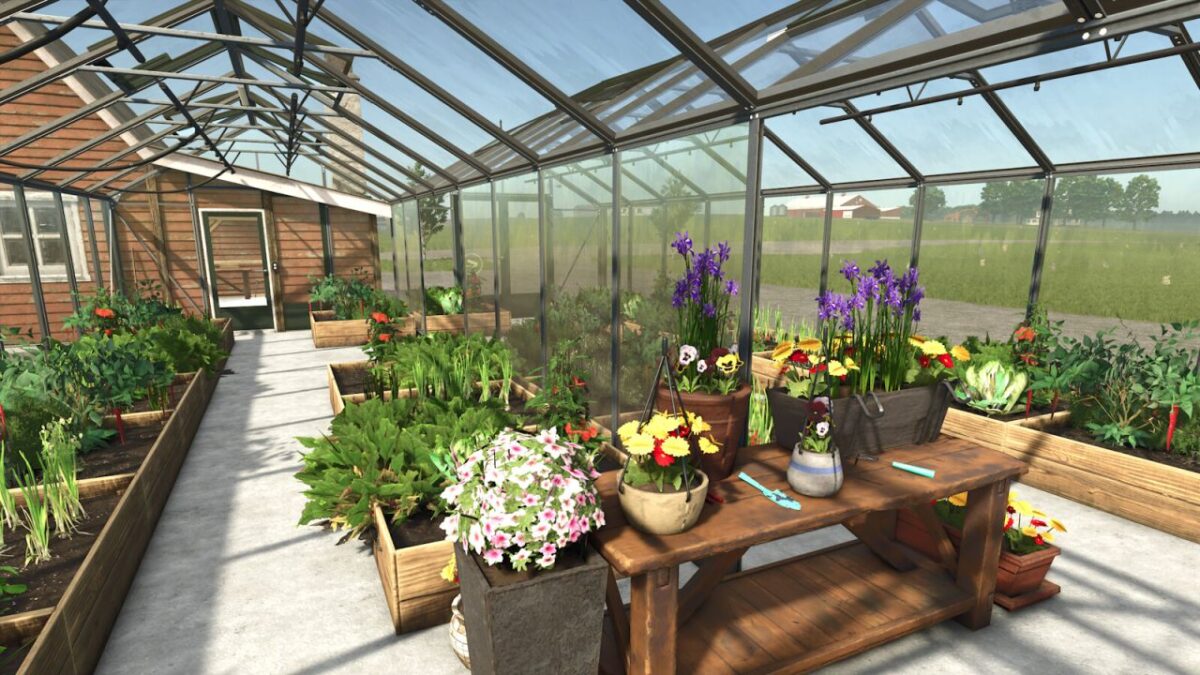
Greenhouse with Canned Packaged Foods Production v 1.0


This canned/packaged food production site has an attatched greenhouse that produces most of the vegetables required for the goods produced by the canned/packaged food production point.
The greenhouse only requires water.
Price:$65,000
Daily Upkeep:$30
Crops:
LETTUCE
STRAWBERRY
TOMATO
SPRING ONION
NAPA CABBAGE
CHILLI
GARLIC
CARROT
PARSNIP
BEETROOT
GREENBEAN
SPINACH
PEA
Productions:
PRESERVED CARROTS
PRESERVED PARSNIP
PRESERVED BEETROOT
CANNED PEAS
SPINACH BAGS
RICE BAGS
RICE BOXES
JARRED GREENBEAN
FERMENTED NAPA CABBAGE
NOODLESOUP
RICEROLLS
Attatched at the back of the greenhouse is a silo that will unload vegetables that are accepted by the base game tipper trailers.
All other vegetables being produced can be spawned as pallets.
There is a pallet blocking function that will prevent pallets from spawning so vegetables can be stored to be used for the attached productions.
The pallet blocking funcion is controlled by the exclamation mark icon found inside the building.
All vegetables distributed from the silo are automatically stored without using the pallet blocking function.
There are two triggers found ouside to add materials.
One is a water icon for only adding water. The other is on the opposite side of the building which accepts bulk materials as well as pallets.
Note: Due to other productions besides vegetables running in this greenhouse I had to disable the withered state of plants otherwise if anything runs out of materials the whole greenhouse gets stuck in the withered state.
It does still go into a blank state the first time a production runs out of material but this can be corrected easily.
If this happens disable all productions and then restart them and it will reset all plants and they will continue staying visible even if something else runs out.
Credits:
Papes_Farming_Mods, InsaneSimGuy


