

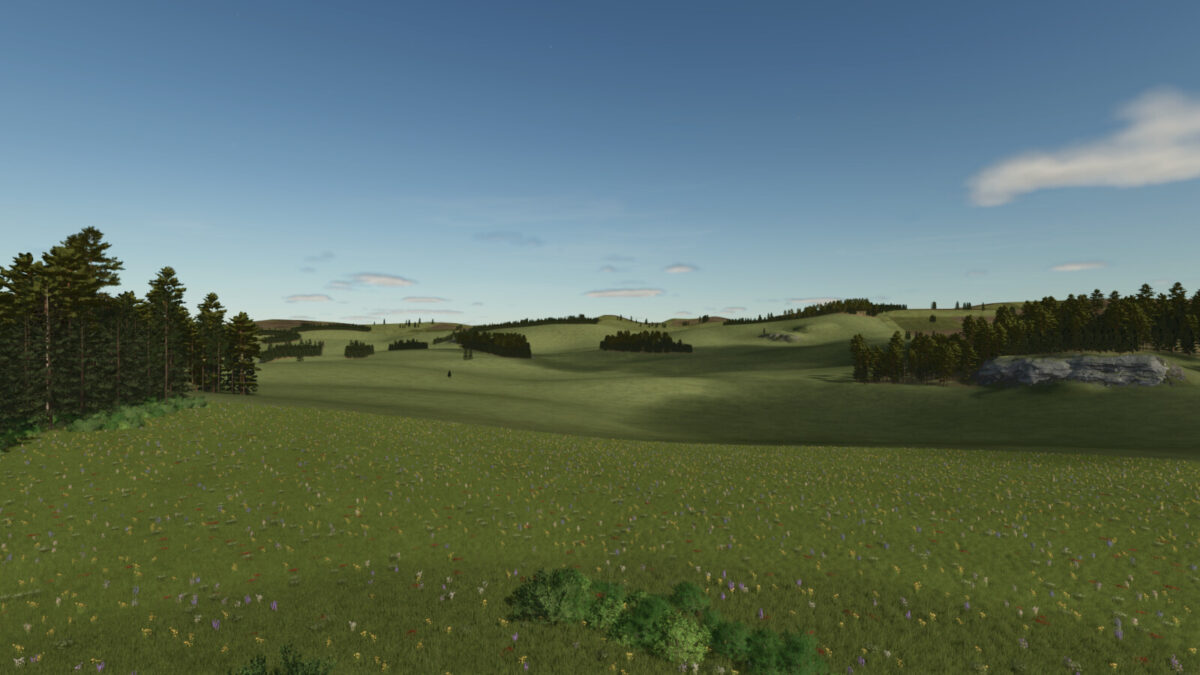
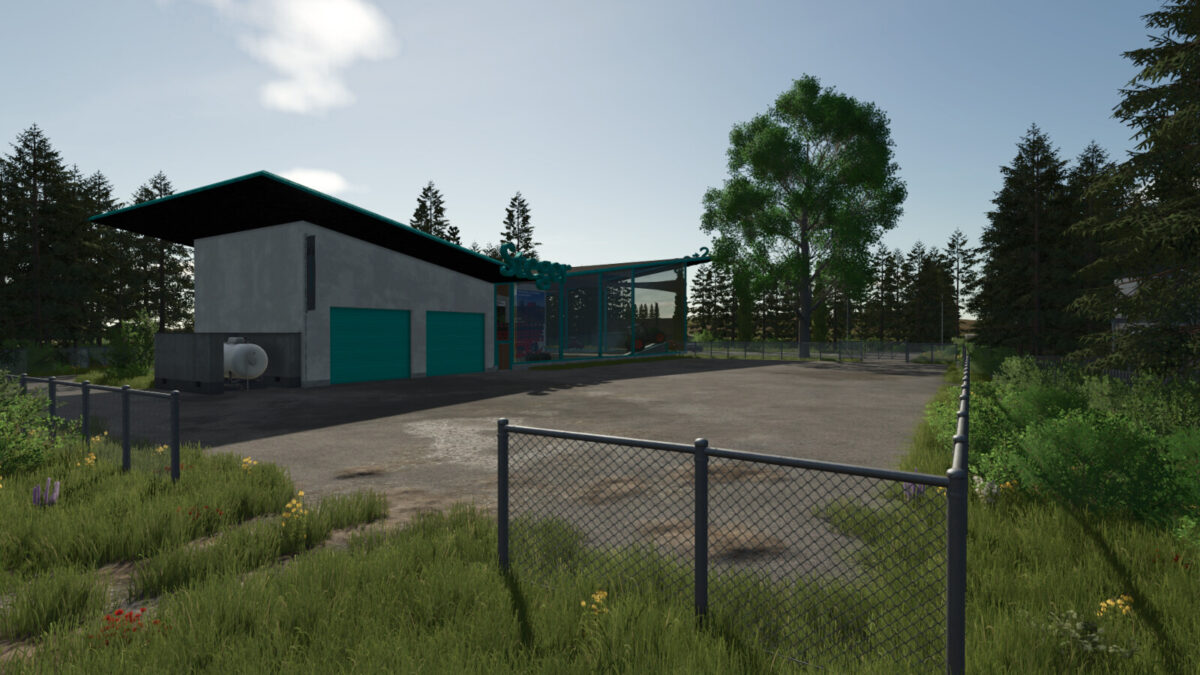
Green Countryside v1.2.0.1


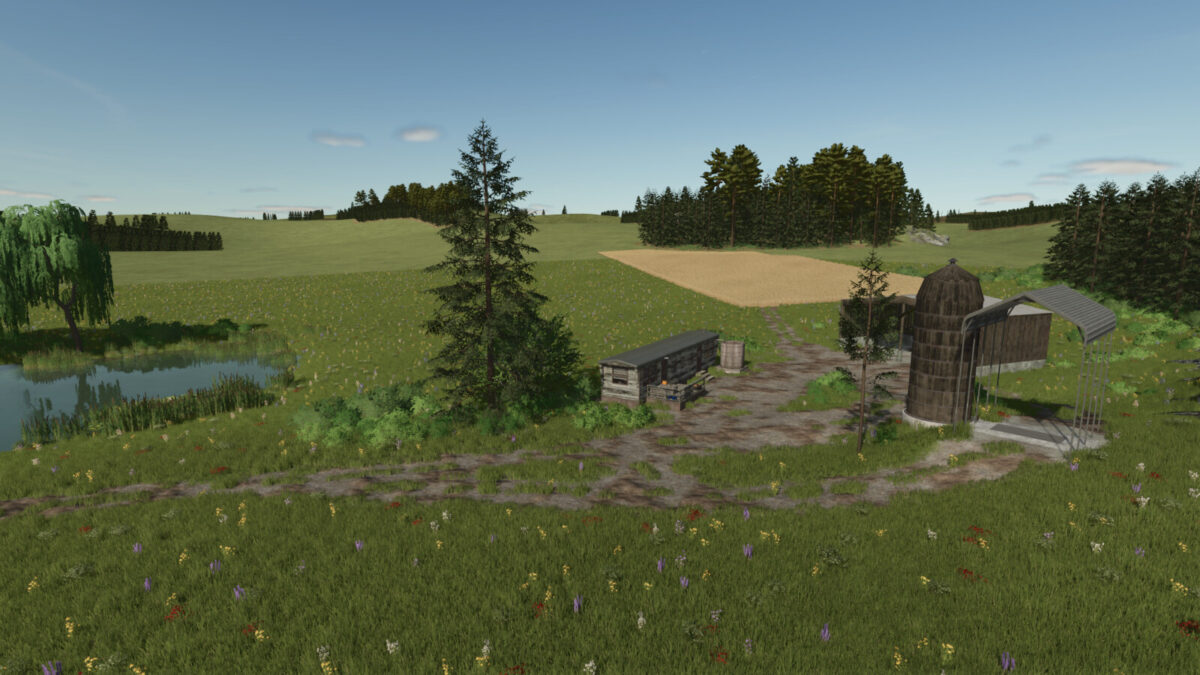
Welcome to Green Land.
The map’s concept is based on the former no-man’s-land and follows the principle of self-design.
No new save games are required for future content.
Mods that could cause problems:
– Straw Harvest Addon
– Mods with many products
Map Details:
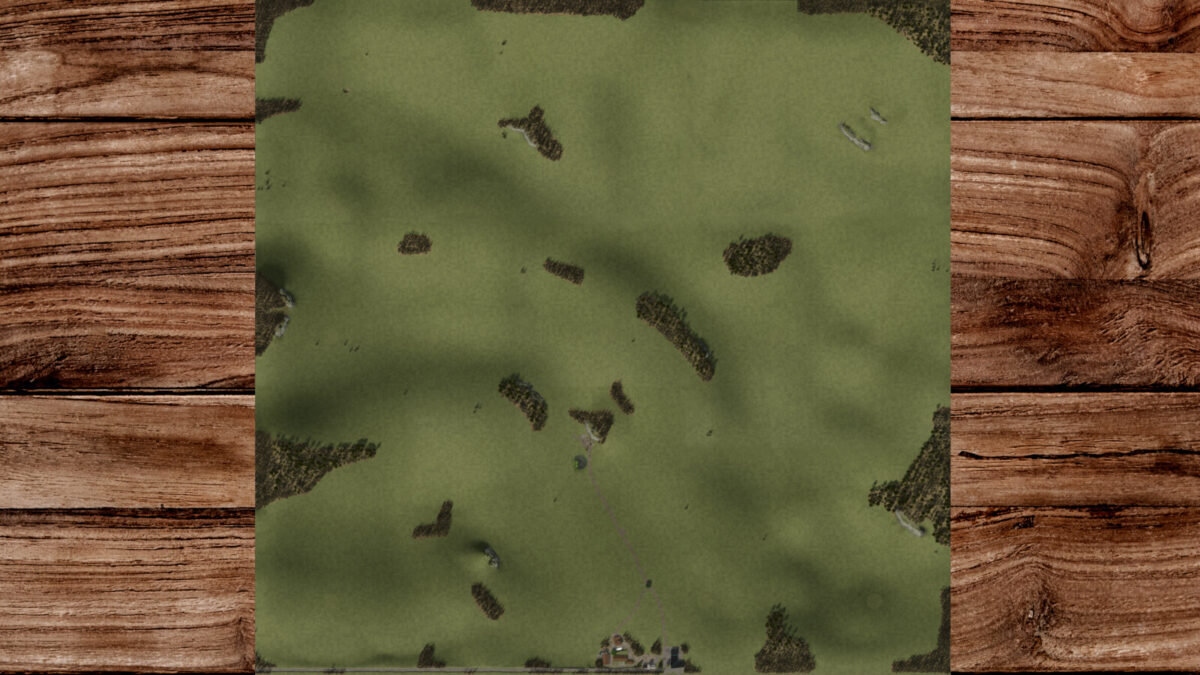
– Includes standard version and one without trees
– 64 purchasable plots for €60,000 each
– One starting field with a farm is included
– Over 60 millable ground textures
– Over 50 millable decorations
– 5 pretzels to collect
– Two selling points (farm shop and farm)
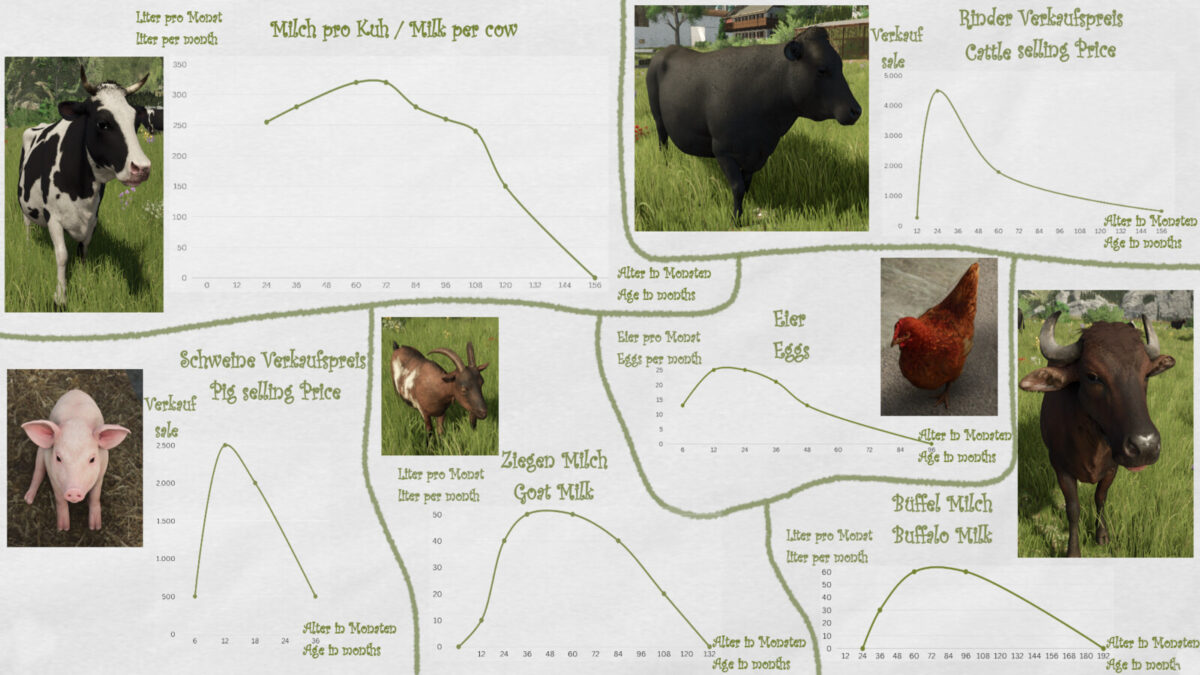
– adapted animals as well as feeding
– Card is CCM-ready
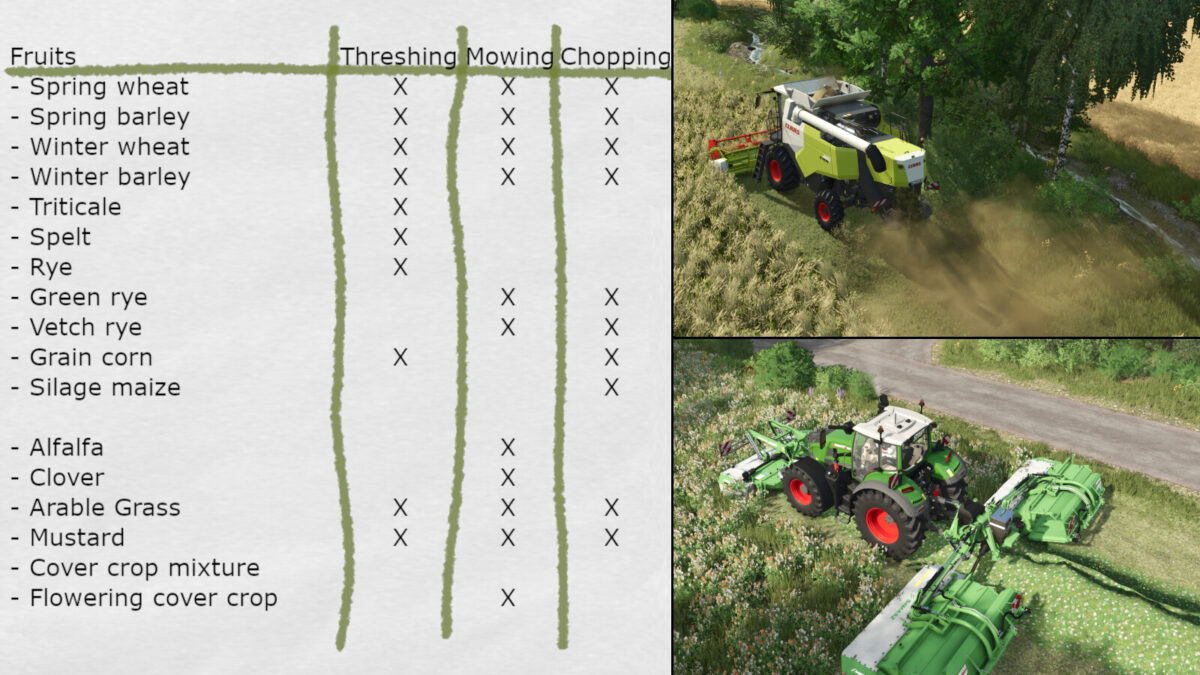
Additional crops and revised crops:
– Spring wheat (Wheat)
– Spring barley (Barley)
– Winter wheat
– Winter barley
– Triticale
– Spelt
– Rye
– Green rye
– Vetch rye
– Grain corn (Maize)
– Silagemaize
– Alfalfa
– Clover
– Arable Grass
– Revised meadows
– Mustard
– Catchcrop Mixture
– Flowering cover crop
–> Separate drive-through silos for clover and alfalfa are available in the building menu.
–> For clover/alfalfa bales, an extra Multipack D14 bale wagon as well as a GÖWEIL VARIO-Master V140 are installed.
Additional products:
– Solids
– Apples
– Apple juice
Have fun and good luck in the middle of nowhere!
!No new game saves required!
Changelog 1.2.0.1:
– Silage sales fixed, as well as issues with selling at Hofer
– Additional orders no longer cause problems
– Animal purchase prices and buying options adjusted depending on the animal
– foliageDamage.xml revised
Changelog 1.2.0.0:
– Map is now CCM-ready
– Fixed forage harvester pickup issue when collecting grass
– Revised animal and crop information
– Solids are now Precision Farming-ready
– Spruce trees now have a snow texture in winter
– Performance adjustments for crops
– second version without trees included
Changelog 1.1.0.0:
– Fixed minor bugs
– Adjusted clover/alfalfa textures
– Adjustments made to selling points
– Added the GÖWEIL VARIO-Master V140 stationary baler for clover/alfalfa
– Field grass and mustard can now be threshed (for existing savegames, the price graph may take a moment to update)
– Revised crop information available at the vehicle dealer
– Adjusted animal productivity and breeding ages for greater realism; more information is available at the vehicle dealer and on the minimap
Changelog 1.0.1.0:
– Minor bugs fixed
– Animals.xml adjusted
– Adjustments to sellable products
Credits:
Lucas G


