

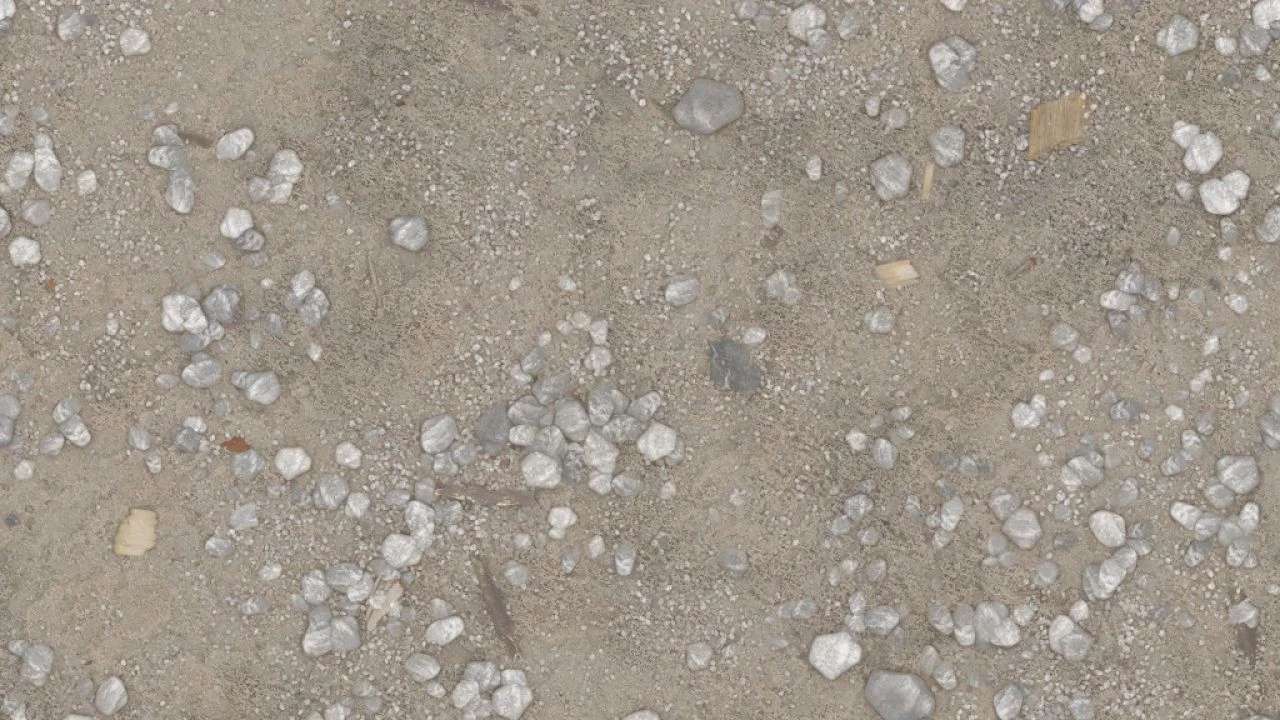
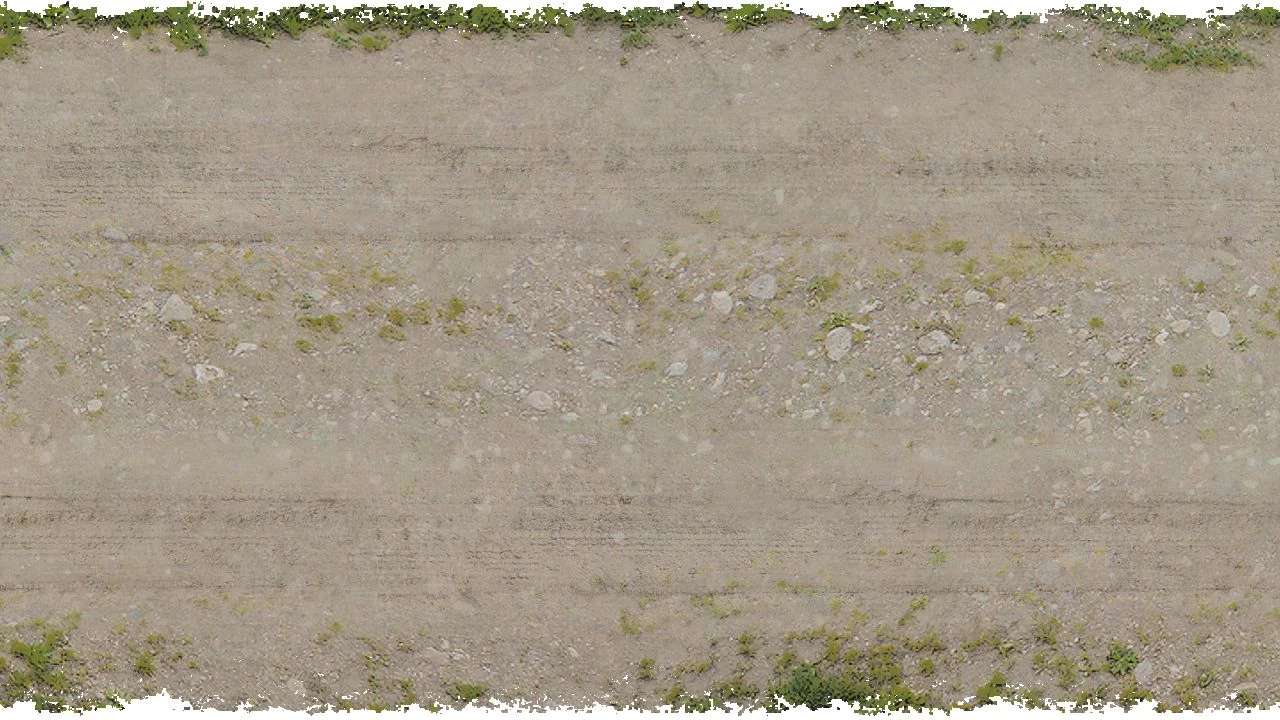
Gravel Dust Texture + Dirt Road Texture (Prefab) v 1.0.0.1


This mod provides an updated gravel dust texture along with a dirt road texture specifically designed for mapmakers using Farming Simulator 25. The creator has converted these textures for enhanced visual appeal, aiming to improve the overall aesthetic of gravel roads in the game. The US gravel dirt road texture has been color-graded, enabling it to harmonize more effectively with the newly introduced gravel dust texture.
This mod is suitable for those looking to customize their maps and enhance the realism of their farming landscapes. Seamlessly integrate these textures into your projects for improved terrain aesthetics.
– Updated gravel dust texture
– Color-graded US gravel dirt road texture
– Designed specifically for mapmakers
– Improved visual appeal for gravel roads
– Compatible with Farming Simulator 25
Version 1.0.0.1:
* Fixed accidentally inverted normal textures for gravel_dust
Credits:
MrLackofSkill


