

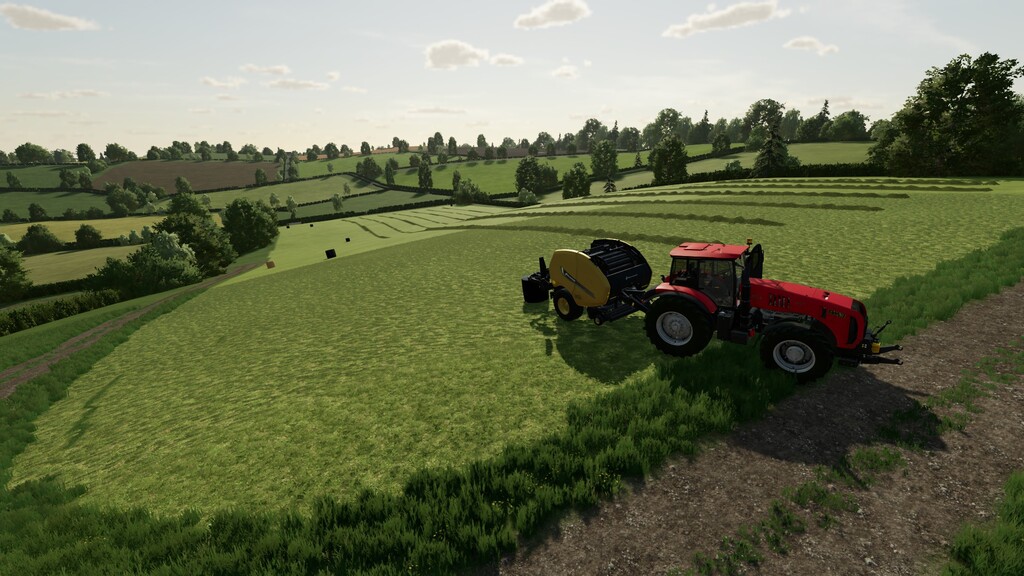
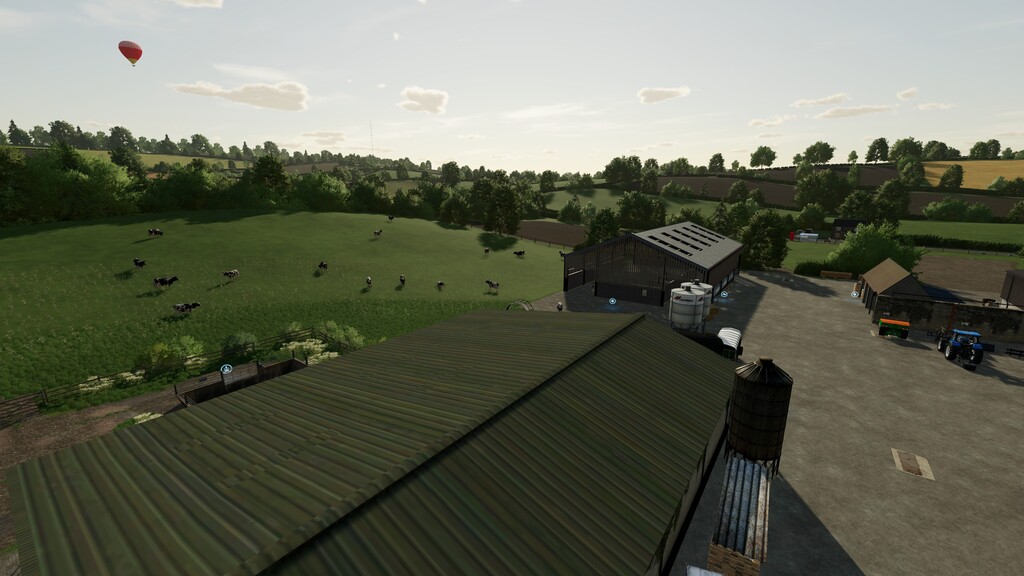
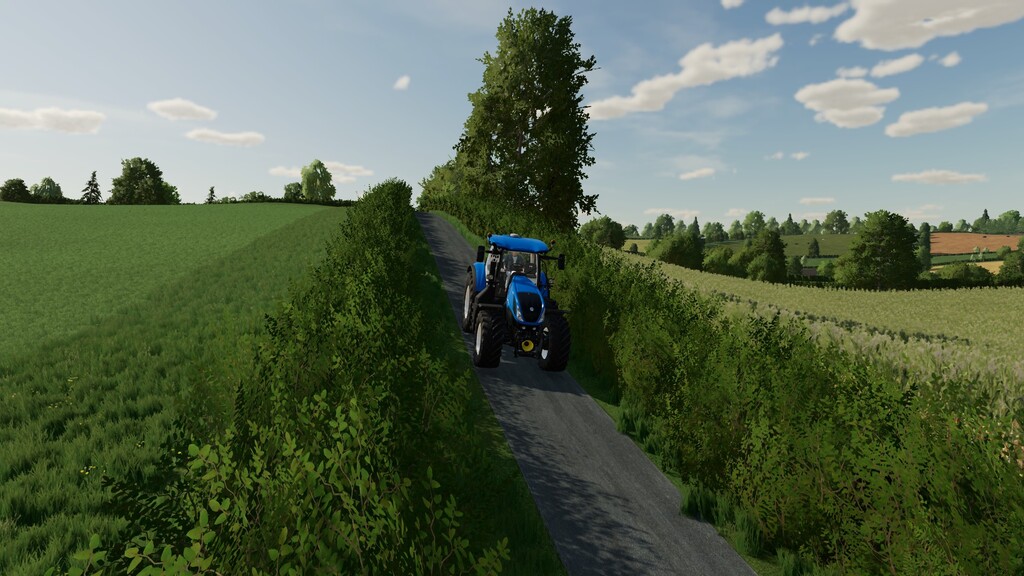
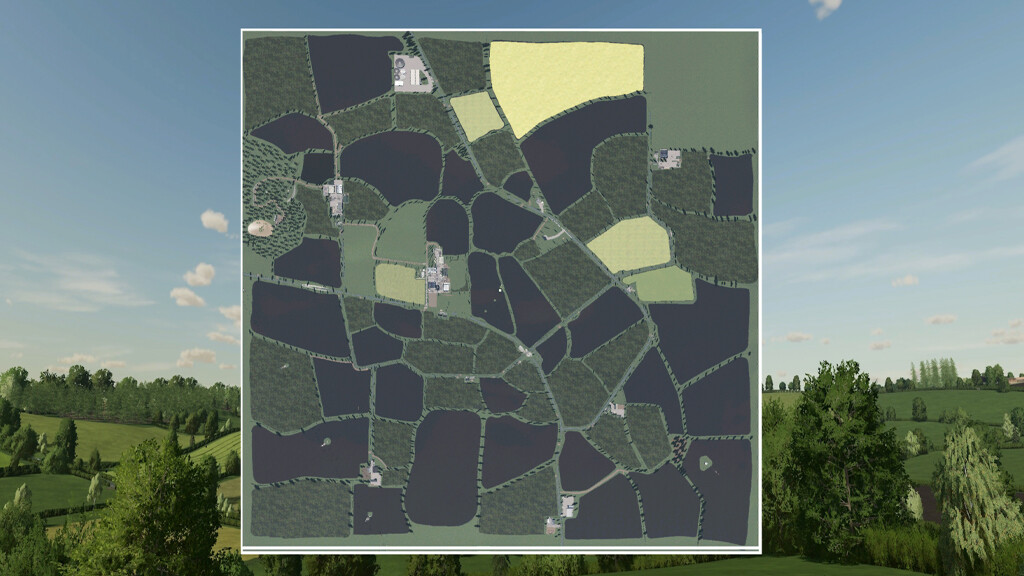
Grasslands 22 Map v 1.1


– New wind effects
– Custom lighting and color grading
– Animated objects across the map
– Custom textures pbr with Parralax mapping
– Custom traffic
– Hd new models made by Oxygendavid
– 79 fields with missions – small/medium/large
– Seasons visuals and random events (trees, hedges, etc…)
– Collectables
– Highly customizable Uk license plates built into map
– Custom Foliage and ground textures
– Custom sounds
– Precision farming support
– Mud mod support
– New fruit Linseed, Fieldbeans, Rye, Alfalfa
– New plough texture
Version 1.1:
* Added credit to f/a disturbed for his map-growth xml please seek permission before use from him
* Removed floating cars
* Removed compressor and the collision from farm workshop/workshop
* Filled hole at john deere shop
* Fixed bakery floor
* Added gates
* Changed name of cow pen
* Joined fence at cow field
* Added a grain trailer to farm
* Thank you to Oxygendavid and Lancyboi for use of their models
* Unload pipe replace at main farm grain load
* Removed old telegraph poles with wires
* Fixed straw at cow pen you can place your own manure pen
* Turned gate around at main farm field entrance
Credits:
steves mods


