

Grass Collection v 1.0


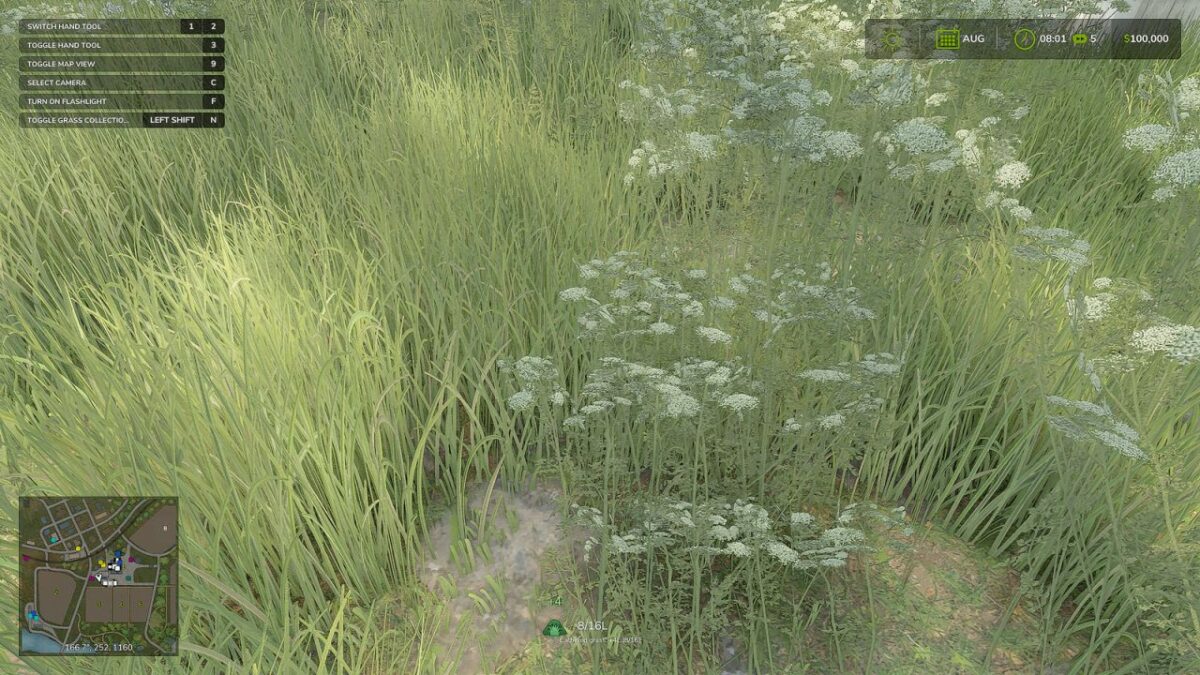
Grass Collection adds a true on-foot grass gathering system for start-from-scratch gameplay.
Features:
– Collect nearby grass while on foot
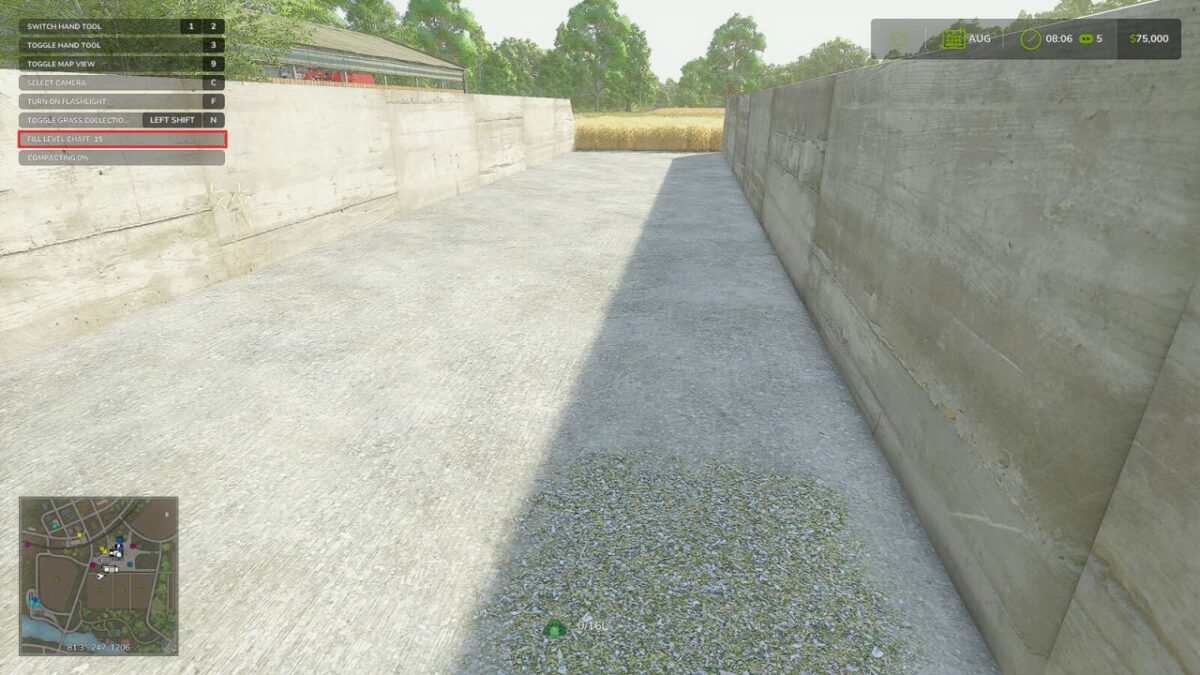
– Unload carried grass by hand at supported drop areas
– Supports selling and bunker silo dumping
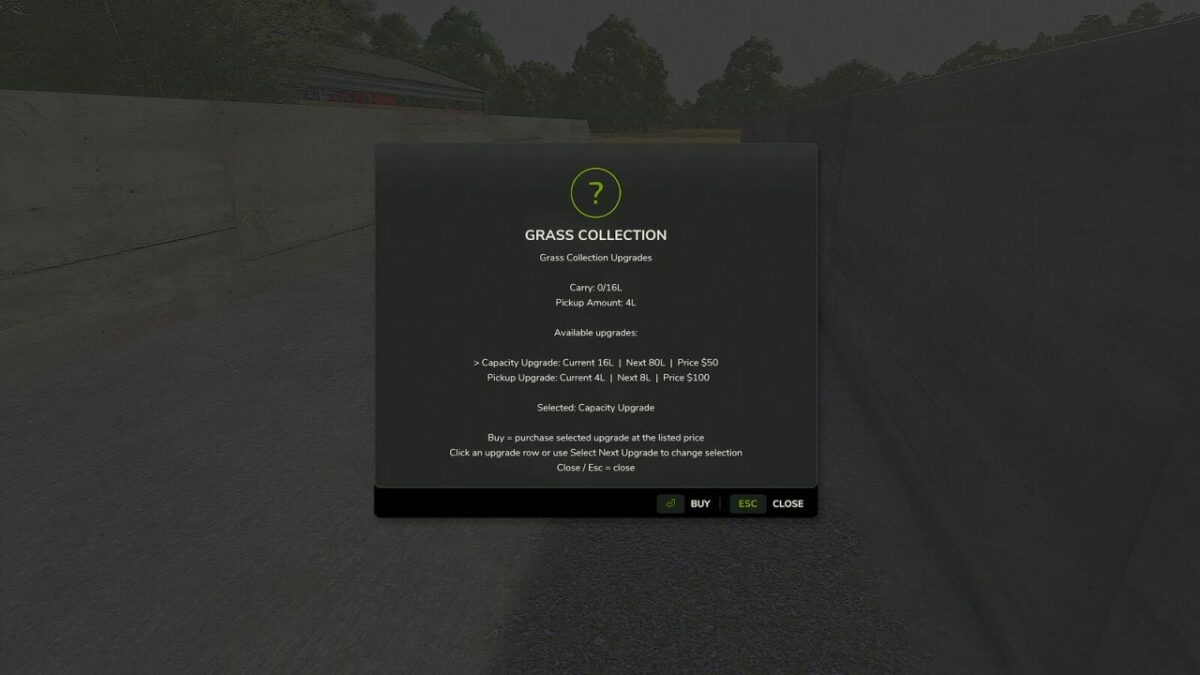
– Capacity and pickup upgrades
– Rebindable controls
– Save/load support for carried amount and upgrades
Instructions:
1. Enable the system with Shift + J if it is turned off.
2. Toggle collection mode with Shift + H.
3. Walk over grass to collect it automatically while the mode is active.
4. Unload carried grass with Shift + R at a valid drop area, sell point or bunker silo.
5. Open upgrades with Shift + U, select an upgrade row, then click Buy.
Hotkeys:
– Toggle Grass Collection Mode: Default Shift + H
– Unload Carried Grass: Default Shift + R
– Toggle Grass Collection System: Default Shift + J
– Open Grass Collection Upgrades: Default Shift + U
– Select Next Grass Collection Upgrade: Default Shift + I
Credits:
Plutogaming91


