

Grapple Yarder v 1.0


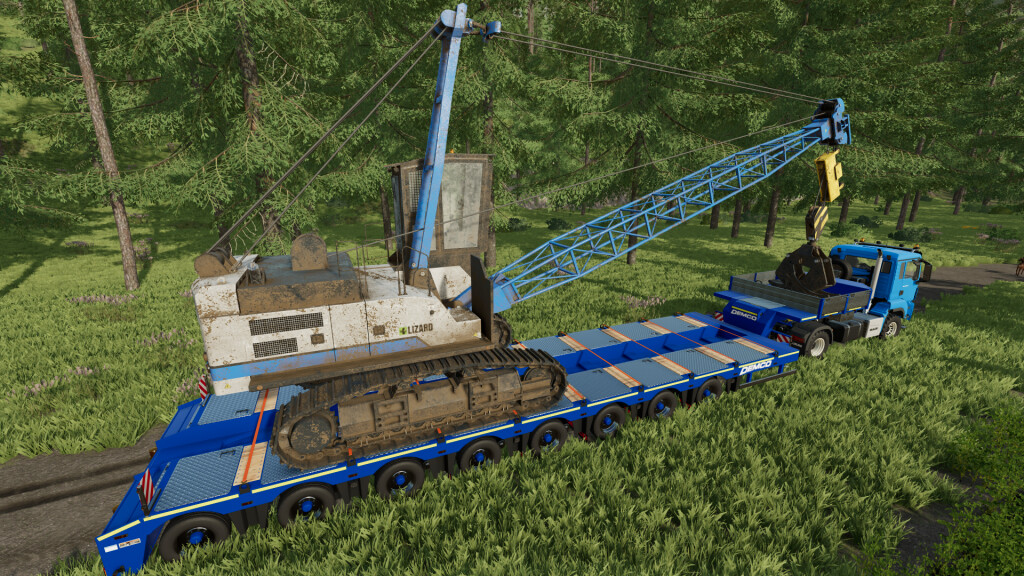
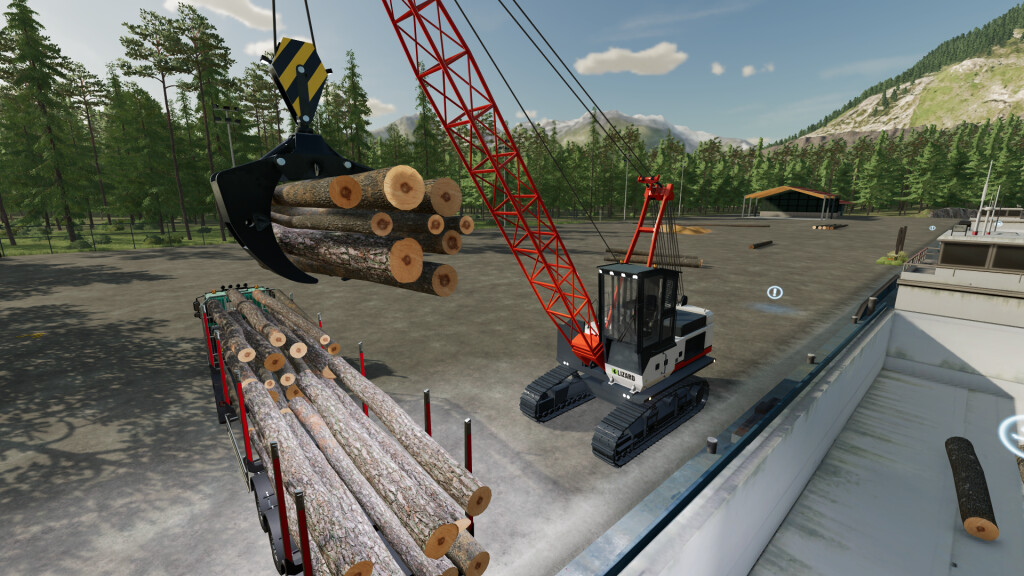
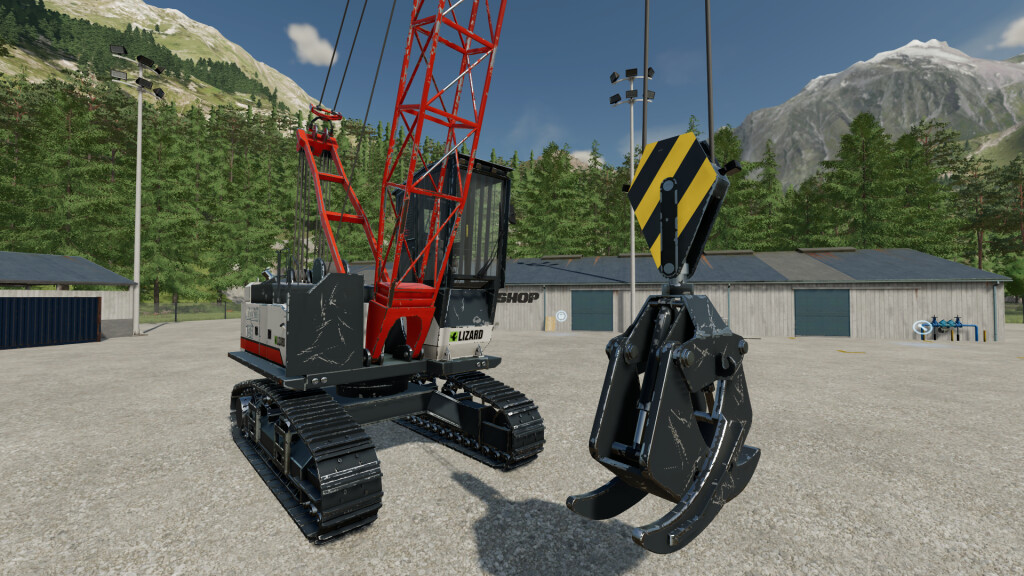
This yarder can be used to transport logs from hard reachable areas. It can be also used for loading/unloading logs on trailer. The grapple also contains two hook with tension belts support.
Yarder has two additional cameras (grapple and rope base) for better controls.
Shop category: Forestry vehicles
Price: 240000 $
Power: 340 HP
Max. speed: 10 kph
Max. rope length: 500 m
Max. grapple rope: 55 m
Configurations:
-Tinted windows
-Beacons lights
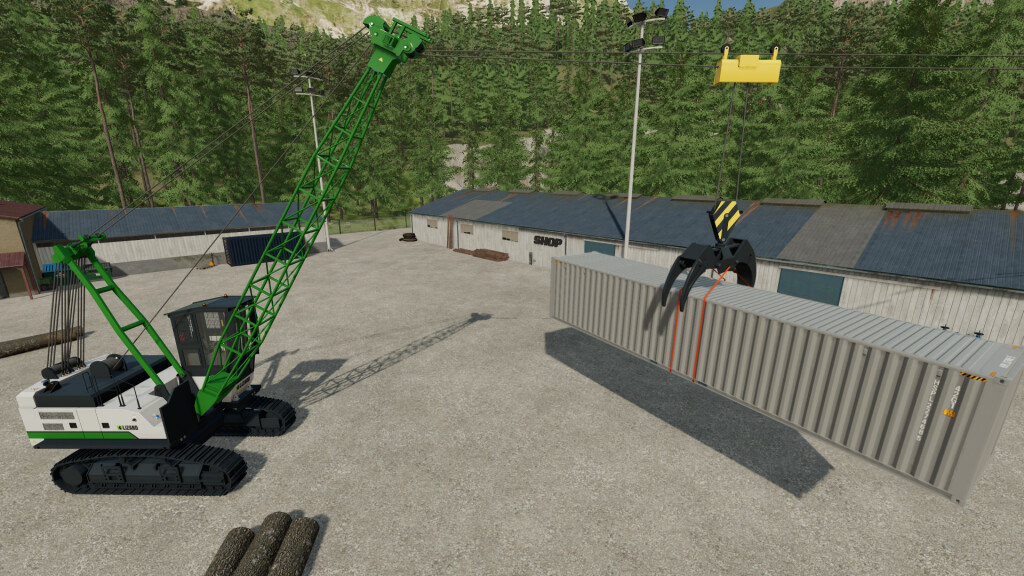
-Body color
-Tracks color
Instructions:
– First unfold the yarder and rope base appears
– Switch to control group 2 and move rope base to required place
– Adjust rope base height that it sits just on the ground
– Switch to control group 1 and move your carriage to logs destination
Notice:
– It is not possible to move vehicle after unfolding
– Before you unfold yarder make sure there is enough place in front of the yarder for rope base
Default controls:
Control group 1 (Crane)
Cab rotation – AXIS_CRANE_ARM
Main arm – AXIS_CRANE_ARM2
Carriage move – AXIS_CRANE_ARM3
Grapple up/down – AXIS_CRANE_ARM4
Control group 2 (Rope base)
Left/right – AXIS_CRANE_ARM
Forward/backward – AXIS_CRANE_ARM2
Up/down – AXIS_CRANE_ARM3
Rope up/down – AXIS_CRANE_ARM4
Credits:
kenny456


