
FS25 Misc

Grape and Olive Yield Settings v 1.0 Grape and Olive Yield Settings v 1.0 Grape and Olive Yield Settings v 1.0

Grape and Olive Yield Settings v 1.0

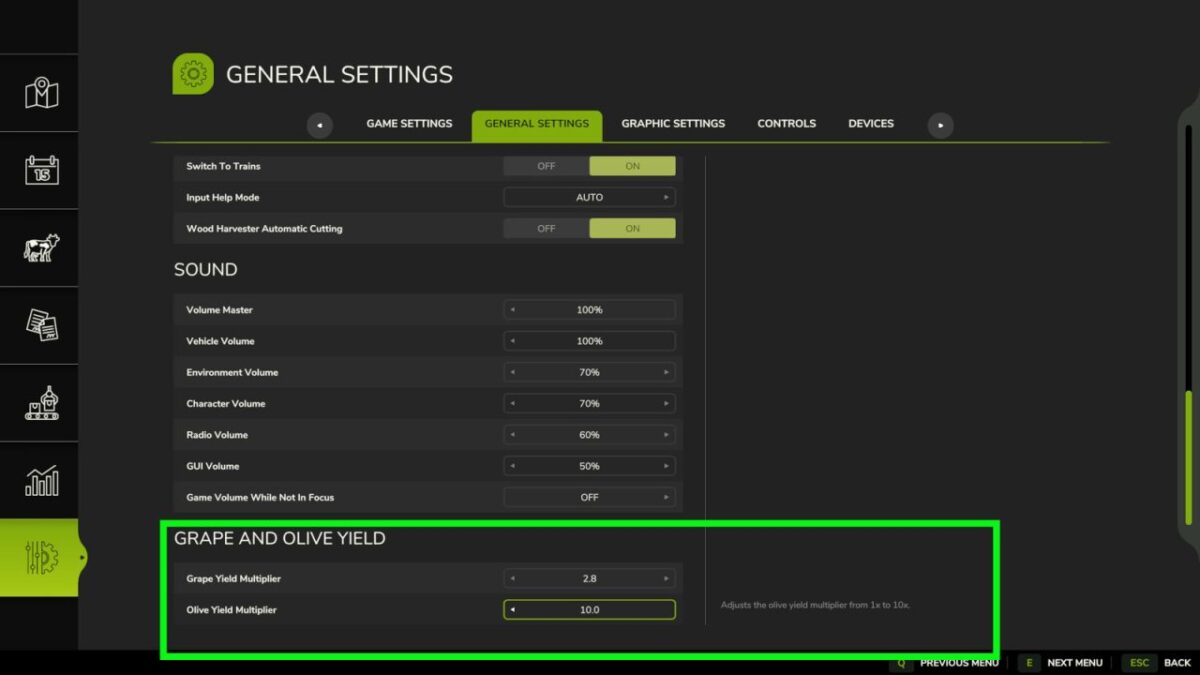
Adds separate multipliers for grape and olive yields from 1x to 10x.
These values ​​can be adjusted directly from the game’s settings menu.
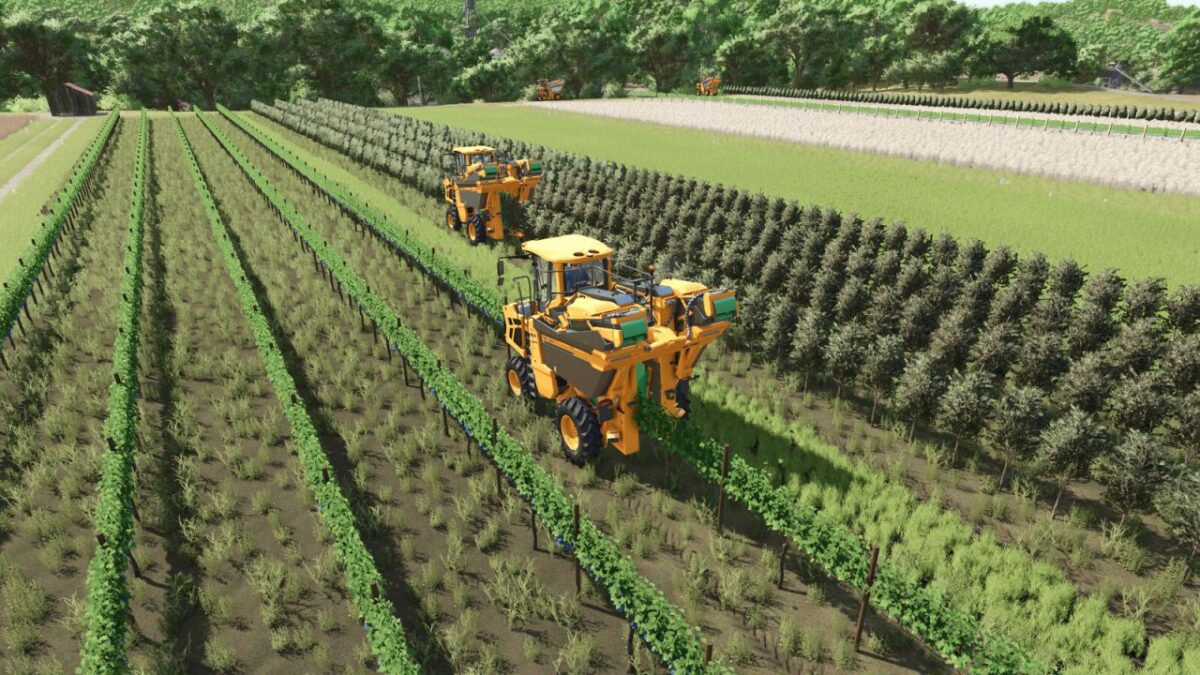
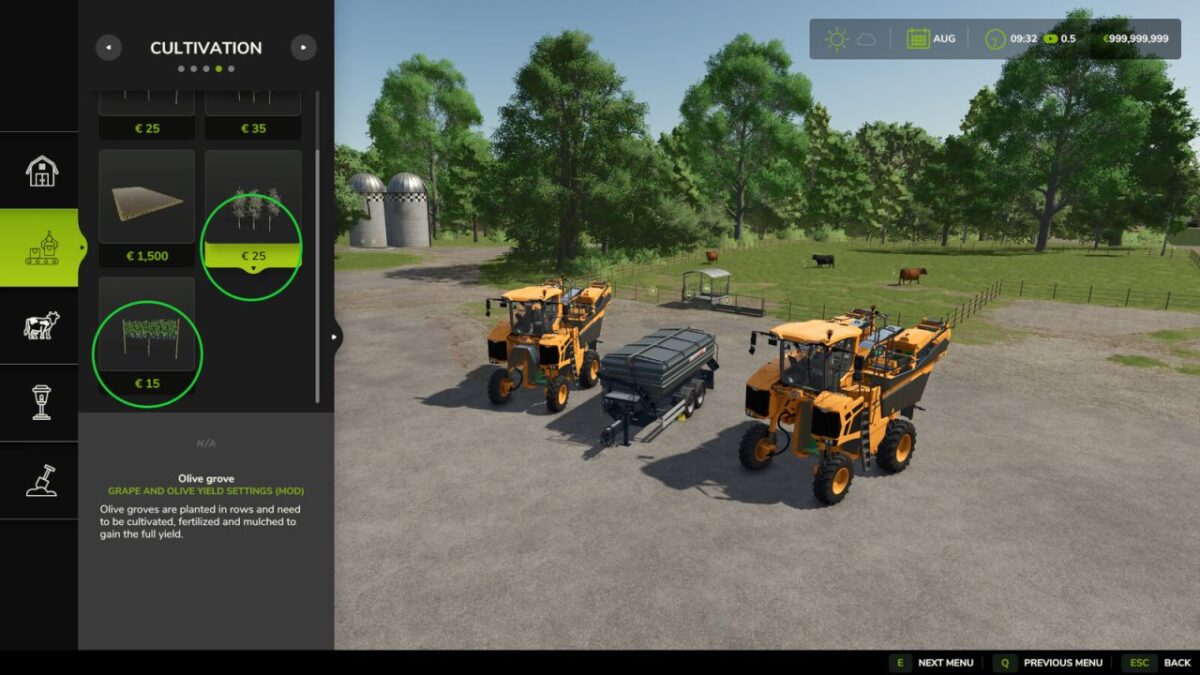
Rows of grapes and olives have also been added at a reduced price.
To accommodate potential player-determined yield increases, a Gregoire GL XL harvester and a Fuhrmann LWS 240000 wagon that accepts grapes and olives with increased capacities have been added.

Gregoire GL XL
Categories: Grape Harvesters, Olive Harvesters
Price: $253,000
Power: 156 hp
Max. speed: 30 kph
Capacity:60,000-80,000 L

Fuhrmann LWS 240000
Category: Grape Olive Trailers
Price: $39,000
Capacity: 240 m³

Credits:

NazzaB82
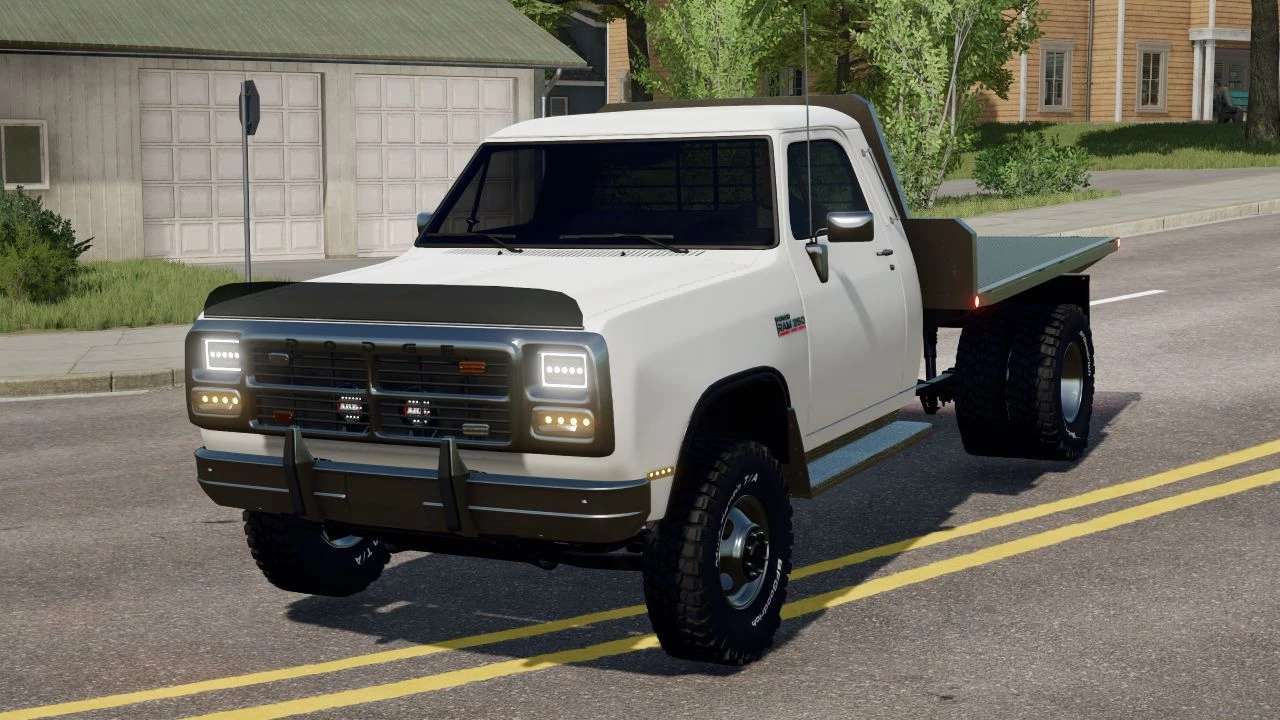
How to install FS25 Misc?
Firstly find a mod which you like and want to download. Then download a mod to your PC. Mods are usually in .zip format file. But sometimes it can be in .rar. If a mod file is a .zip format no needed additional actions. If a file is in .rar, then you must unarchive mod with software like WinRar or Zip7. Windows 10 users no need to use software for archives, Win10 itself has a feature to unarchive files.
The next step is to find mods folder in your PC. Usually, it is in Documents/My Games/Farming Simulator 25/2025. Open the "mods" folder and put downloaded .zip archive or unarchived .rar file to this folder.
Last step. Enjoy of FS25 mods!

Leave a Reply

Your email address will not be published. Required fields are marked *