

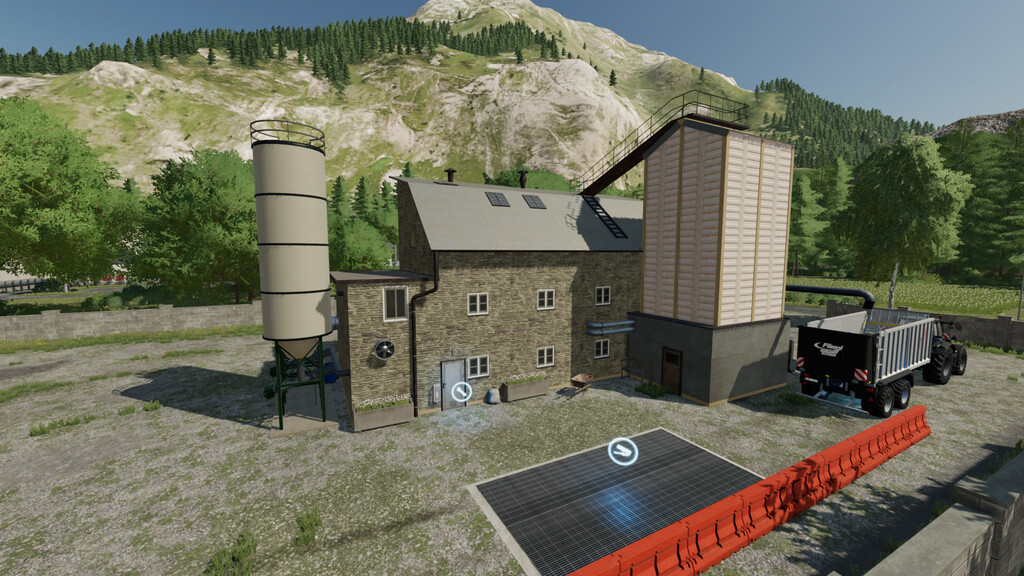
Grain Mill A v 1.0


Grain Mill
Cycles per hour: 1
Input: Wheat (2500 liters)
Output: Flour (2000 liters)
Cycles per hour: 1
Input: Oat (2750 liters)
Output: Oatmeal (2000 liters)
Cycles per hour: 1
Input: Sorghum (2500 liters)
Output: Flour (2000 liters)
Cycles per hour: 1
Input: Barley (3000 liters)
Output: Barley flour (2000 liters)
Cycles per hour: 1
Input: Maize (2500 liters)
Output: Cornflour (2000 liters)
Cycles per hour: 20
Input: Wheat (1000 liters)
Output: Wheatgrist (950 liters)
Cycles per hour: 20
Input: Barley (1000 liters)
Output: Barleygrist (950 liters)
Cycles per hour: 20
Input: Maize (1000 liters)
Output: Maizegrist (950 liters)
Cycles per hour: 20
Input: Oat (1000 liters)
Output: Oatgrist (950 liters)
Cycles per hour: 20
Input: Sorghum (1000 liters)
Output: Sorghumgrist (950 liters)
Cycles per hour: 20
Input: Canola (1000 liters)
Output: Canolagrist (950 liters)
Cycles per hour: 10
Input: Wheatgrist (2000 liters) or Barleygrist (2000 liters) or Maizegrist (2000 liters) or Oatgrist (2000 liters) or Sorghumgrist (2000 liters) or Canolagrist (2000 liters)
Output: Mineralfeed (2000 liters)
– Price: $50000
Supermarket
– Price: $10000
Credits:
DS-Power


