GPS Headland Assist v 1.0


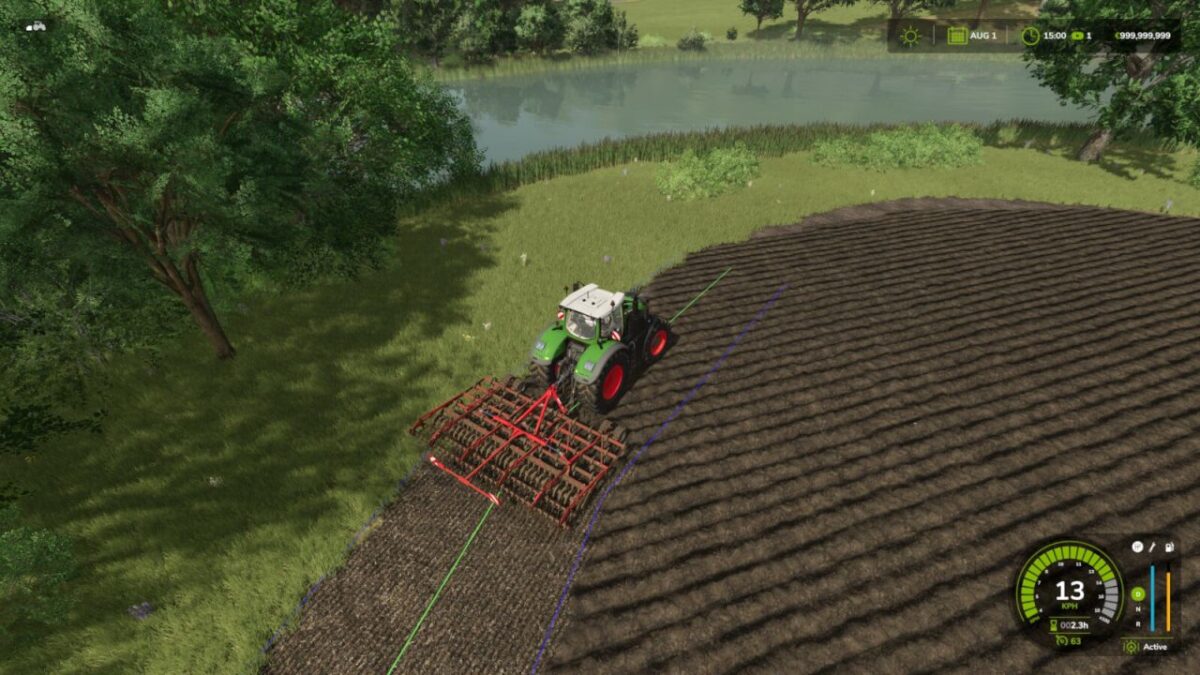
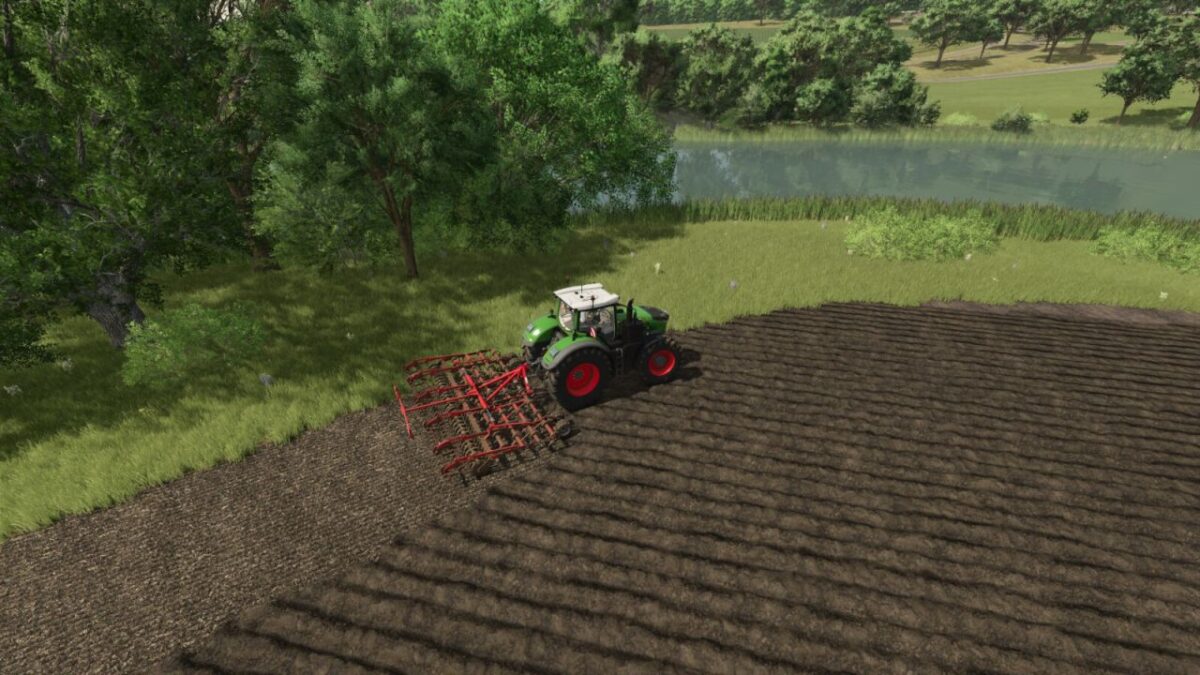
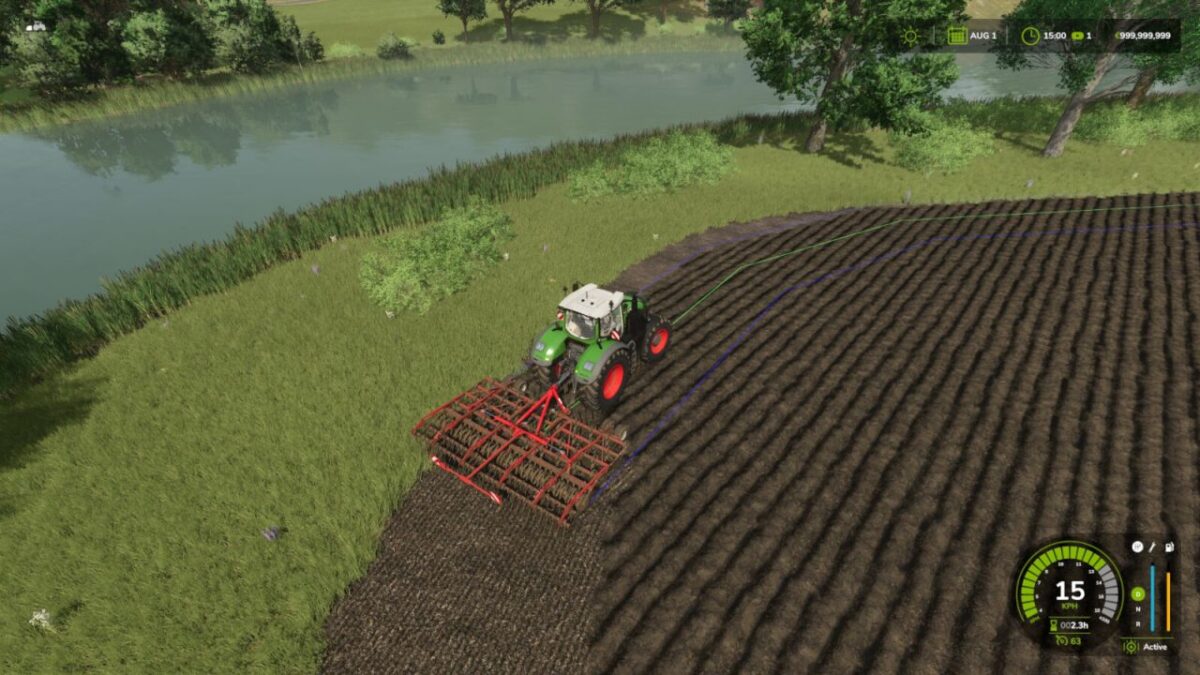
The GPS Headland Assist supports you when driving the headland using the vanilla GPS system.
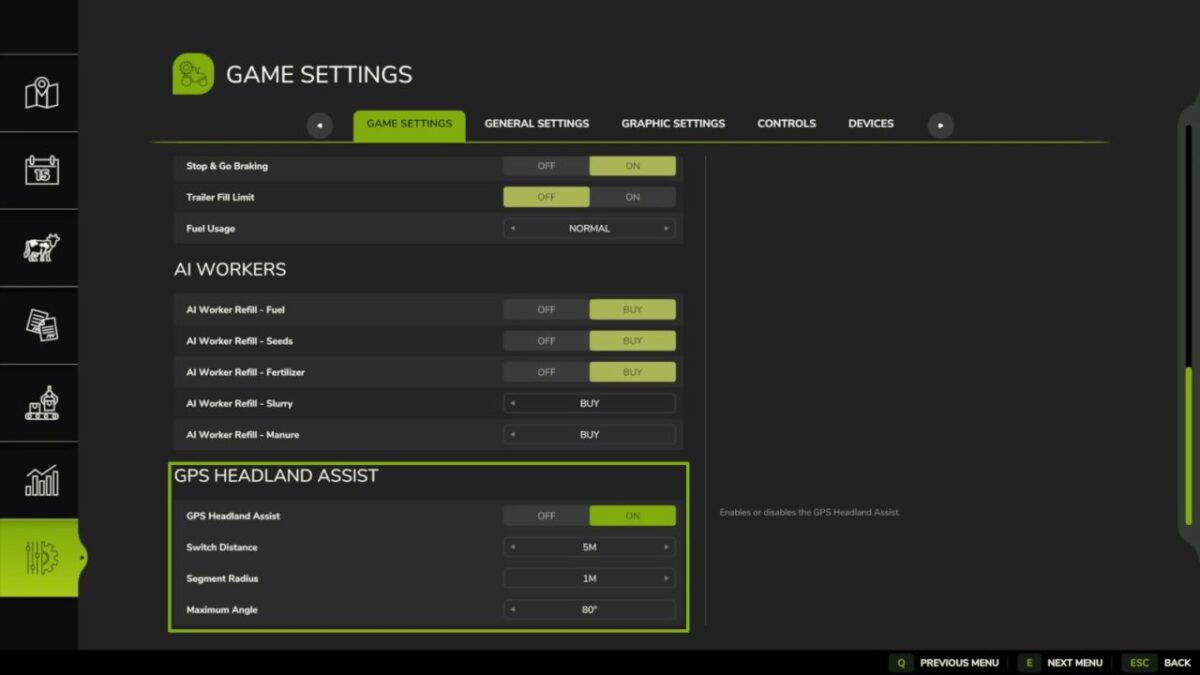
When the mod is enabled, the vanilla GPS lane guidance automatically switches to the next segment at the end of the active lane segment in headlands and field islands. This means you no longer need to reactivate the GPS in between or make manual steering corrections on curved field contours.
In the settings you can configure the maximum angle up to which the automatic switch to the next lane segment should occur. Up to 80 degrees are supported. At steeper segment transitions you will still need to take over manually.
You can also set how many meters before the end of the lane segment the switch to the next one should be triggered.
If the segment switch does not happen automatically, you can increase the radius in which the mod searches for connecting segments at the end of the active segment.
Warning: Values that are too high, especially with small working widths, may cause an incorrect GPS lane to be selected.
Credits:
Lism