

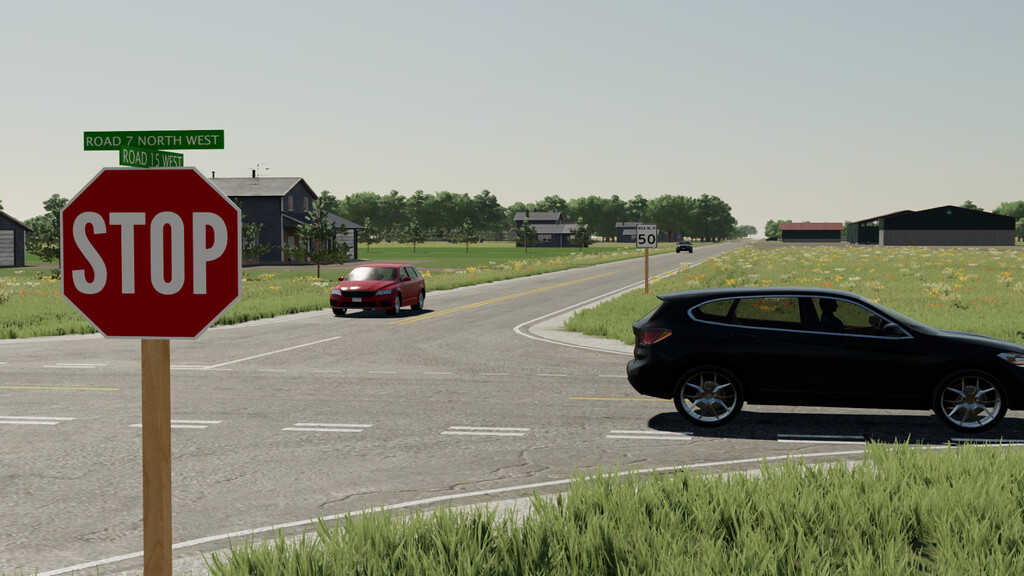
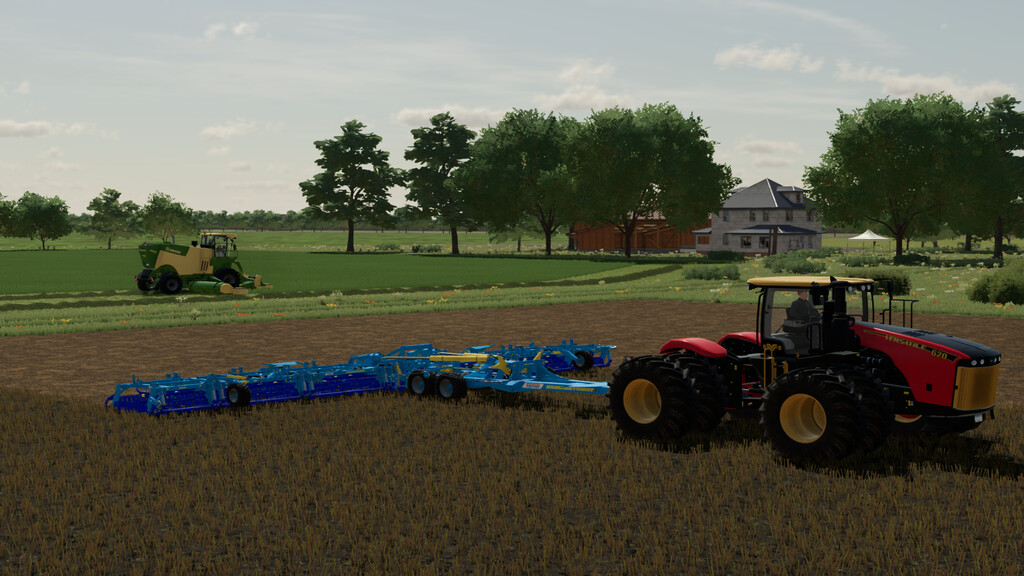
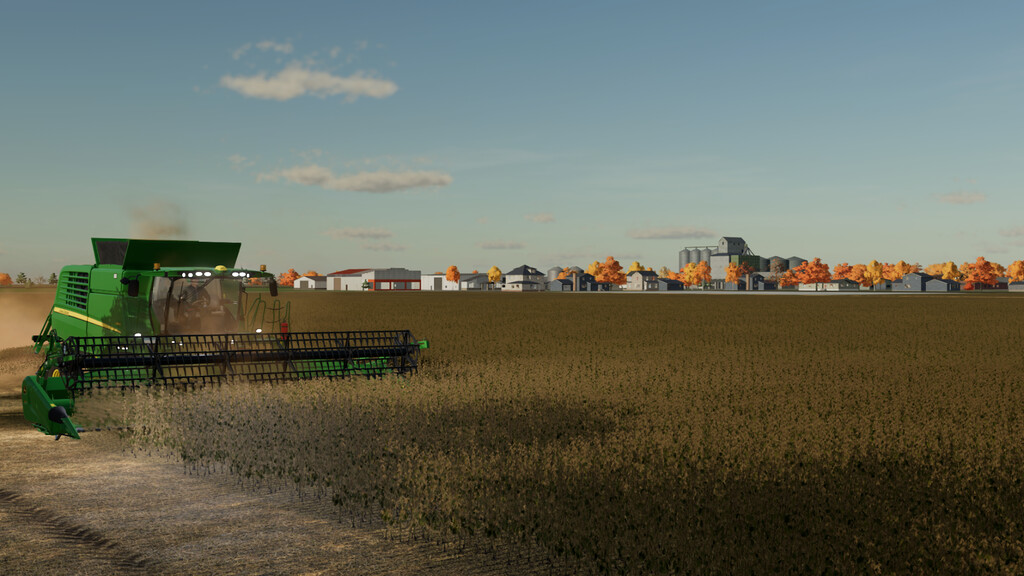
Gnadenthal Map v 1.5.3.0


– Over 100 realistically sized fields
– Contracts on all the fields
– Three farms
– Nearly 50 houses with individual farmlands and sleeping points
– Two rivers, in which you can refill your trailers with water
– 100 Collectibles
– 4 Production sites
– Refill points for seeds, solid and liquid fertilizer, lime, herbicide and salt
Version 1.5.3.0:
* Increased Height types, and the map now supports Maizeplus
* Mixer wagon now accepts Alfalfa and Clover hay, Alfalfa and Clover silage, Lentils, Triticale, Rye, Spelt
* Added more paintable foliage
* Fixed Alfalfa and Clover (Fresh and hay) being unsellable
* Adjusted the refill point for seeds, solid fertilizer, lime and road salt
* Reworked all road signs and collectible textures
* Made it possible to sell manure, digestate and slurry at the animal dealer
Credits:
Iron Thunder


