

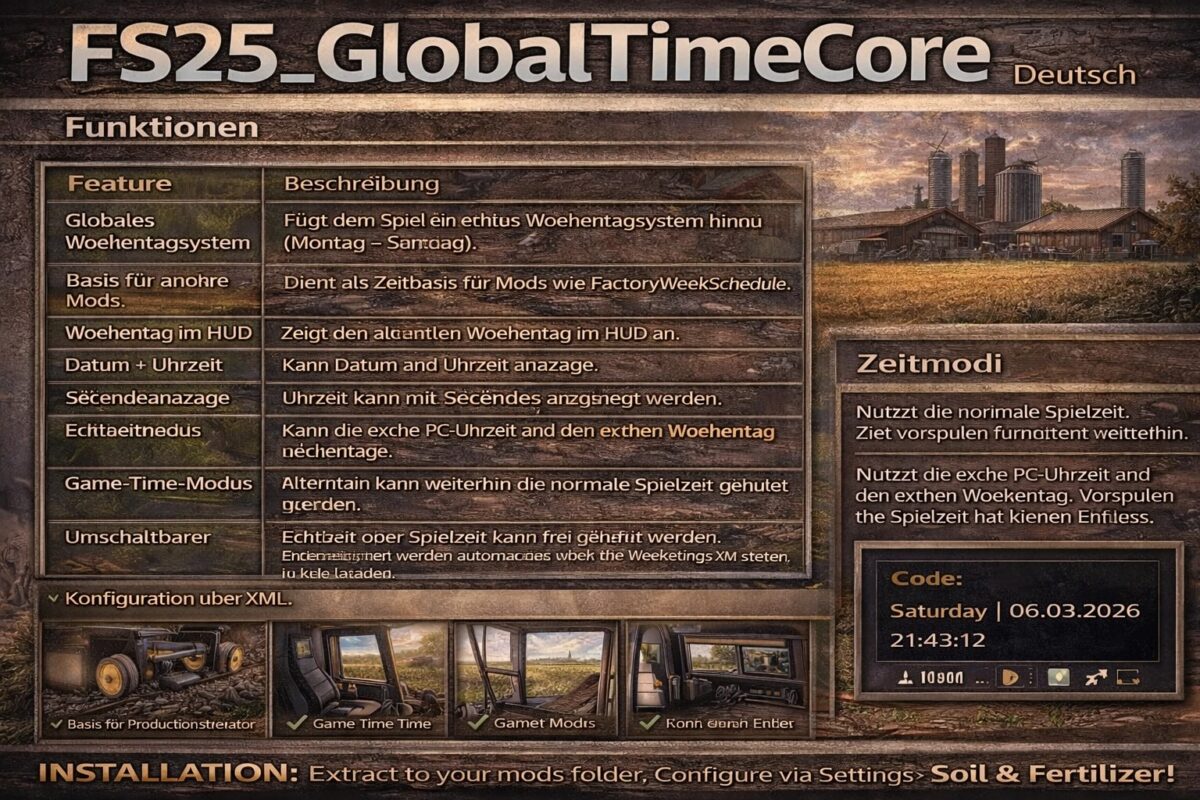
Global Time Core v 1.0


Adds a true weekday system to the game (Monday – Sunday).
FS25_GlobalTimeCore
German
Functions
Feature Description
Global Weekday System: Adds a true weekday system to the game (Monday – Sunday).
Base for other mods: Serves as a time base for mods like FactoryWeekSchedule.
Weekday in HUD: Displays the current weekday in the HUD.
Date + Time: Can display the date and time.
Seconds Display: Time can be displayed with seconds.
Real-time Mode: Can use the real PC time and the real day of the week.
Game Time Mode: Alternatively, normal game time can still be used.
Switchable Time Mode: Real-time or game time can be freely selected.
Configuration via XML: Settings are automatically loaded via the modSettings XML.
Base for Production Control: Allows other mods to control production according to weekdays.
Time Modes
Mode Description
Game Time: Uses normal game time. Time fast-forwarding still works.
Realtime uses the actual PC time and day of the week. Fast-forwarding the game time has no effect.
Example in the game
Code
Saturday | 06.03.2026 | 21:43:12
Credits:
Akita83


