

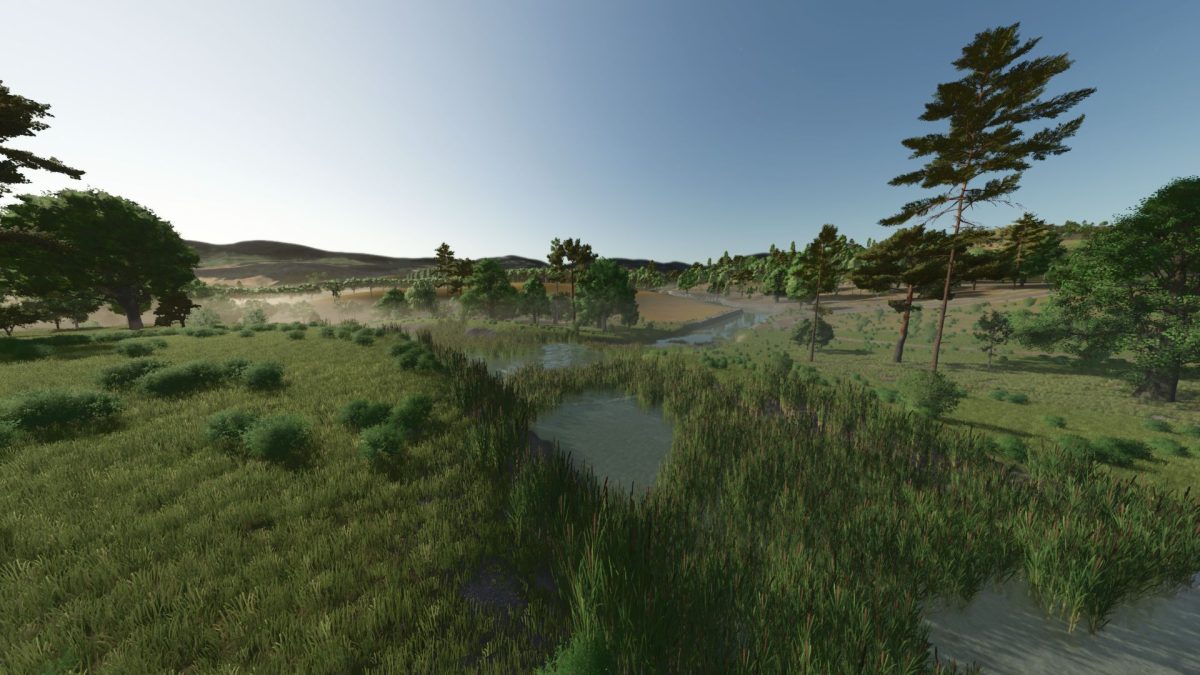
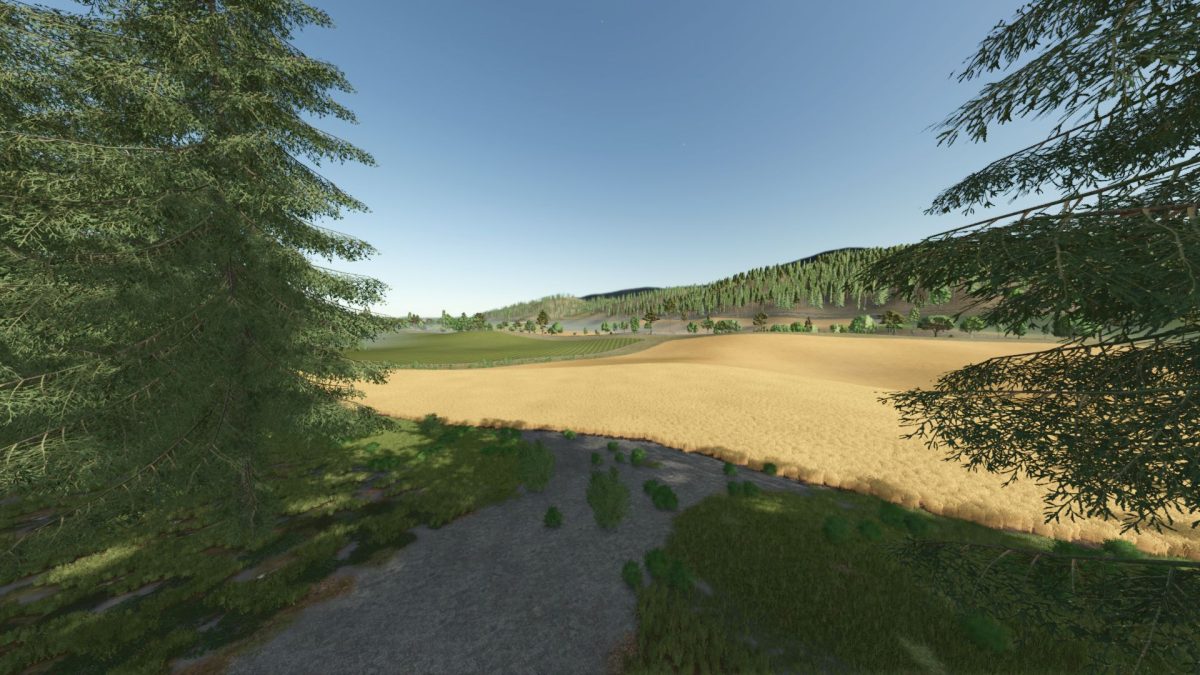
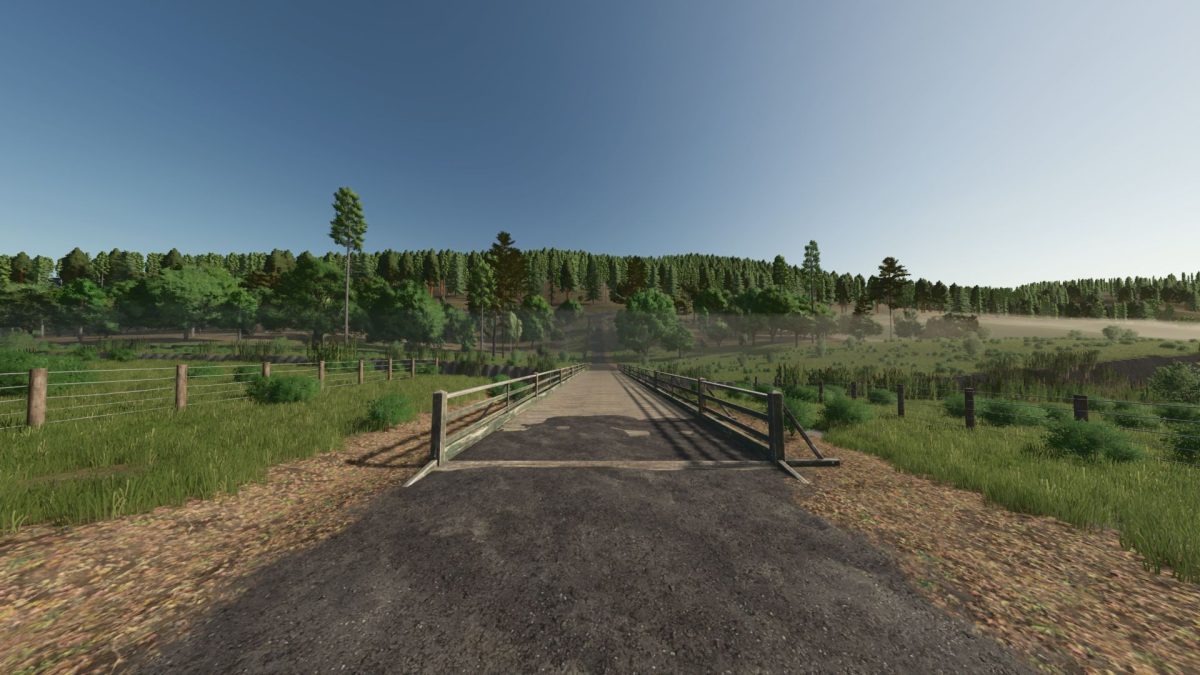
Glen Hon, Tasmania Australia Map v 1.0


– Introducing the rolling hills, and majestic river flats of Glen Hon, a proper 4x mixed logging and farmland map based in a local valley in Southern Tasmania, Australia.
– Accurate to life terrain and roads, 60ish fields ranging from 3 acres to 85 acres
– Beautiful little starting farm set up with everything you will need to make it happen
– Plenty of sell points for all your grains, grasses and wood products
– Vehicle Dealer includes opening doors, inside and outside working areas
– Custom Sawmill production site
– Spruce, Birch and Giant Sequoia transferred from FS22. Fully functional logging trees
– Small cow pasture with starter farm, room to expand close by
– More logging trees than you can poke a stick at, extensive track network in the forest and 3-4 areas ready for log landing sites
Credits:
zingerboi69, Jamo, ikas


