

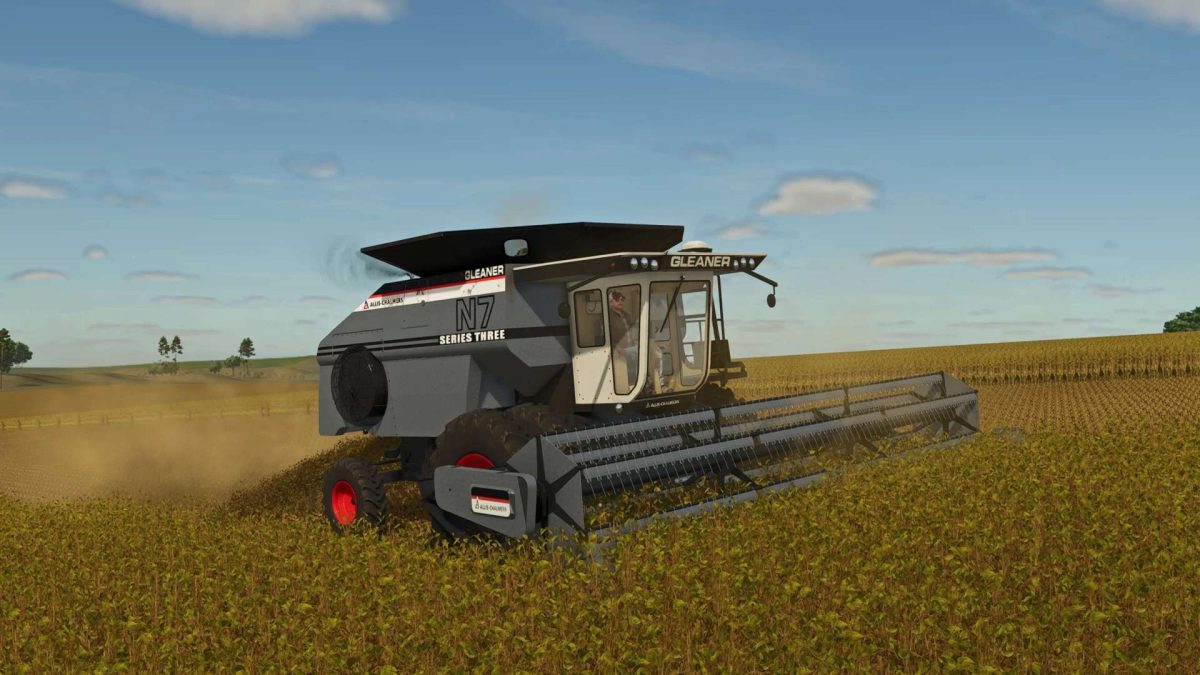
Gleaner N Series v 1.0


Engine Configurations:
N5 – 170 HP Allis-Chalmers 670T (6.6L, 6-cylinder turbocharged diesel)
N6 – 220 HP Allis-Chalmers 670I (6.6L, 6-cylinder intercooled turbo diesel)
N7 – 250 HP Allis-Chalmers 7080 426T 7.0L, 6-cylinder turbocharged diesel
The Gleaner N Series, introduced in 1979, was the first rotary combine line by Gleaner, known for its innovative transverse rotor design and high capacity.
Background: The Gleaner N Series, introduced in 1979, marked Gleaner’s entry into rotary combine technology with a groundbreaking transverse rotor design. This innovation offered increased threshing capacity and efficiency, setting the N Series apart from conventional axial designs.
The lineup included three models: the N5, powered by a 170 HP Allis-Chalmers 670T turbocharged diesel engine; the N6, featuring a 220 HP 670I intercooled turbo diesel; and the larger N7, equipped with a 250 HP Allis-Chalmers 7080 426T 7.0L turbocharged diesel. These machines were known for their impressive performance and helped shape the future of rotary harvesting.
Credits:
Pleasent View Farms


