

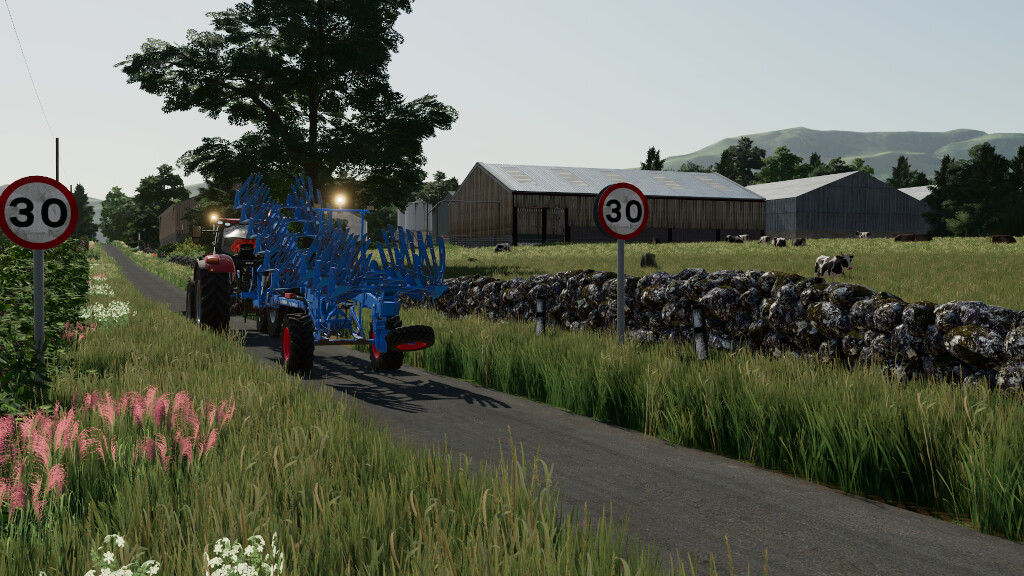

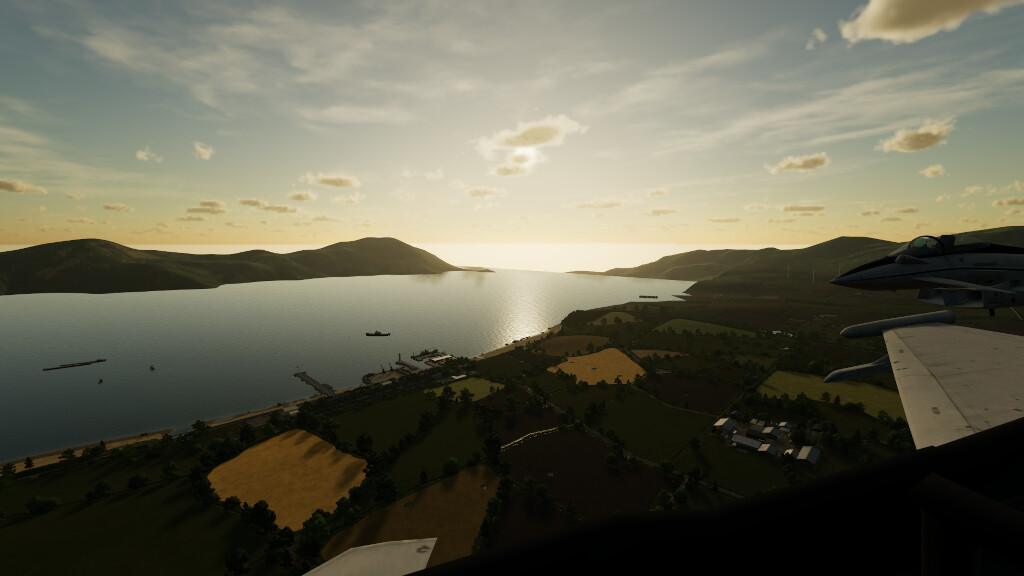
Gatehead Farm 22 Map v 1.1


– 137 fields small/medium/large
– 8 farms, 3 yards, BGA, Dairy production point, Ownable Campsite, New Holland Dealer, Animal Market, 11 Sell Points
– All farm shed made by MJ Modding
– Custom Traffic
– Custom Road textures
– Multi Terrain Angles
– Multifruit, thank you to all contributors listed in the contributors tag of this modDesc for supplying textures, all additional fruits: Alfalfa, Beans, Buckwheat, Chickpeas, Lentils, Linseed, Millet, Mustard, Onion, Peas, Poppy, Rye, Silage Sorghum, Spelt, Tritical, Red and White Clover
– Benji FS Maize textures
– Bulletbill Wheat, Barley, Oat and Canola textures
– All crops have tire track damage
– Collectibles
– All cow and pig farms feature manure heaps inside the sheds
– All sheep need straw as bedding
– Features Animal Grazing, Enhanced Animal System (Goat Milk) and Manure System compatibility
– Rain sounds on shed roofs
– Lanes are covered when snow falls, and winter weather includes both rain and snow (basegame only has snow for winter)
– Custom made hedges, made by MARVVV
– Many animated details both small and large
– Scottish Number plates
– 1 Forestry zone
– Custom growth calender based on the UK Growth timings
– Water purchasable at the lake, river and ocean
– DLC Crops built in
– Custom Animal Food
Version 1.1:
– Fixed no collision and shader issues on the water trough at the North Cow Farm.
– Fixed 3 Collectibles being unreachable.
– Fixed invisible milk churns at North Cow Farm.
– Removed Onion contracts due to the game providing you with grain harvesting equipment.
– Now, Carrot, Parsnip and Beetroot contracts are disabled when Premium Expansion DLC is not activated.
– Changed to water icons at water buy points.
– Added Workshop trigger to North Cow Farm.
– Fixed MaizePlus instructions. I have deleted the opening and closing arrows in this mod description in hopes the instructions will show correctly instead of showing ” ” on the in game modhub, you will still need to add the additional code inside of the arrows in the “maizePlus_bunkerSilo.xml”.
– Hedges are now hideable. (PC only)
– Moved horse purchase trigger.
– Added a onion version of all base game beet and potato harvesters.
– Added missing clip distances to hopefully boost performance for lower end devices.
– Workshops now identify as Workshops instead of Dealers.
– Complete revamp of single silage pit at South Cow Farm.
– All silage pits turned into placeables.
– Fixed Milk for cow barns in multiplayer.
– Edited the shop, it now runs off default colour grading and envMap, this should fix white screen, and when loading the shop the shed lights will show as on without having to manually trigger them.
– Added JMZ’s brighter ground and fertilizer textures along with their custom weeds textures.
– Added 4D Modding’s slurry texture. Note: the solid version, not dribble bar version.
Credits:
MJ Modding - Converted by MARVVV


