Garbage Point v 1.0.0.1


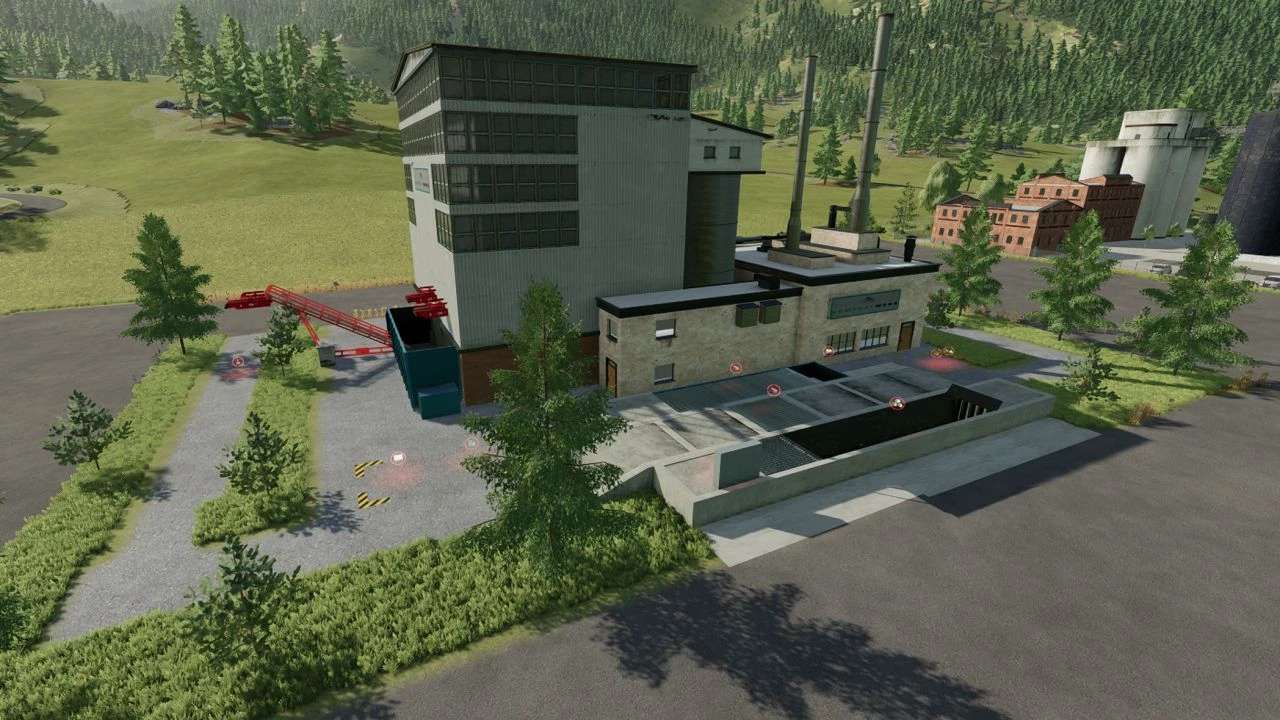
1 Collection point – Bread and cheese can be used at the collection point to produce brown glass, green glass, white glass, biomass, cardboard, garbage and paper for required production
2 Recycling center – New glass bottles for required production can be made or sold at the recycling center from brown glass, green glass, white glass and water. You can have the garbage, paper and cardboard boxes from the collection point burned here.
3 Kopostwerk – From hay, grass, biomass, empty pallets, grease, Altoil, wood chips, electrical load, manure, straw, shredded material and maintenance, compost and Altoil can be produced in the composting plant for required productions
Version 1.0.0.1:
* Update without add placeable category script and can be selected and placed in the construction menu under “placeable production” without being dependent on each other
Credits:
SBModding