
FS25 Maps

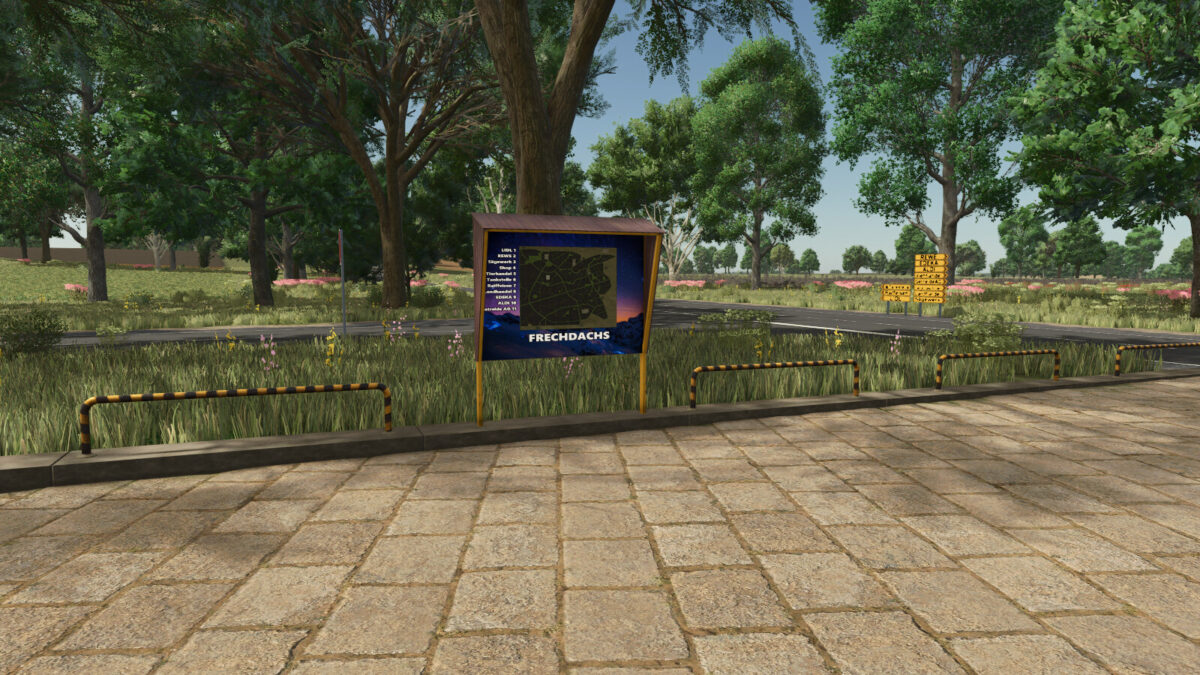
Frech Dachs 4x Map v 1.1.0.2

Frech Dachs 4x Map v 1.1.0.2

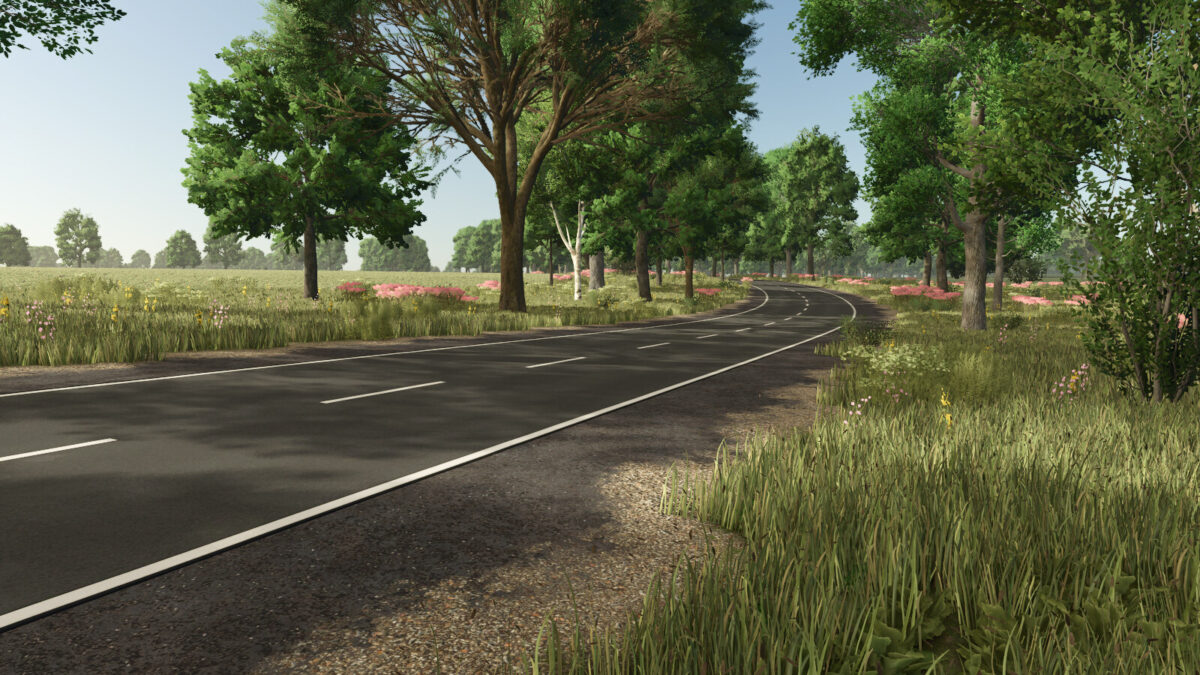
– 200 fields including 18 meadows
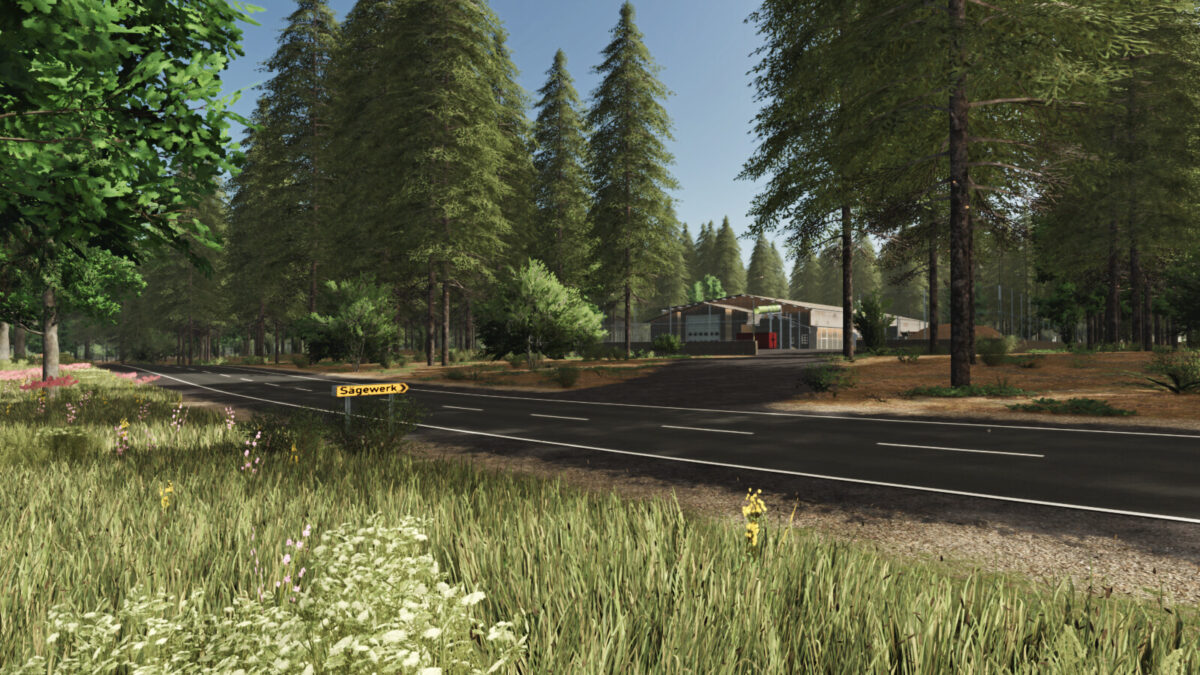
– 27 forest areas with approx. 38424 trees
– 5 open spaces for building
– A small starting farm is located on open space 230
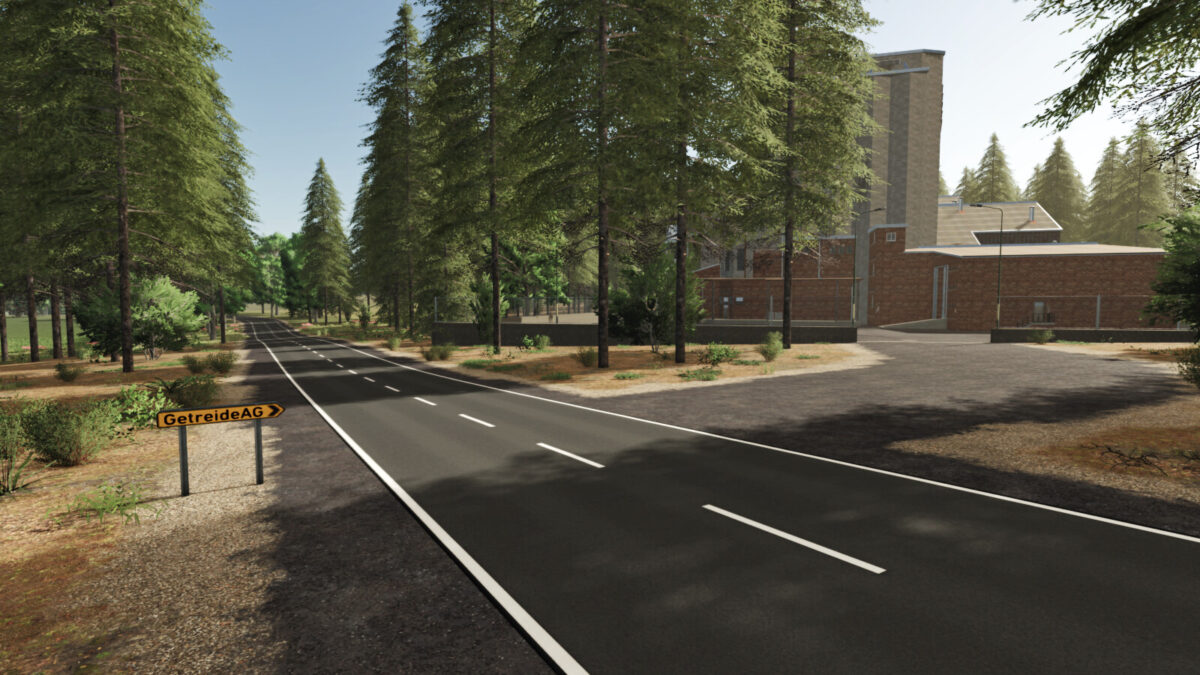
– 18 sales outlets
– 7 purchase points
– Free water at Raiffeisen, Landhandel and at the animal trade
– 22x paintable ground texture added
– The 5 open spaces invite you to build on them
– A little earthwork is necessary here
– No purchasable production is installed on the map
– However, productions can be placed freely by anyone
– Meadow was used for the decoration
– This can be painted in the building menu itself and displayed on the map (PDA)

Version 1.1.0.2:
* Flying black-yellow barrier removed
* AI spline improved
* Decoration flowers installed
* Prefabricated walls purchasable installed
* 77x trees installed
* Bug fix Fruits type fixed

Credits:

FrechDachs93

How to install FS25 Maps?
Firstly find a mod which you like and want to download. Then download a mod to your PC. Mods are usually in .zip format file. But sometimes it can be in .rar. If a mod file is a .zip format no needed additional actions. If a file is in .rar, then you must unarchive mod with software like WinRar or Zip7. Windows 10 users no need to use software for archives, Win10 itself has a feature to unarchive files.
The next step is to find mods folder in your PC. Usually, it is in Documents/My Games/Farming Simulator 25/2025. Open the "mods" folder and put downloaded .zip archive or unarchived .rar file to this folder.
Last step. Enjoy of FS25 mods!

Leave a Reply

Your email address will not be published. Required fields are marked *