

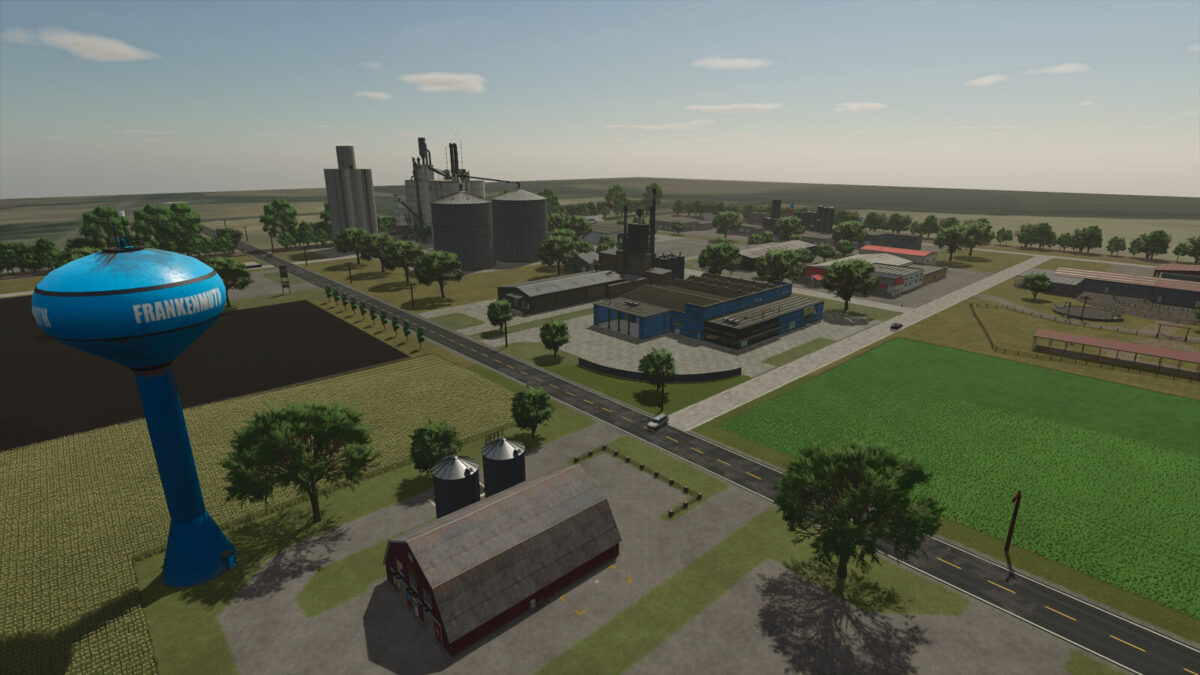
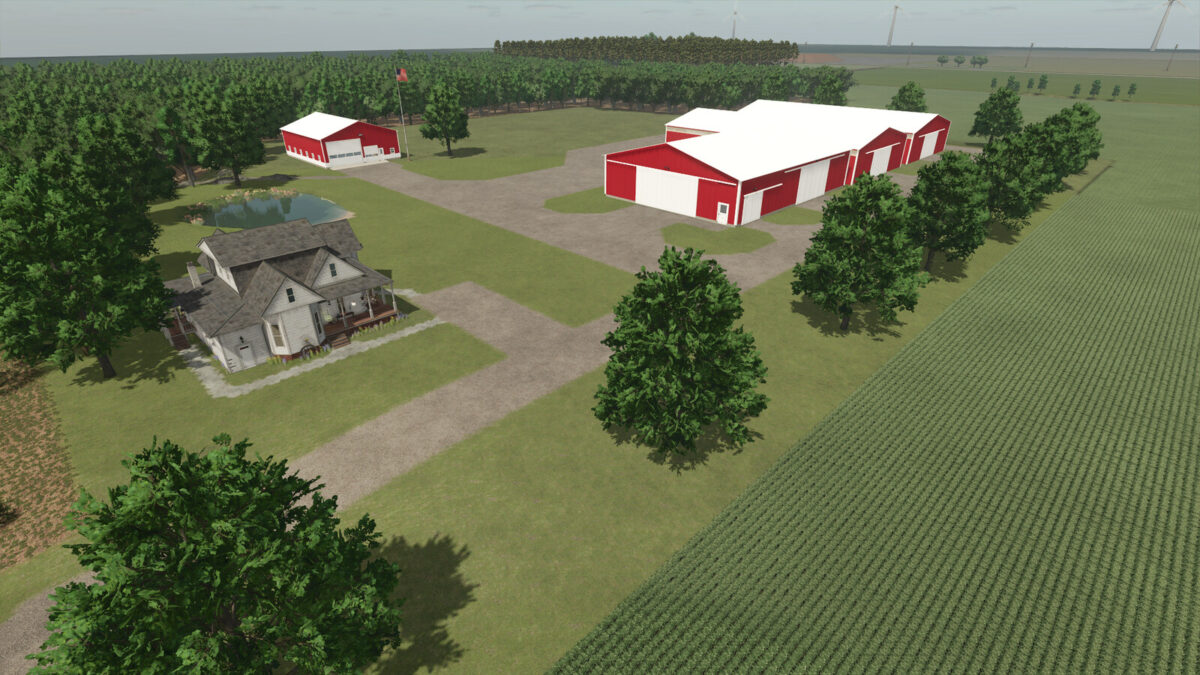
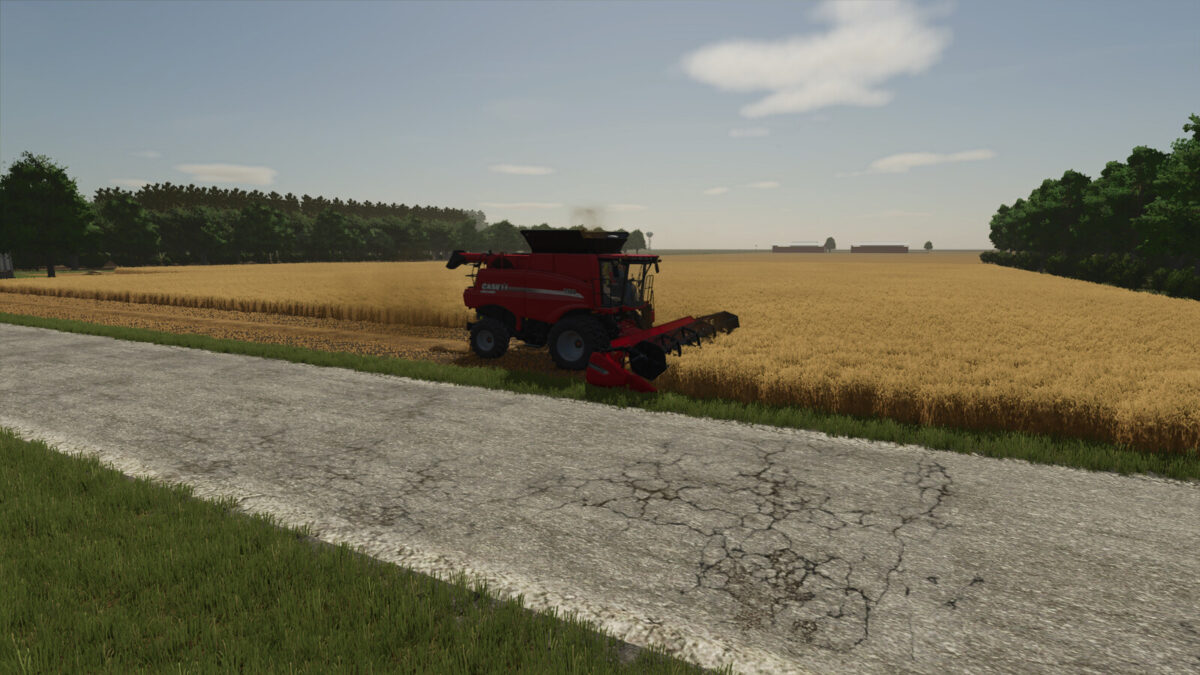
Frankenmuth Farming Map v 1.3


– 3 farms pre-built on the map
– You must own the land before you can use or sell the buildings
– The terrain on the map is mostly flat with some rolling hills, valleys, and ditches
– Custom sugar beet piler factory for added realism with sugar beet harvesting
– When owned by player, the piler will give you tare dirt
– Take dirt back to field and dump
– Dirt piles can be leveled and will disappear when using any field working implements
– If not owned by player it will be a sell point without tare dirt
– Number of purchasable fields: 42
– Average acre size: 16.48
– Number of purchasable forestry land: 7
– Water retrieval sources: Build your own
– Alfalfa crop added and implemented with the animals
Version 1.3:
* Corn harvest texture and yield increased
* Soybean harvest texture, row spacing, and yield increased
* Sugarbeet row spacing to match Amity equipment and yield increased
* More paintable ground textures
* Sheds have gutter and downspouts with water affect when raining
* Flat Rolling texture
* After collecting 10 collectables the rest will show on the mini map
* Chopped Alfalfa & Alfalfa Haylage filltypes added for full Alfalfa Integration
* 4 base game modded bunk silos added to the map for making Alfalfa Haylage. You must use these bunkers. You cannot use any other modded ones or the base game bunkers to make Alfalfa Haylage
* Alfalfa Haylage bales can be made by wrapping wet alfalfa bales
* Custom soil map for Precision Farming Mod
* Modded Cow Barn with robot feeder added to map to work with the Alfalfa implementation
Credits:
TaylorFarms


