

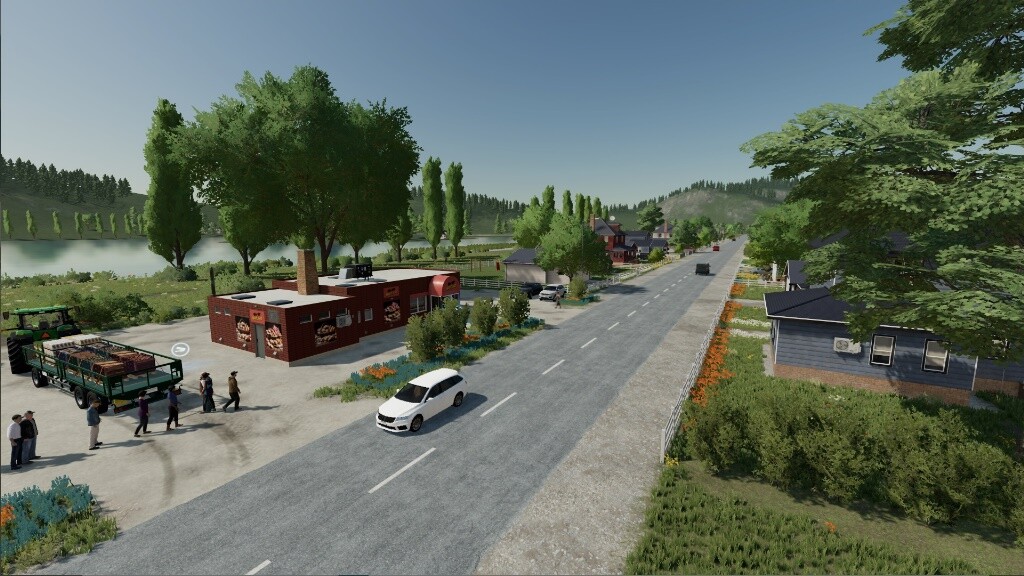
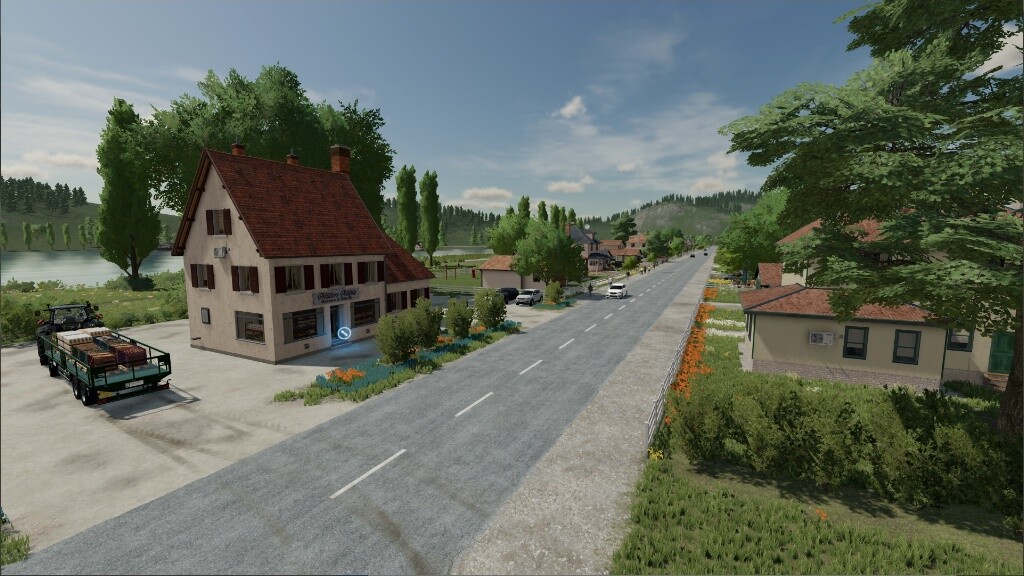
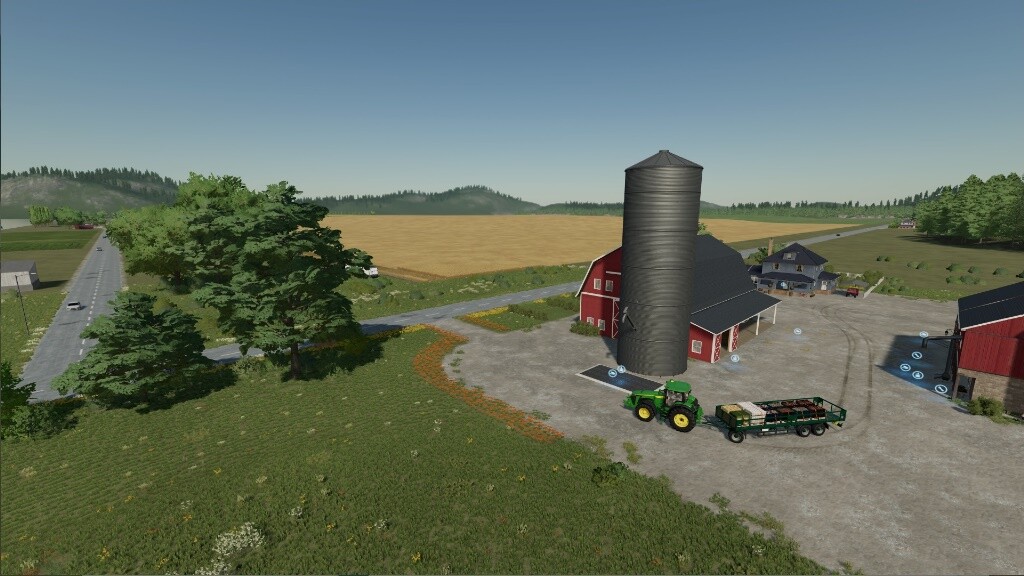
Four Fields Map v 1.0.1.0


– 4 fields
– 4 farms
– 31 farmlands
– Rapid plant growth with seasonal cycles turned off
– Rye and spelt as additional fruit types
– Wheat and barley can also be sown in spring
– Meadows with flowers can be sown
– 9 additional products made from grains and potatoes
– Selling stations
– Productions with 3x increased productivity
– Pre-installed multifunctional productions on the farms
– Vineyard
– Passive income through camping site
– Passive income from wind turbines
– Forests
– Large gardens
– Horses are worth $40,000 after 3 years
– 100 collectibles
– 3 passive income signs
– Additional ground textures
– Fields are paintable
– Additional flowers in landscaping
Version 1.0.1.0:
* Garage at the sheep farm can now be sold
* Helpers no longer take mysterious detours
* The farm silos no longer accept product pallets
* At the farmer’s market you can now also sell rye flour, spelt flour, mixed bread, spelt bread, bread rolls, baguettes and muffins
Credits:
OmaTana


