

Forestry Helper v 1.0


This mod displays helpful information for logs and helps with cutting to desired lengths or weights.
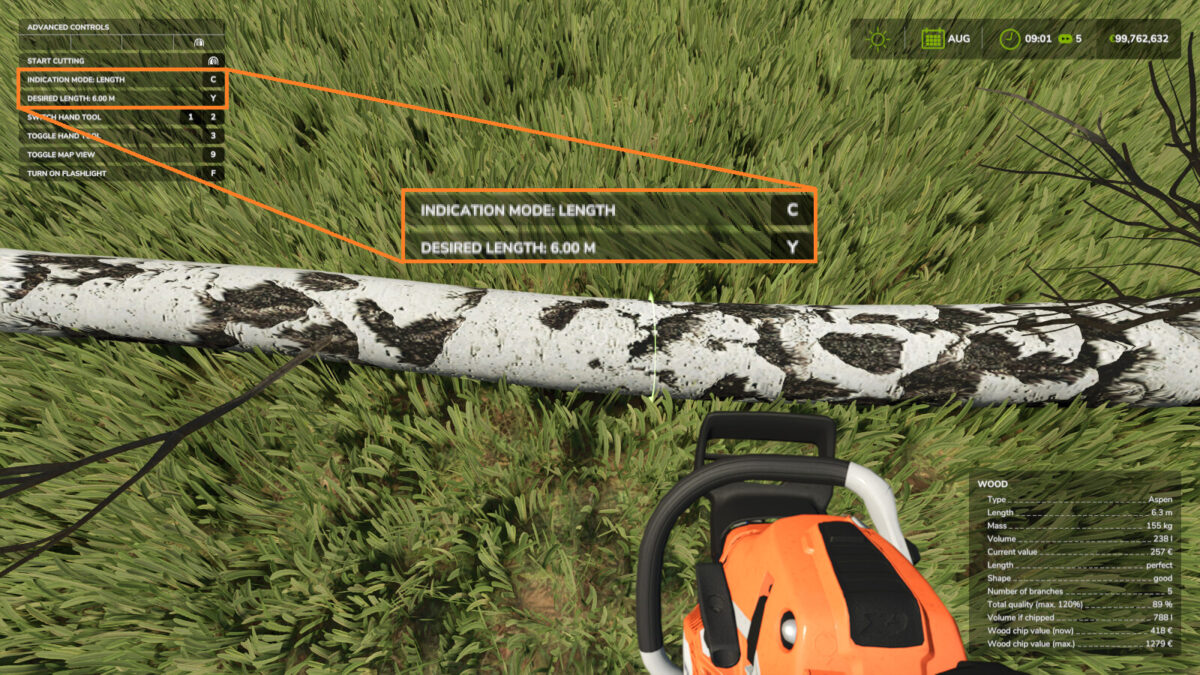
You can use the hotkeys displayed in the F1 menu in order to switch between length and weight modes, and in order to select the target length/weight.
Note that the while the length mode is exact, the weight mode is just an approximation. The weight mode is not available in multiplayer.
The chainsaw will snap to the indicated location once within 20cm. The angle still has to be adjusted manually, however.
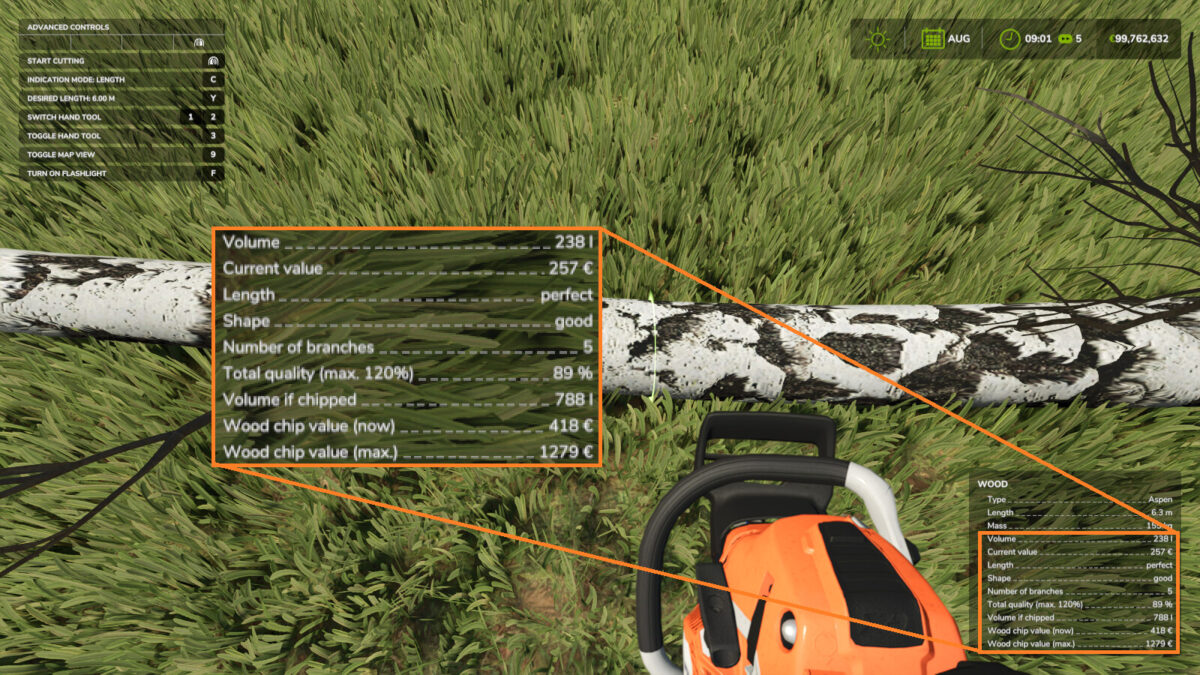
The help window displays information which can help with deciding whether or not felling a tree or cutting it down further is worth it.
Note that in order to get the maximum quality possible in base game (which is 120%), a piece of wood needs to be a near perfect frustum of a cone, between 6-11m in length (about 20-36 feet) and may not have any branches still attached.
It isn’t always possible to achieve the maximum quality.
Realism players may also add an absolute or relative additional length buffer to the cut indication length in the general settings.
This mod is of course compatible with the lumberjack mod.
Hotkeys:
[ C ] Switches between length mode and weight mode, or turns this feature off.
[ Z ] Cycles through the possible target lengths and weights.
Credits:
Farmsim Tim (timmeey86)


