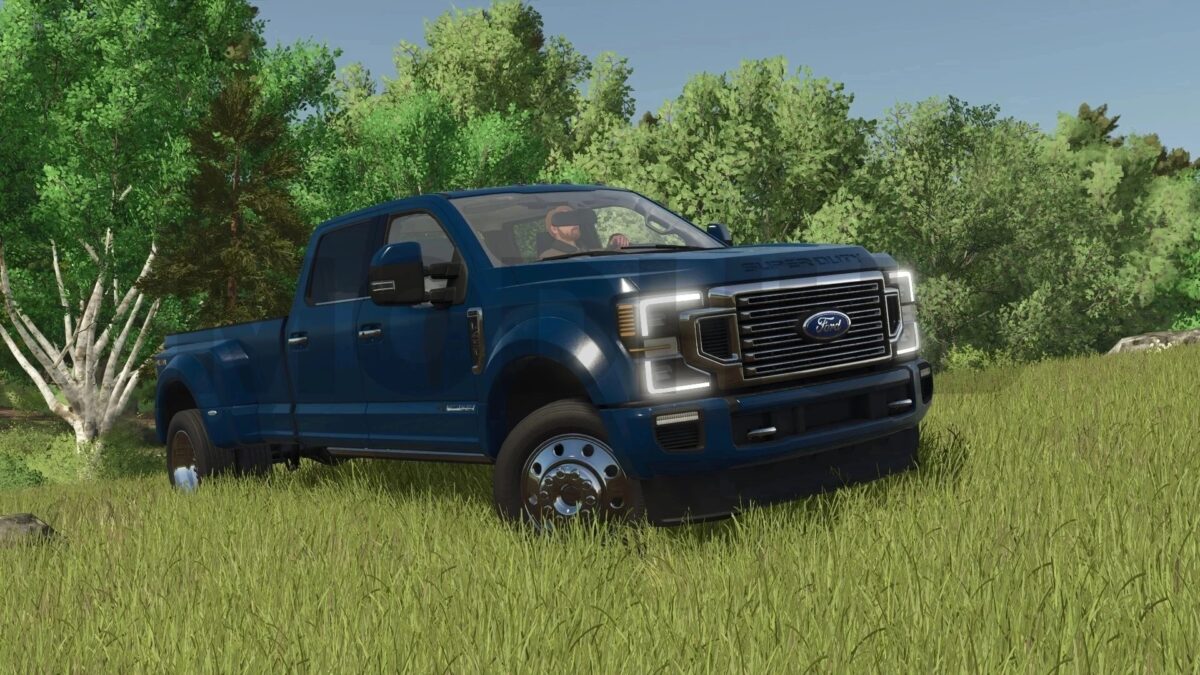
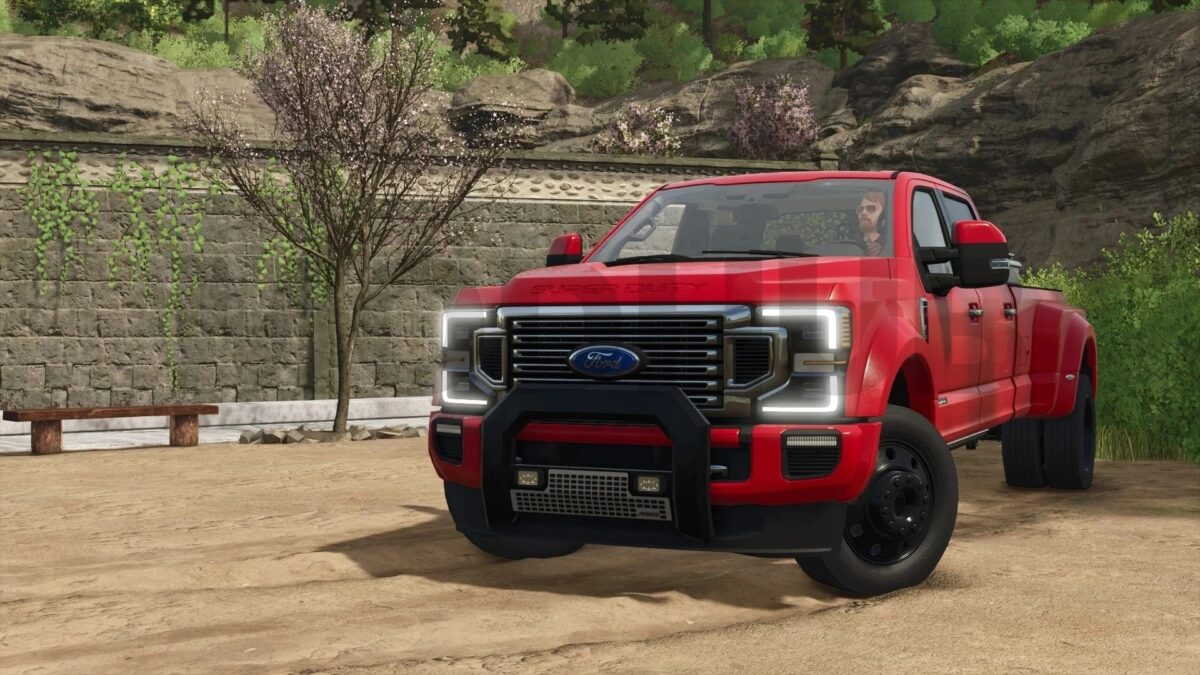
Ford Super Duty Limited 2020 v 1.0.0.3


Power: 420, 450 hp;
Speed: 155 km/h;
Fuel tank capacity: 145 liters;
Cost: 90,000 €;
Primary color selection;
Platform color selection;
Choice of bumper protection color;
Tool box color selection;
Rim color selection;
Interior color selection;
Model configuration;
Bumper protection configuration;
Cabin protection configuration;
Configuration of the toolbox;
Configuration of mudguards;
Working lighting configuration;
Decal configuration;
Mounting configuration;
License plate configuration;
Adjustable mirrors;
Sliding roof curtain;
The side opens;
Locking straps;
Animated dashboard, pedals, gear lever, wipers, mirrors, door sills, suspension, gimbals;
Working lighting equipment;
Working mirrors;
Leaves traces;
Gets dirty and washes;
The effect of aging;
The effect of getting wet.
Version 1.0.0.3:
* ModDesc version updated
* Fixed exhaust when using custom bed attachers
* Removed duplicate fill node for DEF
* Adjusted lights for AI worker
* Added realGPS support
Credits:
JJ@NorthwestModsandEdits