

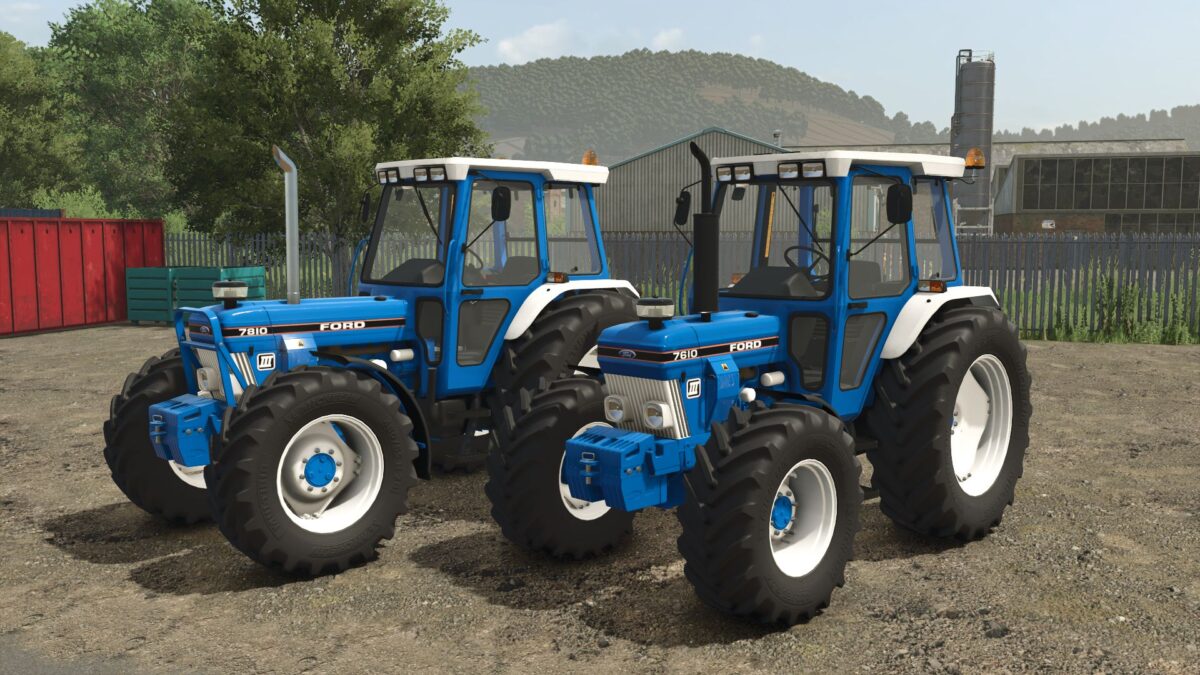
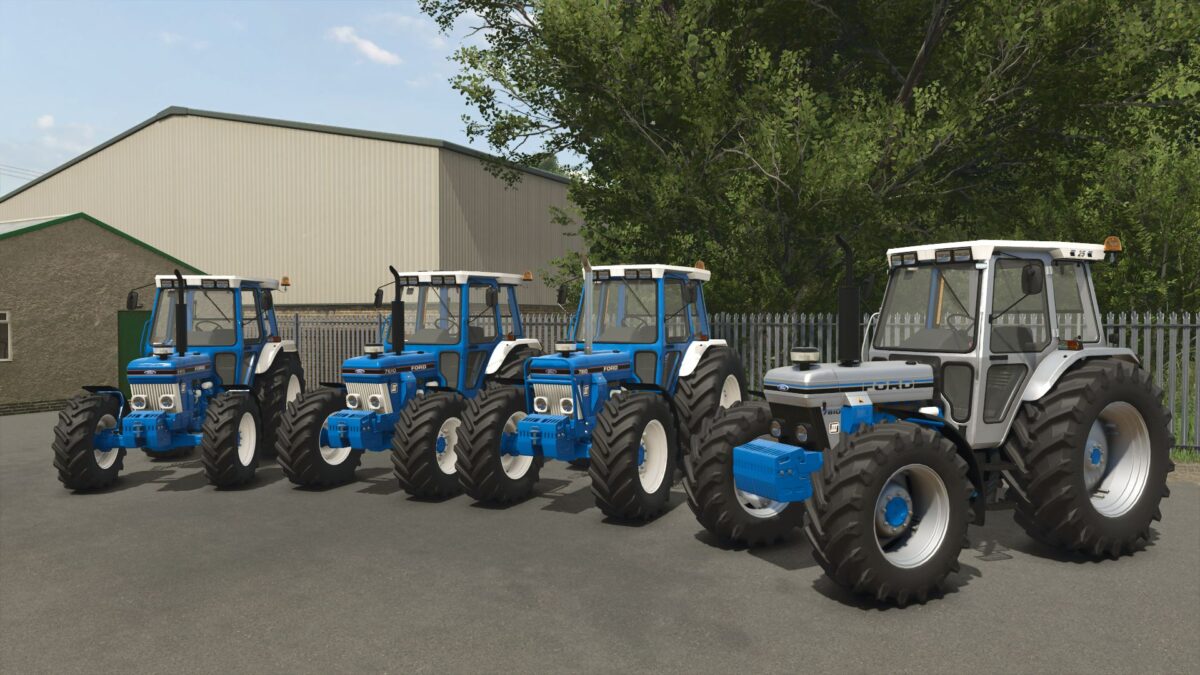
Ford 10 Series Gen 3 v 2.1.0.1


Prices:
4 Cylinder £38,000
6 Cylinder £44,000
Models:
5110 – 65 HP
5610 – 72 HP
6410 – 80 HP
6810 – 90 HP
7610 – 97 HP
7810 – 105 HP
7810 Turbo Conversion – 136 HP
Added:
New stainless steel exhaust
Different wheel configurations
2WD Options
Zuidberg linkage to 6cyl
Interactive Control
Version 2.1.0.1:
* Fixed loader brackets not showing on 6cyl
* Fixed wear on 2wd left tire
* Fixed fender config not there on 4cyl
* Fixed 2wd fenders not disappearing when 4wd config is active
* Fixed front inner rim clipping outer rim on some configurations
* Fixed front guard not showing on 6cyl
* Added full Interactive Control to 4cyl
* Added stainless steel exhaust to 4cyl
* Added more Interactive Control features to 6cyl
* Added front loader bracket colour configuration on 6cyl
* Added front guard colour configuration on 6cyl
* Added front PTO link node to Zuidberg linkage on 6cyl
* Changed rear wheel on 2wd option from 600/65R38 to 600/65R34 on 6cyl
* Changed clip distance on rims to enhance game performance
* Removed duplicated and unused textures to reduce file size
* Updated ModDesc version
Credits:
AgriHarri, Johndeere2450, Mattxjs


