

Flussheim v1.0.0.0


Welcome to Flussheim – the landscape is set in Germany but does not represent any real existing region
– Size: 4x
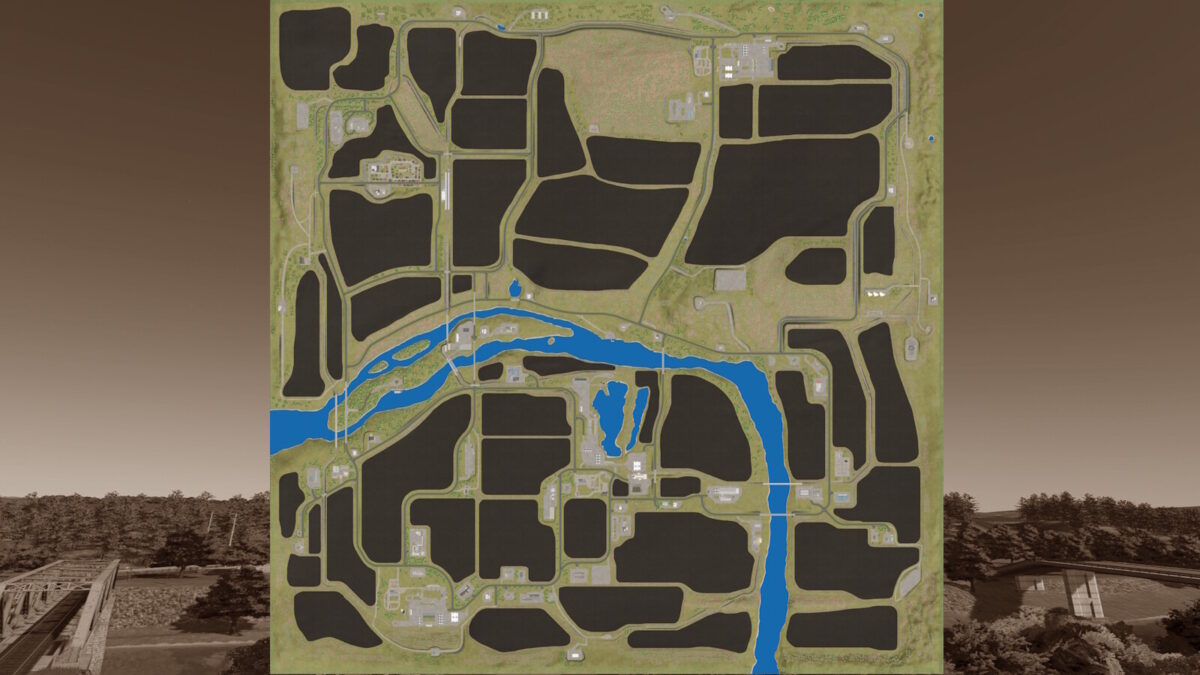
– A total of 49 fields with sizes ranging from approx 0.9 ha to approx 65 ha
– 3 prepared farms are available
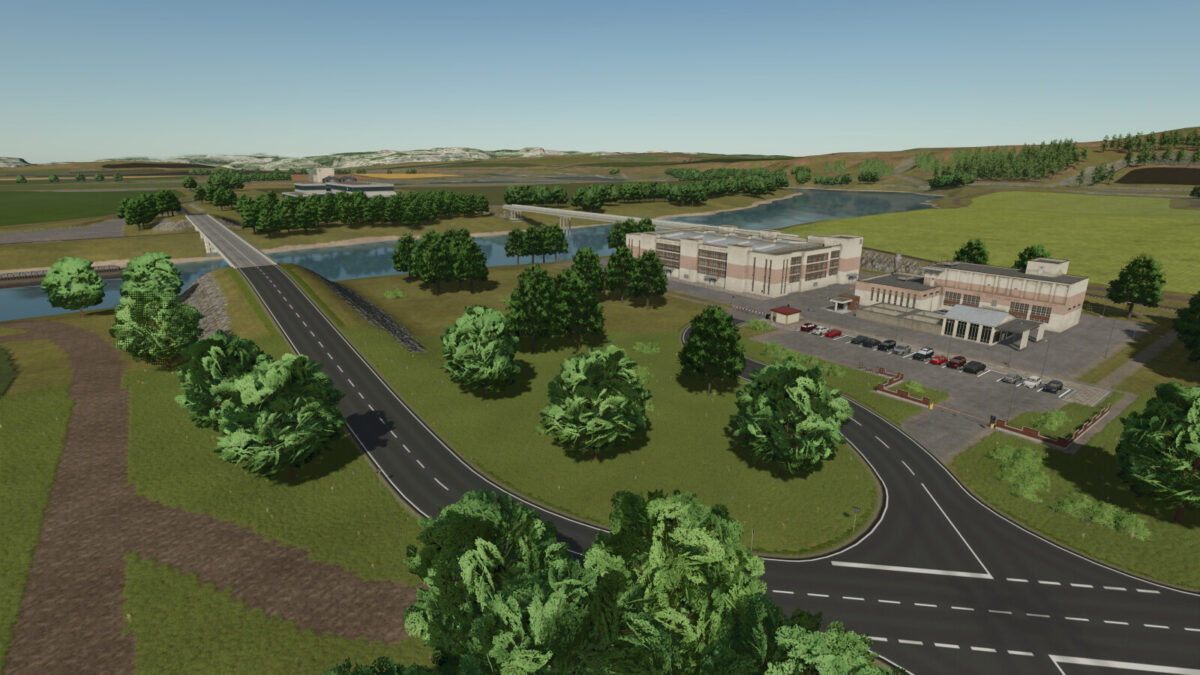
– 66 pre-built productions – all productions, with only a few exceptions, require electrical power to operate – numerous power suppliers are available
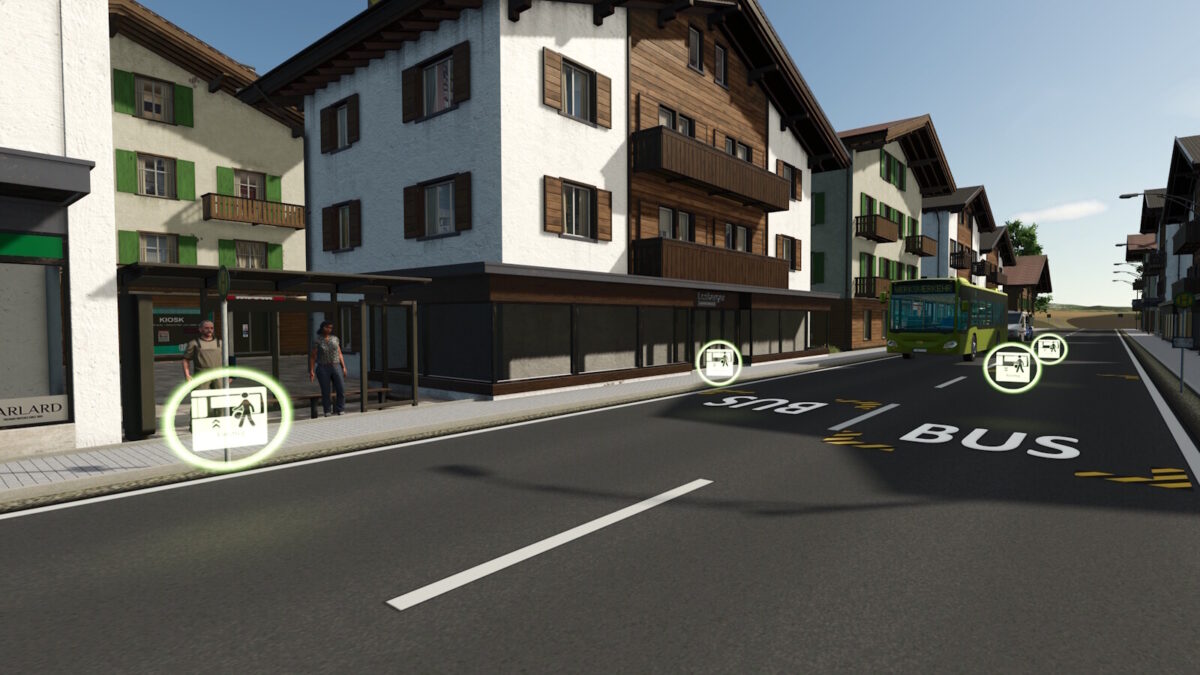
– New – this map requires workers for almost all productions – workers can be picked up by bus at pre-placed bus stops
– All available crops can be further processed
– 24 selling stations
– 96 purchasable land areas
– A large forestry area is located near the sawmill, with additional forest areas distributed across the map
– All standard products as well as the map’s custom products can be sold
– Large animal barns with increased capacities
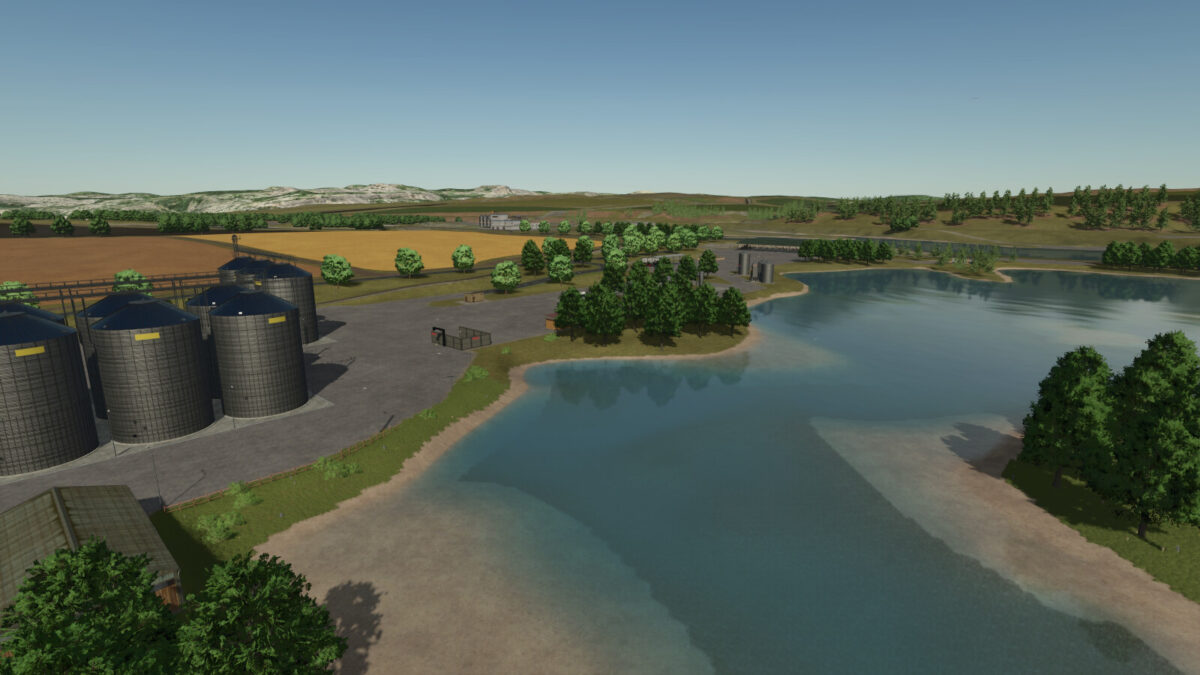
– There are a total of four water intake points (for a fee) located throughout the farmyards and near the greenhouses.
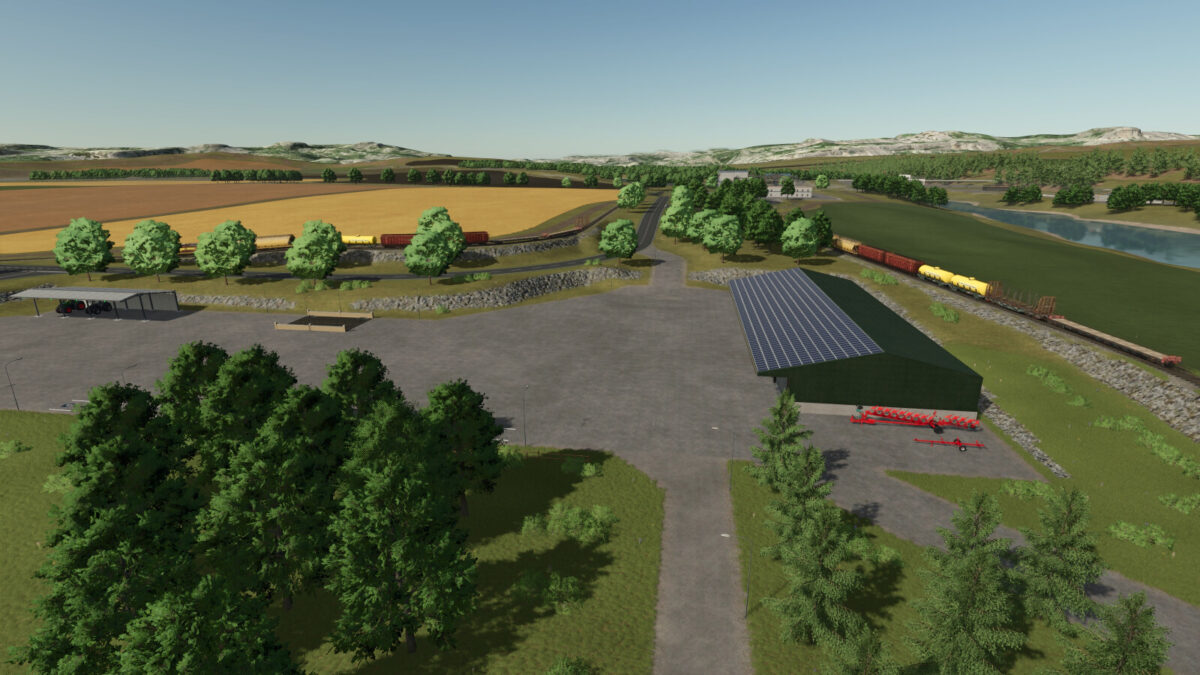
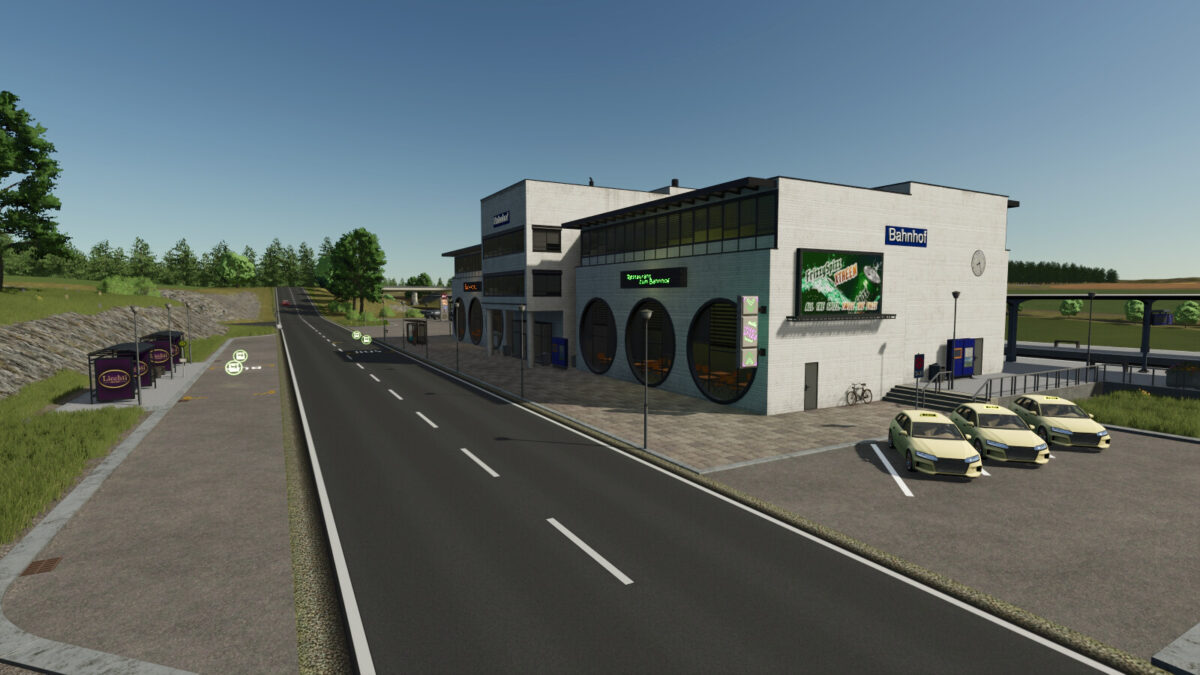
– 2 fully drivable train routes that can be explored independently – the trains provide access to all farms and several selected productions directly via the rail network
– 4 freely usable open areas that can be developed according to individual needs
– There are no collectibles on this map
To play the map, the FS25_MapsSupplementaryPackage mod from V 1.3.0.0 is required. This mod pack contains all productions and sales outlets for this map. If an older version of FS25_MapsSupplementaryPackage is used, the map will not start.
A manual in German is available for download at https://github.com/FalPos
Credits:
[LSMT] FalPos


