Fliegl ZPW 160 PL v1.0.0.2


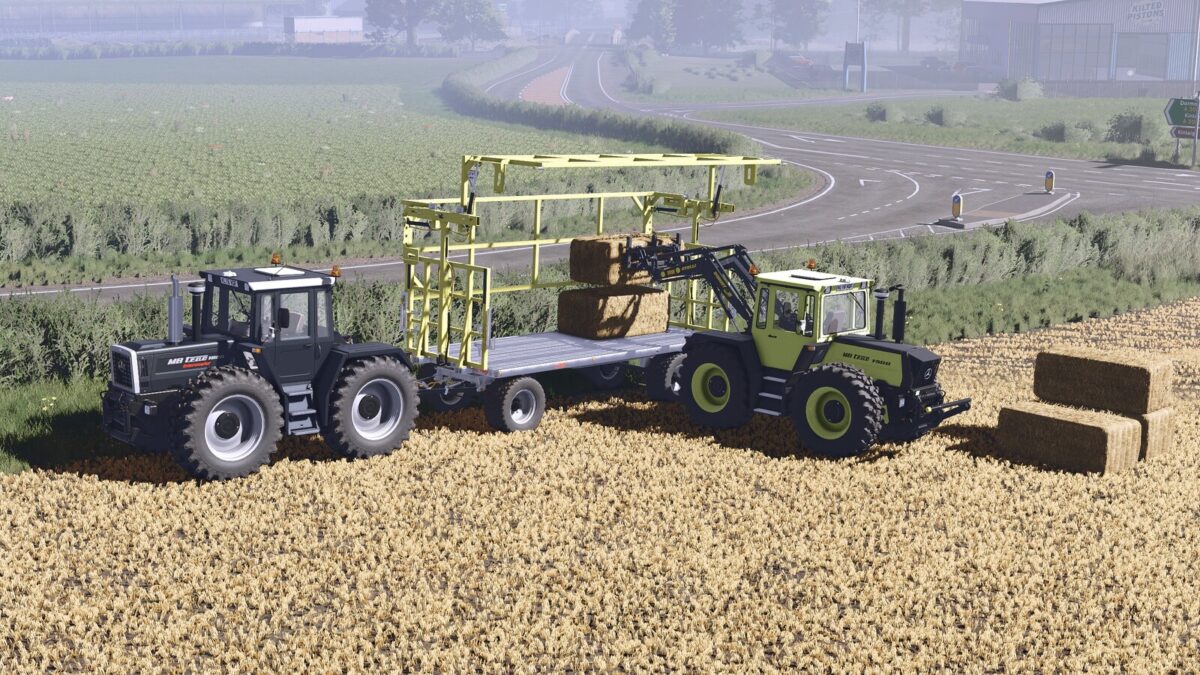
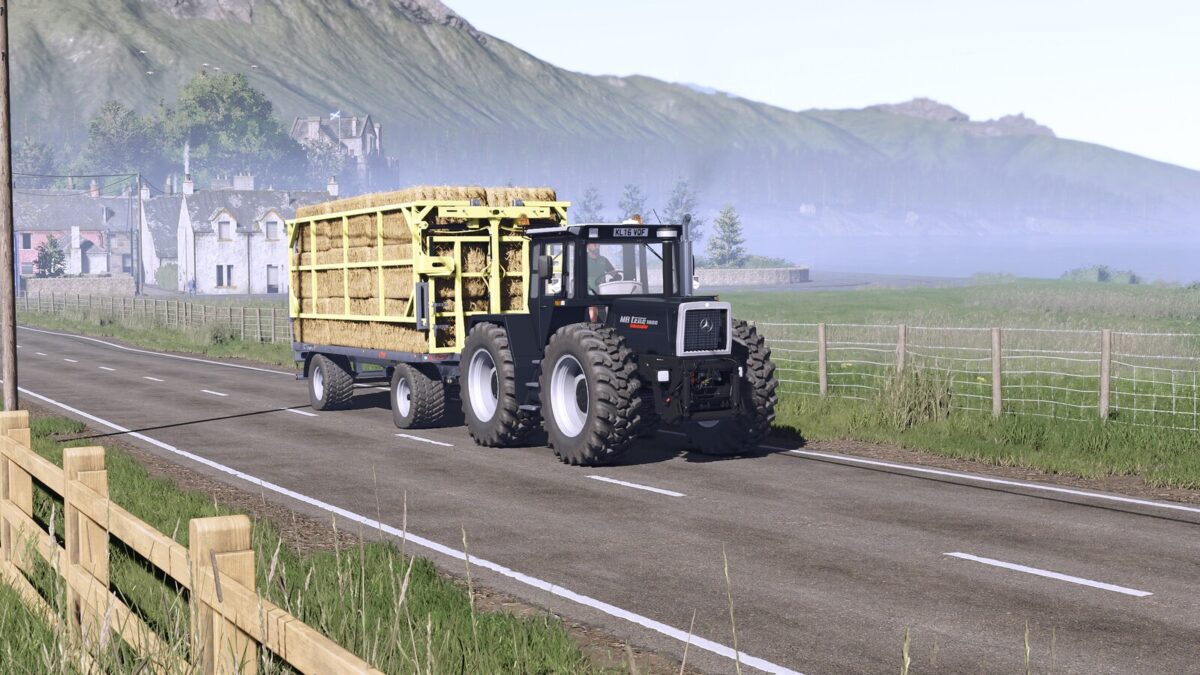
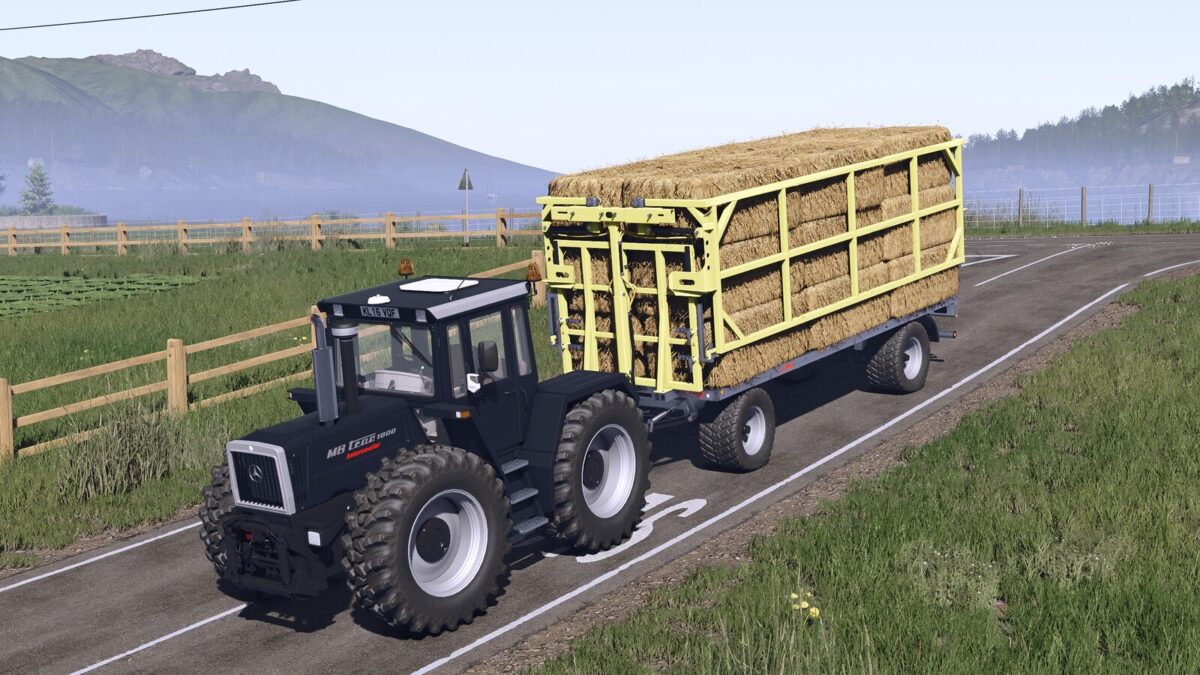
Fliegl ZPW160 PL bale wagon. This is characterized by the fact that the bales can be fixed without lashing tension belts.
Category: BaleLoaders / trailers Flatbed
Price: $20,000
Autoload options:
– round bales (125cm: 22 bales, 150cm: 18 bales, 180cm: 16 bales, cotton: 3 bales)
– square bales (180cm: 30 bales, 220cm & 240cm: 26 bales, cotton: 1 bale)
Changelog: 1.0.0.2
– Adjusted autoload icons
– Adjusted the position of the rear lights and replaced the model with that of Fliegl
Changelog: 1.0.0.1
– Added autoload option for round bales 125cm: 22 bales, 150cm: 18 bales, 180cm: 16 bales, cotton: 3 bales and square bales 180cm: 30 bales, 220cm & 240cm: 26 bales, cotton: 1 bale
– You no longer choose which door to open from the shop; now, using the in-game controls, you can choose to open either the right or left door.
– Added rim color configuration
– Increase modDesc to match to patch 1.23
Special thanks to Kooper 3d for the excellent work in FS19 and FS22!
Credits:
Sadneess24 / Kooper 3d