

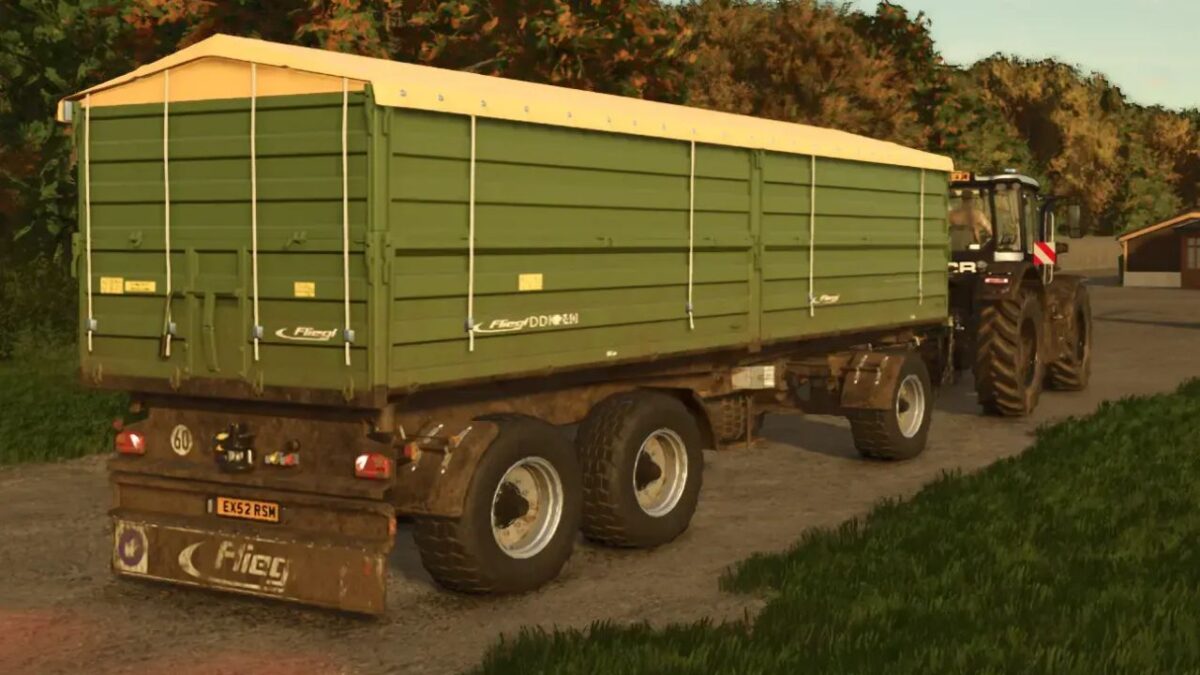
Fliegl DDK 240 v 1.0.0.1


The Fliegl DDK 240 is a versatile medium-sized trailer designed for efficient transport of harvested crops in Farming Simulator 25. With a price tag of €30,000, this trailer provides a capacity ranging from 14 to 28 cubic meters, catering to diverse farming needs. It has a gross vehicle weight (GVW) of 24,000 kg, ensuring it can handle substantial loads while maintaining good stability on the road.
The mod offers several customization options, allowing players to tailor the trailer to their preferences. You can choose whether to equip it with a fire extinguisher for added safety during transport. Additionally, users can select between different tire brands, Continental or Mitas, to influence performance and aesthetics. The trailer also features customizable color options for the cover, body, chassis, and rims, making it a fitting addition to any farming setup.
– Price: €30,000
– Volume capacity: 14-28 m³
– Gross vehicle weight (GVW): 24,000 kg
– Customizable fire extinguisher option
– Tire brand options: Continental/Mitas
– Color customization for cover, body, chassis, and rims
Version 1.0.0.1:
* Logos and dirt catchers revised
Credits:
Godsilla


