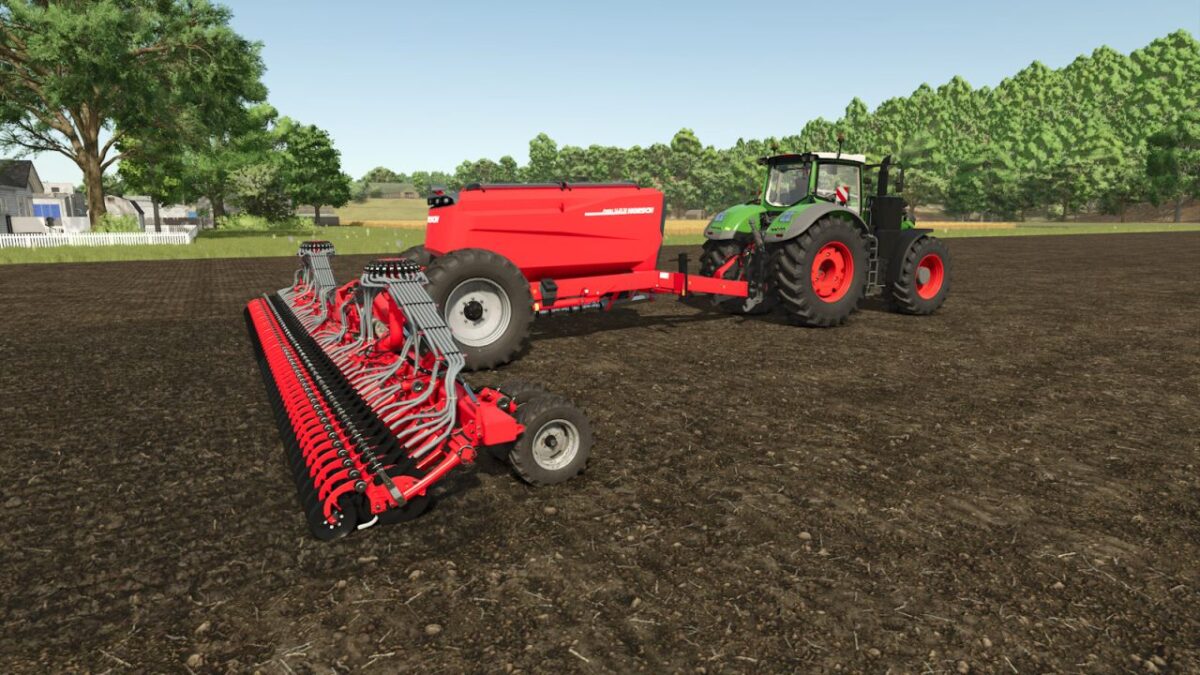
Flexible Combi Seeder v 1.0


Various manufacturers offer combi seed drills with flexible multi compartment hoppers.
Depending on the manufacturer, these systems are known as twin chamber hoppers, split hoppers or multi compartment hoppers.
The individual compartments can be filled with seed, solid mineral fertilizer or other materials to suit the intended use.
On compatible combi seed drills, the fertilizer tank can be switched to seed at the press of a button.
This makes the capacity of both tanks available for seed and increases the amount of seed that can be carried.
The convertible tank must be empty before it can be switched over.
When both tanks are used for seed, the machine automatically switches to the other tank as soon as the active tank is empty.
Separate liquid fertilizer tanks are not affected by the switch.
Hotkey: Left Alt + M
Credits:
Sandmann