
FS22 Misc

Fill Level Limiter v 1.0

Fill Level Limiter v 1.0

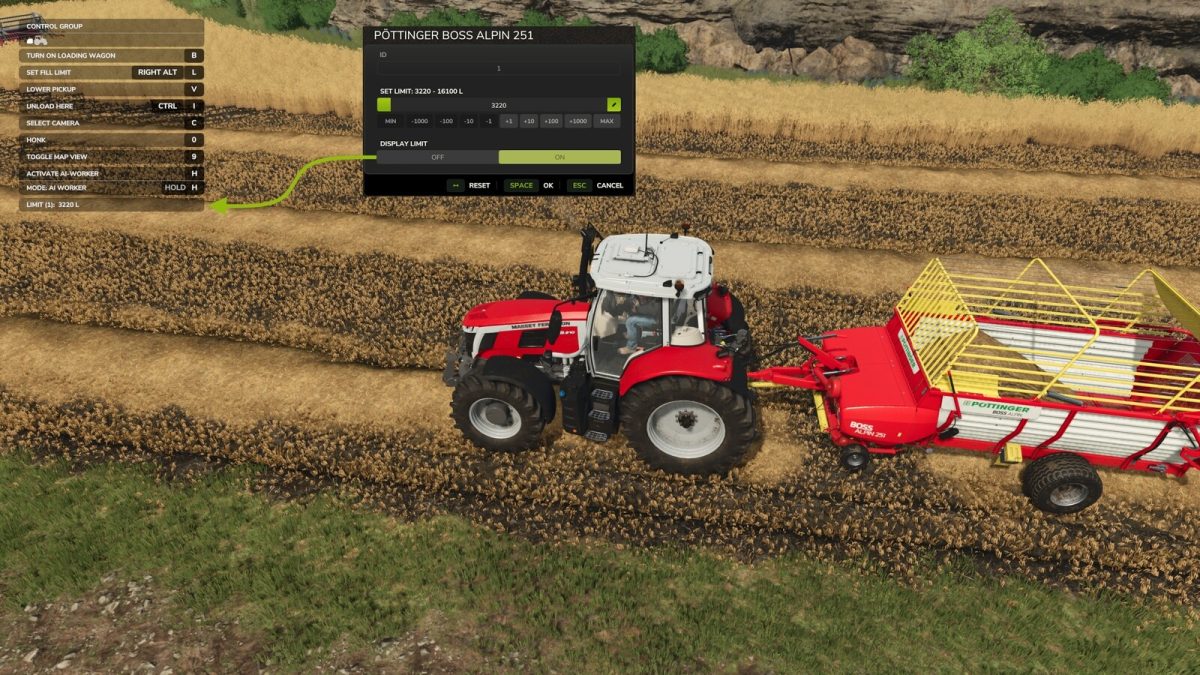
This global vehicle specialisation is added to most fillable vehicles such as trailers, trains and seeders.
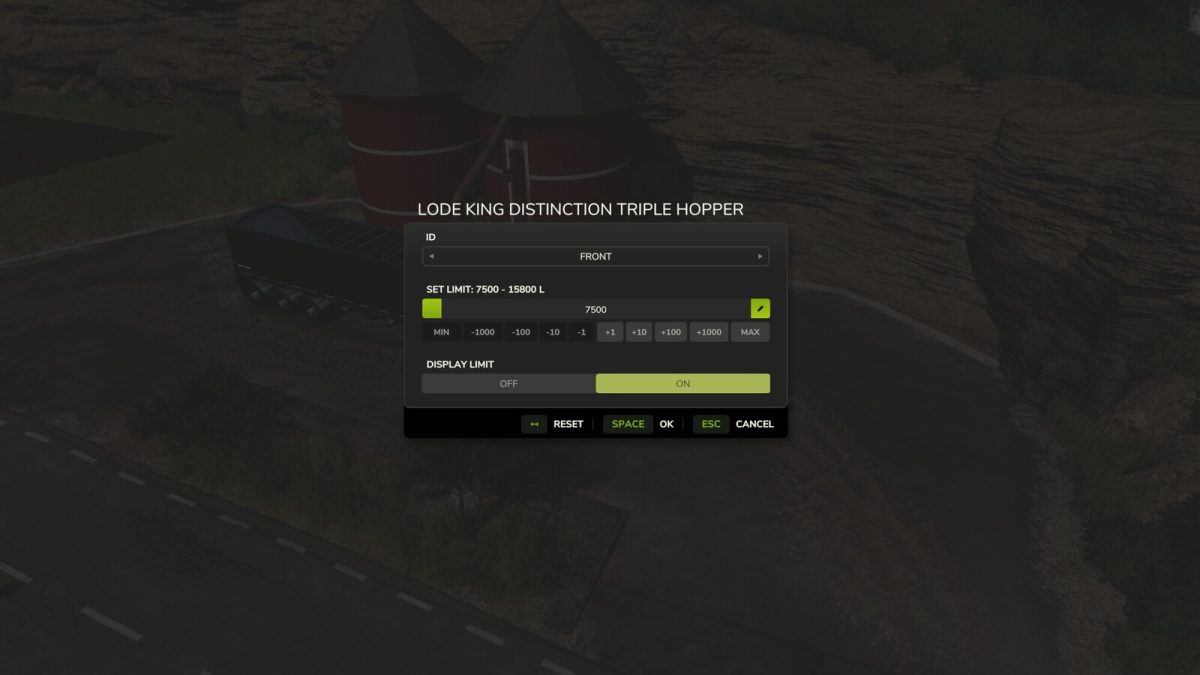
The user is then free to set the maximum fill limit they wish the trailer to stop filling at.
Very useful if you only want to collect a set amount from a silo or buy point.
Limits are saved for each vehicle and can be reset whenever required in the GUI.

Input:
– Open Menu: R-ALT + L

Important:
– This mod by design will not allow the maximum capacity to be increased above the default level.
– Access to the menu is only available when a supported vehicle is entered and selected.
– Due to limited button combinations no Input is set for controllers however this can easily be configured via the Controls screen.

Credits:

GtX

How to install FS22 Misc?
Firstly find a mod which you like and want to download. Then download a mod to your PC. Mods are usually in .zip format file. But sometimes it can be in .rar. If a mod file is a .zip format no needed additional actions. If a file is in .rar, then you must unarchive mod with software like WinRar or Zip7. Windows 10 users no need to use software for archives, Win10 itself has a feature to unarchive files.
The next step is to find mods folder in your PC. Usually, it is in Documents/My Games/Farming Simulator 25/2025. Open the "mods" folder and put downloaded .zip archive or unarchived .rar file to this folder.
Last step. Enjoy of FS25 mods!

Leave a Reply

Your email address will not be published. Required fields are marked *