Field Processing System Kalym v 1.0


“KALYM” — a field work ordering system for Farming Simulator 25
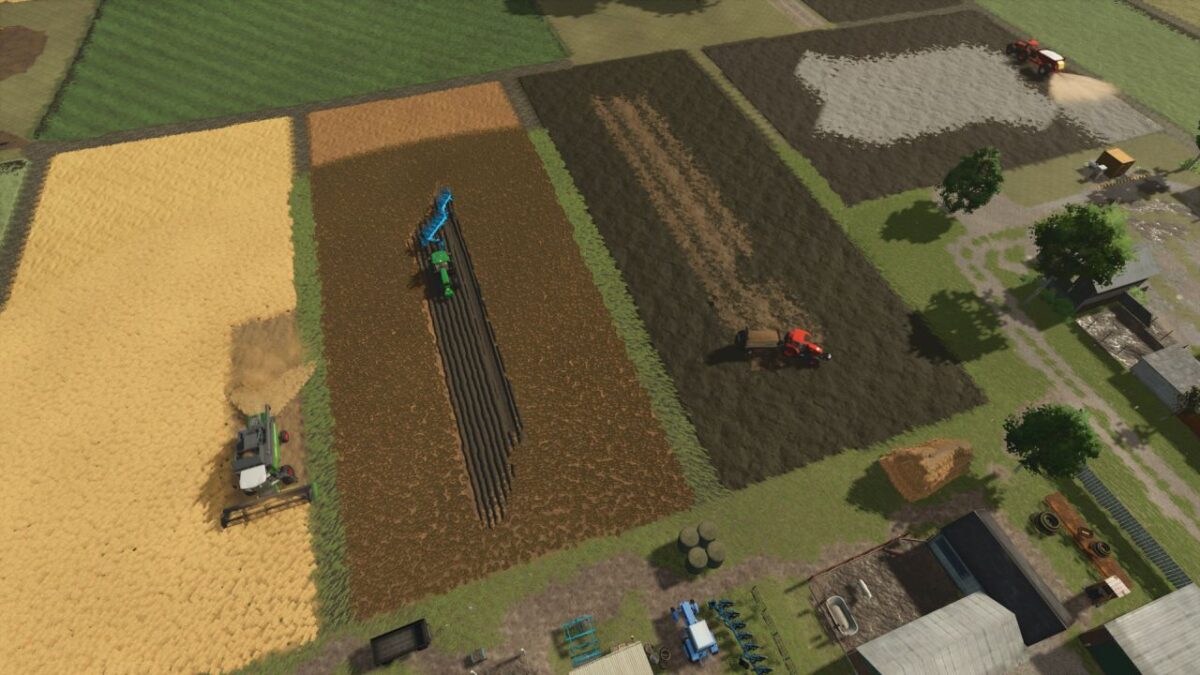
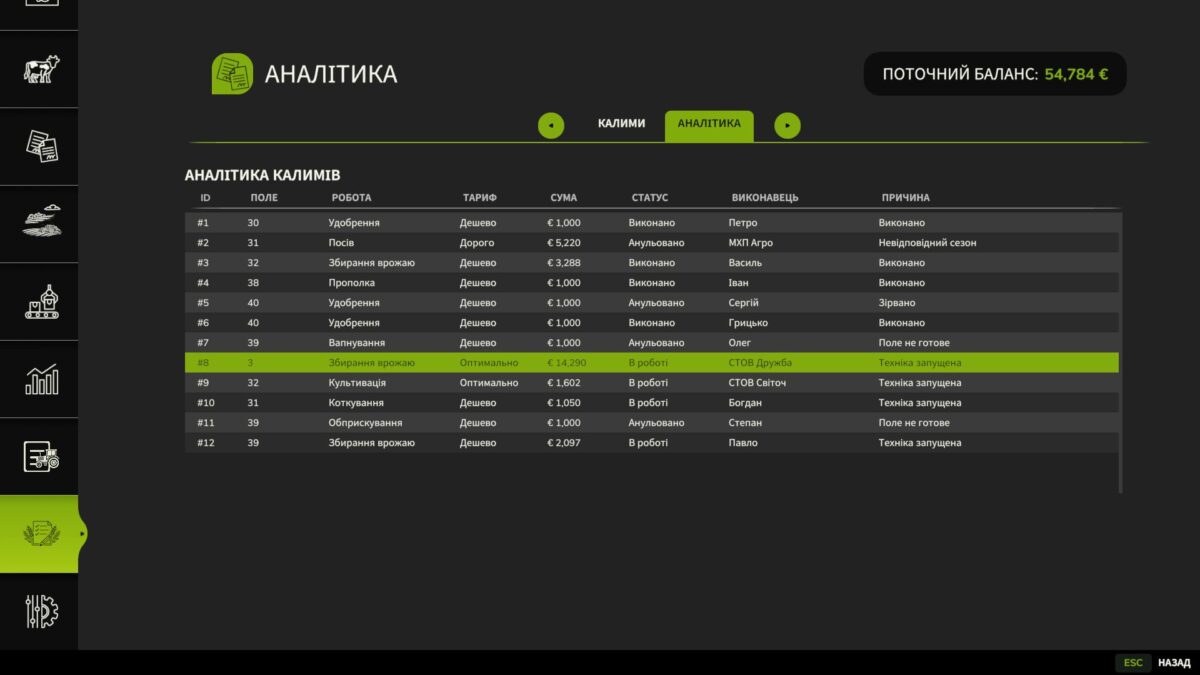
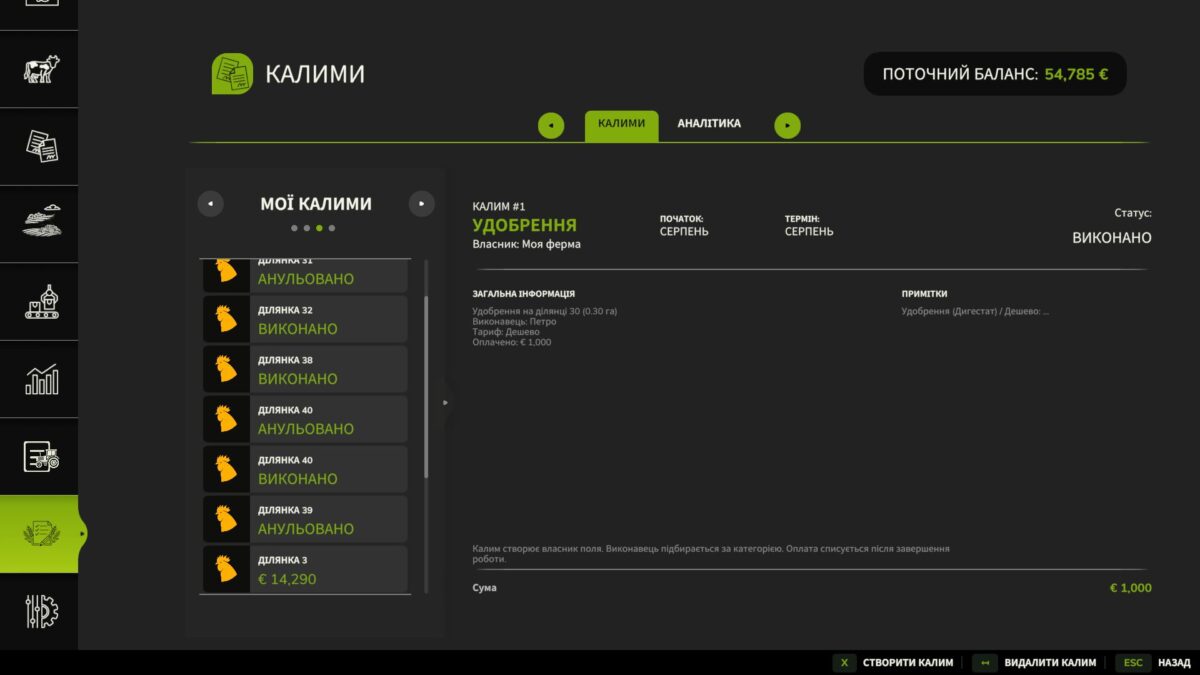
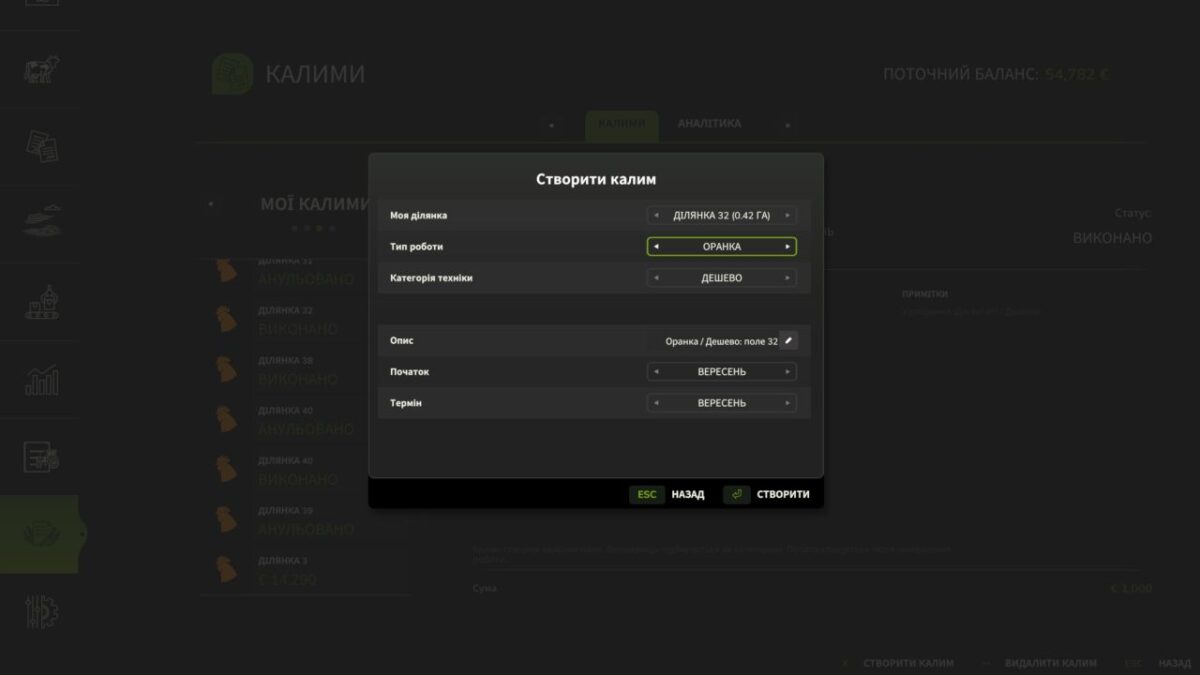
“KALYM” allows you to order work on your own fields without having to buy separate equipment for each operation. The player selects the field, the desired type of work, the tariff and additional parameters, after which the appropriate set of machines arrives at the field and starts working.
The mod supports cultivation, plowing, sowing, fertilizing, liming, spraying, weeding, rolling, stone collection, harvesting and ensiling. For individual works, you can choose the crop to be sown, the type of fertilizer, the method of weeding, laying straw and other available settings.
Three tariffs are available:
Cheap — lower payment, but less productive equipment and longer execution time.
Optimal — a balanced option in terms of price and speed.
Expensive — more powerful equipment, faster execution, but higher cost of service.
The price of the order depends on the area of the field, the type of work, the selected tariff and the level of economic complexity of the game. During harvesting, the crop is also taken into account, so working with cereals, corn, potatoes, beets, vegetables or cotton has a different cost.
The tariff directly affects the economy of the farm. Cheaper equipment allows you to keep most of the income from the sale of the crop, but works slower. A more expensive set will clear the field faster, but will reduce net profit. The player decides for himself what is more important in a particular situation – time or savings.
After placing the order, the equipment automatically arrives at the field, prepares for work and begins to perform the task. Seeds, fertilizers, lime, herbicide and other necessary materials are already included in the service.
You can create deferred orders for sowing. If the desired season has not yet arrived, the order will wait for the appropriate date and start later.
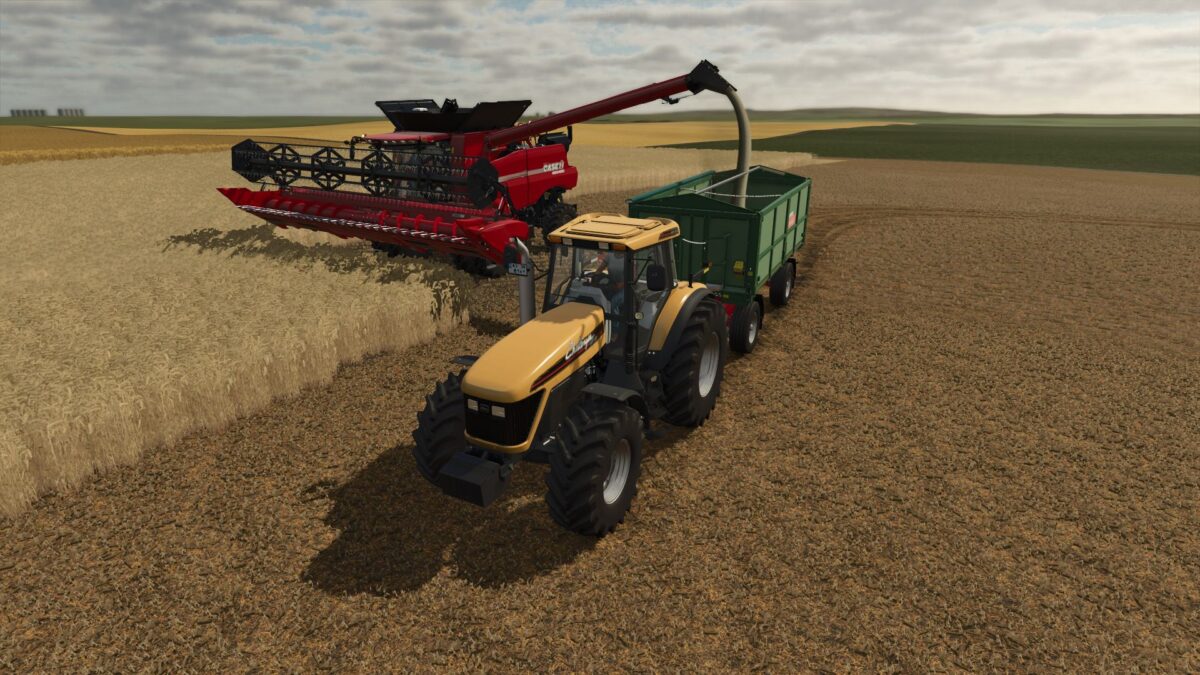
During harvesting, the combine does not disappear along with the products. If there is still a crop in the bunker, it awaits actual unloading into the trailer. For cotton, vegetables, potatoes, beets and silage, appropriate specialized machines are used.
The mod is compatible with AutoDrive for servicing combines and forage harvesting equipment. You can assign a vehicle that will arrive for unloading and transport the products along the selected route.
Physically combined fields are also supported. If the border between neighboring plots is removed, they can be processed as one large area, and the cost of the service is calculated based on their total area.
“KALYM” makes it possible to develop the farm without purchasing a large fleet of machinery, transfer part of the field work to a contractor and plan costs depending on the season, crop, field area and desired speed of execution.
Credits:
JokerUa