
FS25 Misc

Field Overview v1.0.0.1

Field Overview v1.0.0.1

Field Overview v1.0.0.1

Field Overview v1.0.0.1

Field Overview v1.0.0.1

Field Overview v1.0.0.1

Field Overview v1.0.0.1

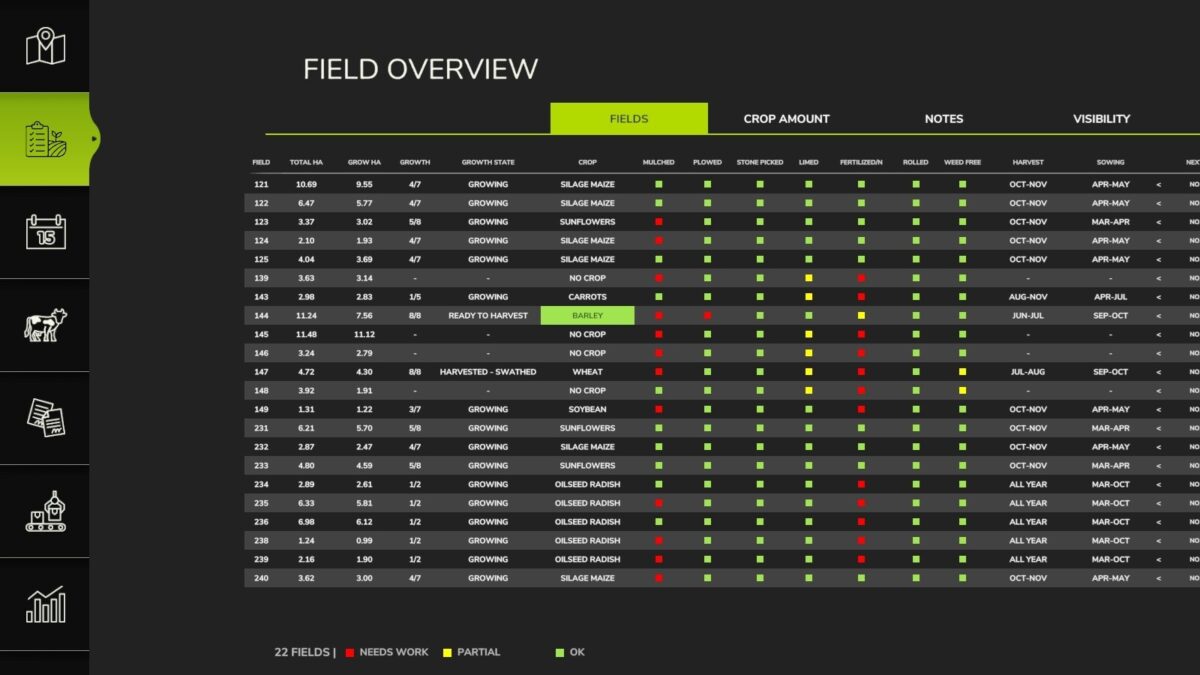
With this mod, you can get an overview of your fields and what has been sown on them.
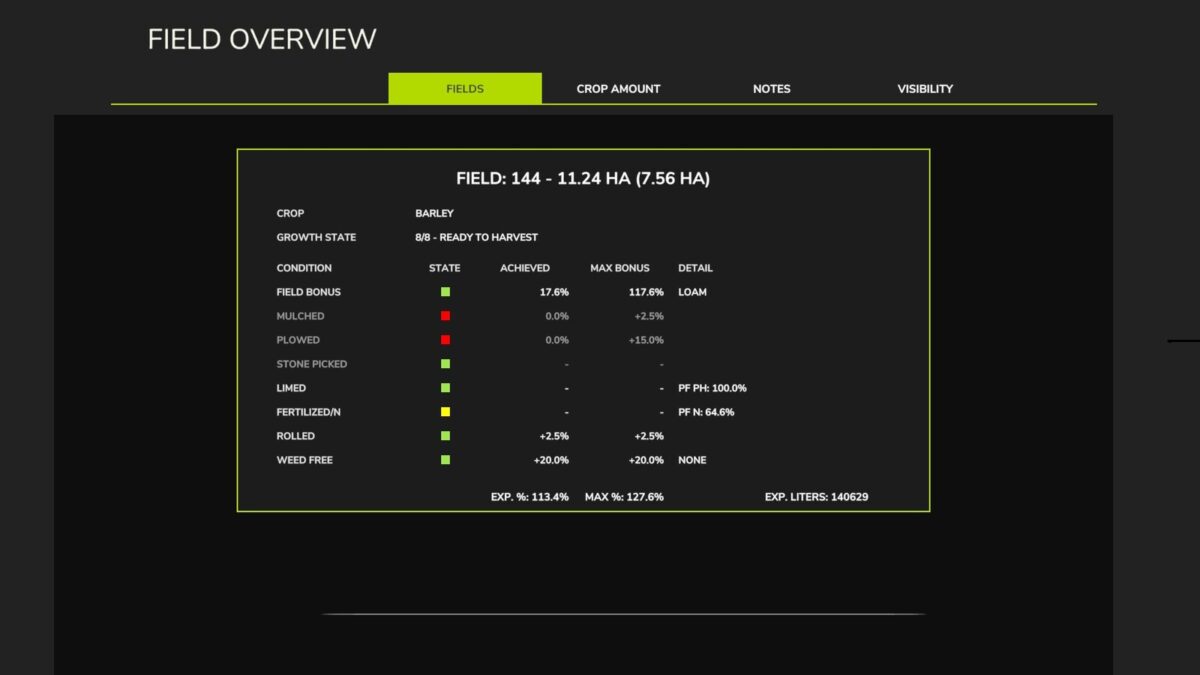
It also displays the bonuses achieved for a given field and the expected yield.
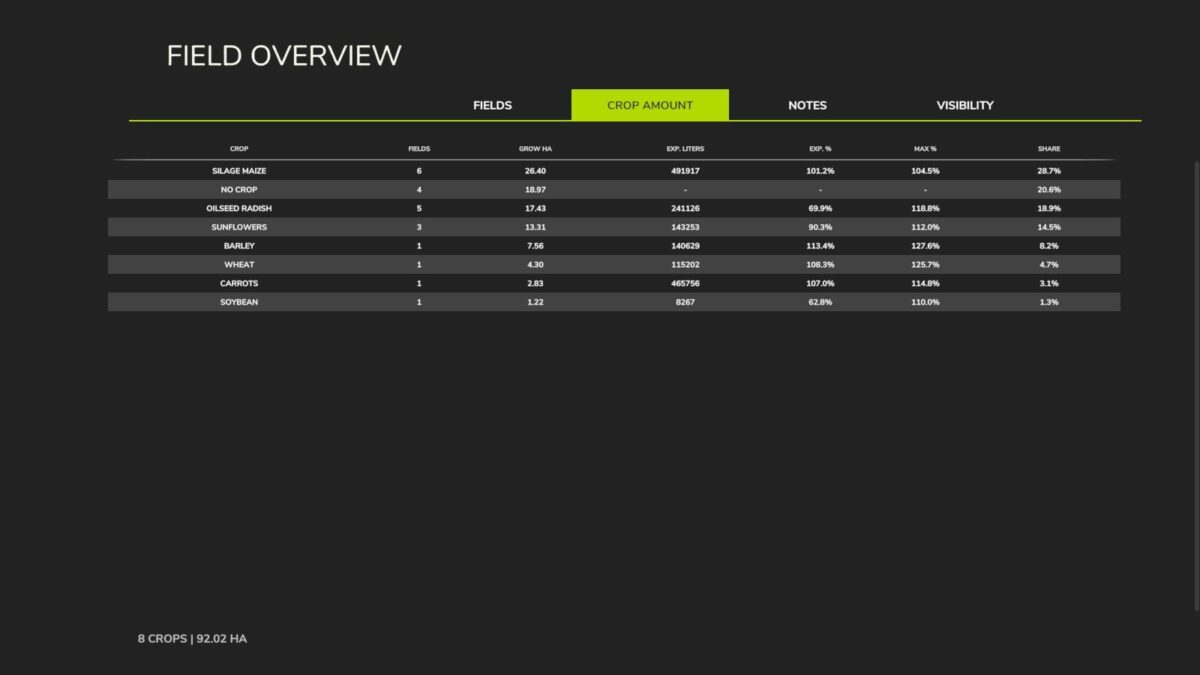
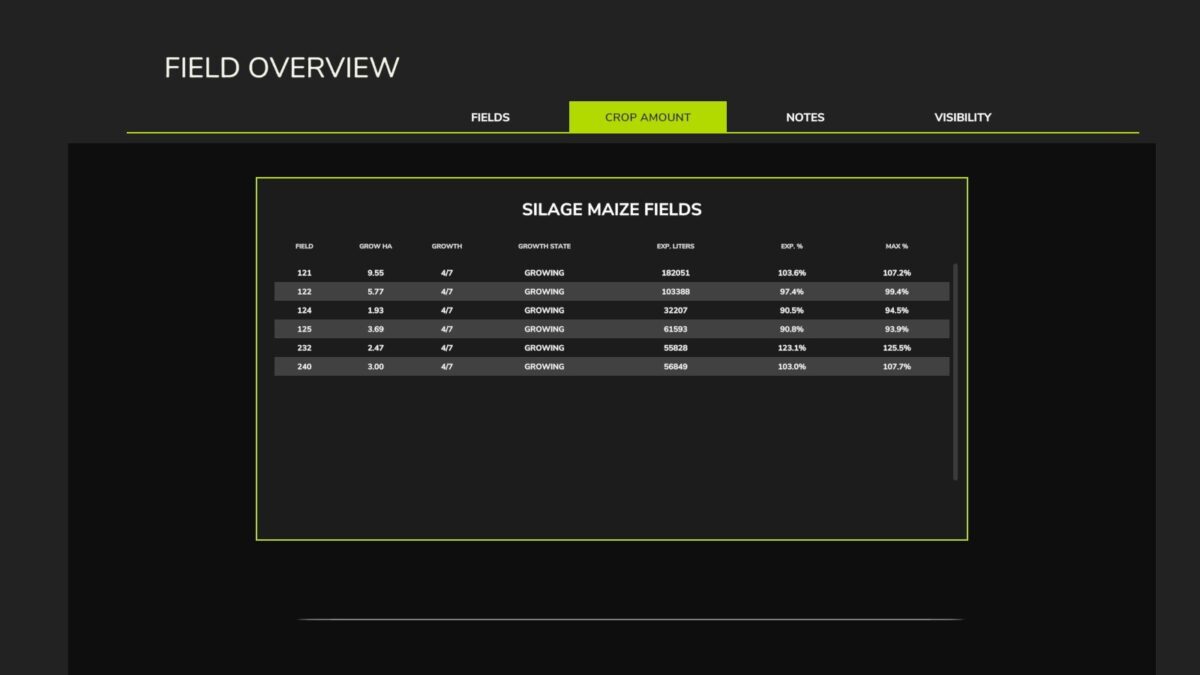
There is also a tab showing the total quantity of each crop sown across the various fields.
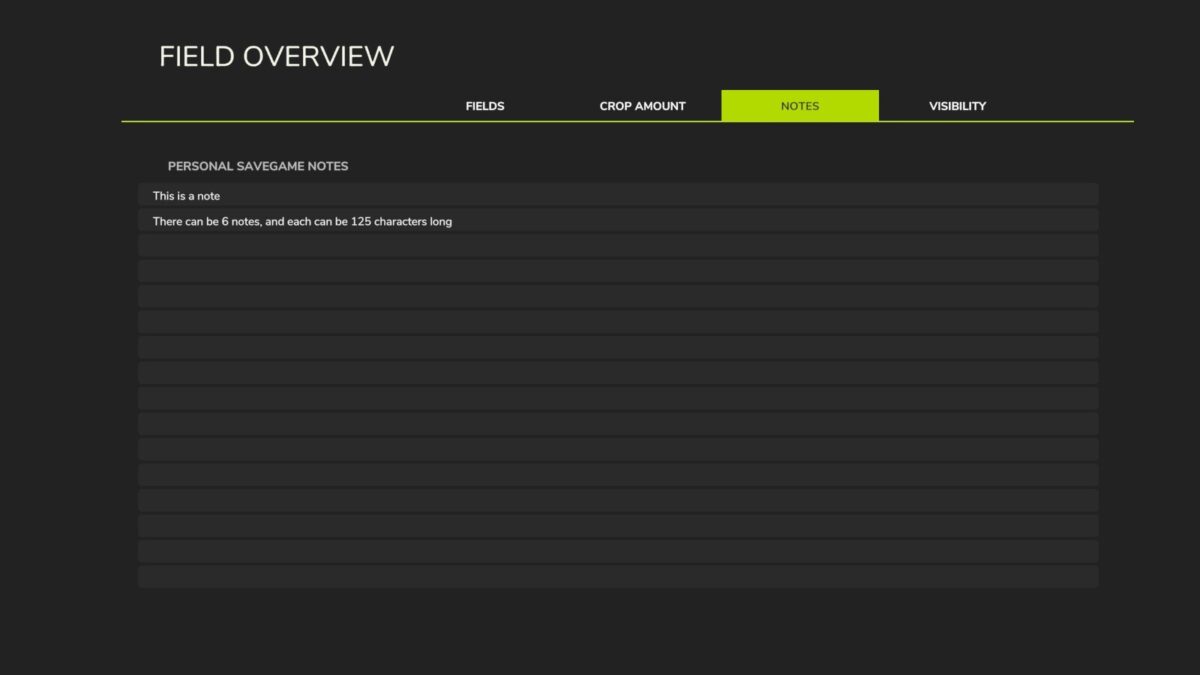
Another tab allows you to enter notes.
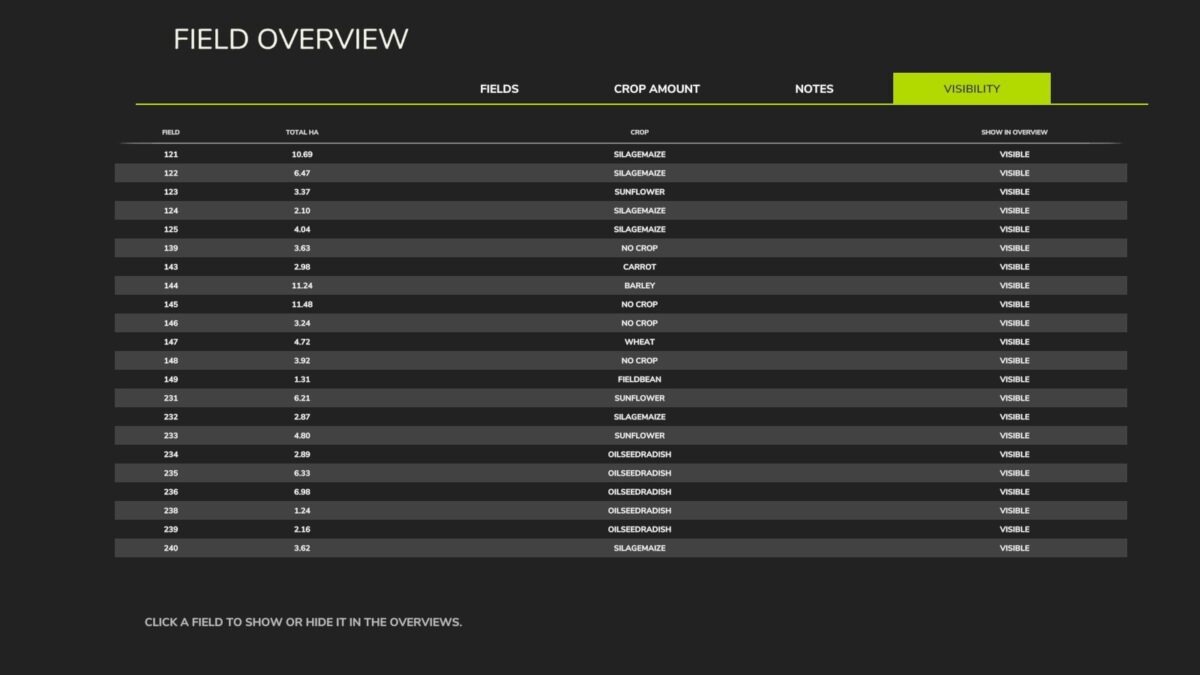
On the final tab, you can hide specific fields—for instance, if a field is used as an animal paddock and therefore shouldn’t appear in the overview.
Version 1.0.0.1:
Fixed an error where plowing and cultivating generated an extremely laggy gameplay
Russian translation by Sokolov; many thanks to him for the help.

Credits:

Chris1969

How to install FS25 Misc?
Firstly find a mod which you like and want to download. Then download a mod to your PC. Mods are usually in .zip format file. But sometimes it can be in .rar. If a mod file is a .zip format no needed additional actions. If a file is in .rar, then you must unarchive mod with software like WinRar or Zip7. Windows 10 users no need to use software for archives, Win10 itself has a feature to unarchive files.
The next step is to find mods folder in your PC. Usually, it is in Documents/My Games/Farming Simulator 25/2025. Open the "mods" folder and put downloaded .zip archive or unarchived .rar file to this folder.
Last step. Enjoy of FS25 mods!

Leave a Reply

Your email address will not be published. Required fields are marked *