

Field Exporter v 1.1


The Field Exporter v1.1 mod provides players with a practical tool for exporting field information into an XML file format. This is particularly useful for those who want to maintain personalized records of their fields within Farming Simulator. By utilizing this mod, users can organize and manage various field data efficiently, making it easier to track performance, yield, and crop rotations. The functionality is straightforward, allowing players to seamlessly integrate the export process into their gameplay, enhancing their overall farming experience. Whether you’re a seasoned player or new to the game, this mod can help you keep better tabs on your agricultural endeavors.
Features:
– Export all the field IDs and their sizes in the hectares (rounded 2 decimal)
– Export information on the property of the land (farm and name)
– Supports standard fields and personalized course fields
– Save the file with the card name for easy identification
Use:
1. Install the mod
2. In the game, press CTRL + F to export data to the field
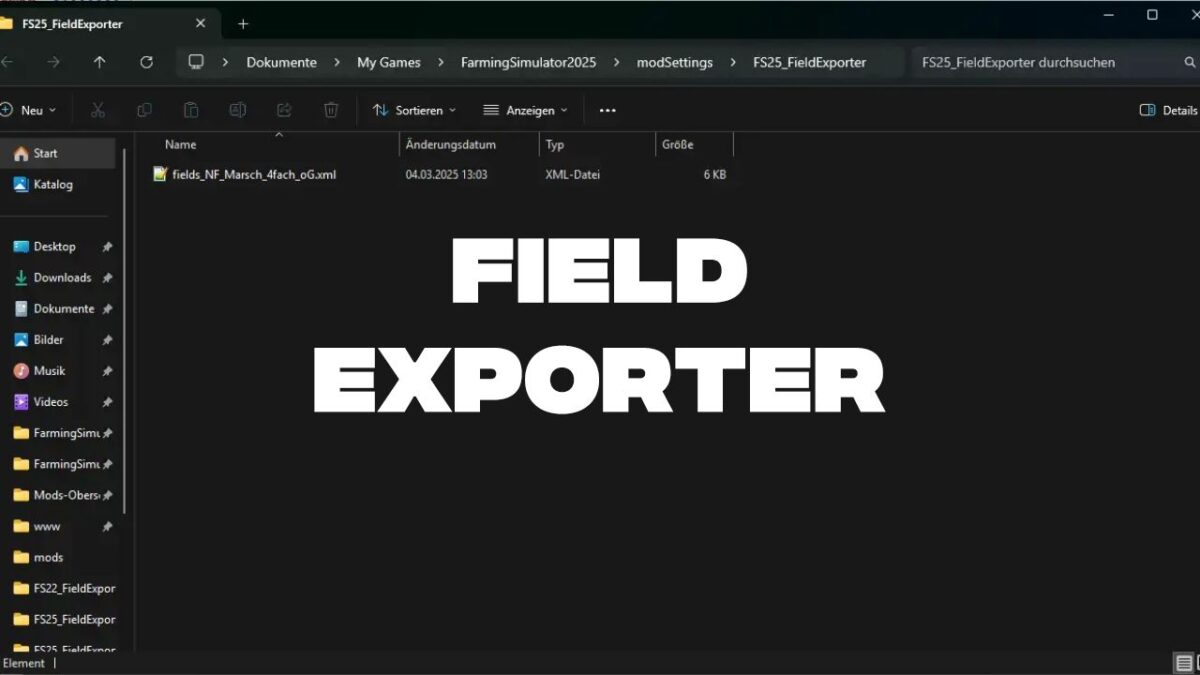
3. The XML file will be saved in the following folder: Documents / My Games / Farmingsimulath2025 / Modsettings / fs25_fieldexporter / Fields_ [Mapname] .xml
Console controls:
– You can also use the “Exportfields” console command to trigger export
Multiplayer support:
– This mod works in multiplayer. It is recommended to zip the mod
Version 1.1:
* Key combination for the field exporting (Ctrl + F) now works error free
* Lua Error’s were eliminated
Credits:
Sippler


