

Field Detail Hud Infos v 1.0


Are you still driving over your fields wondering what’s going on under your tractor? Those days are OVER!
Introducing Field Detail Infos — the mod that puts your soil’s deepest secrets right on your HUD, in real time, no questions asked!
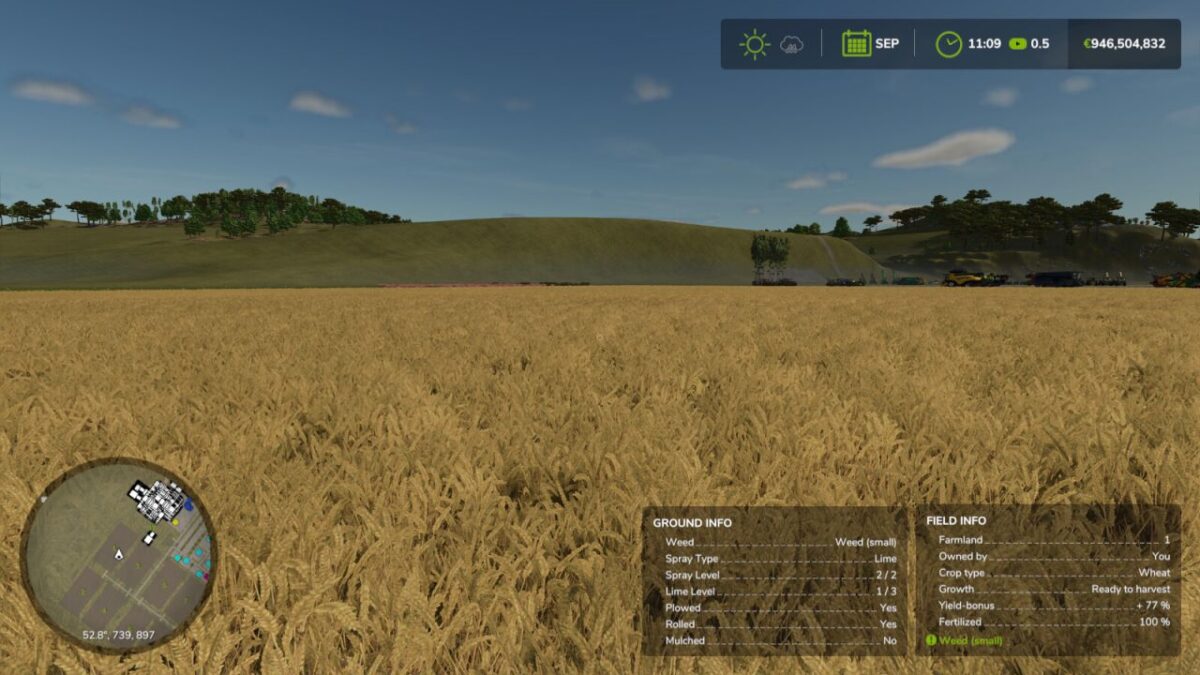
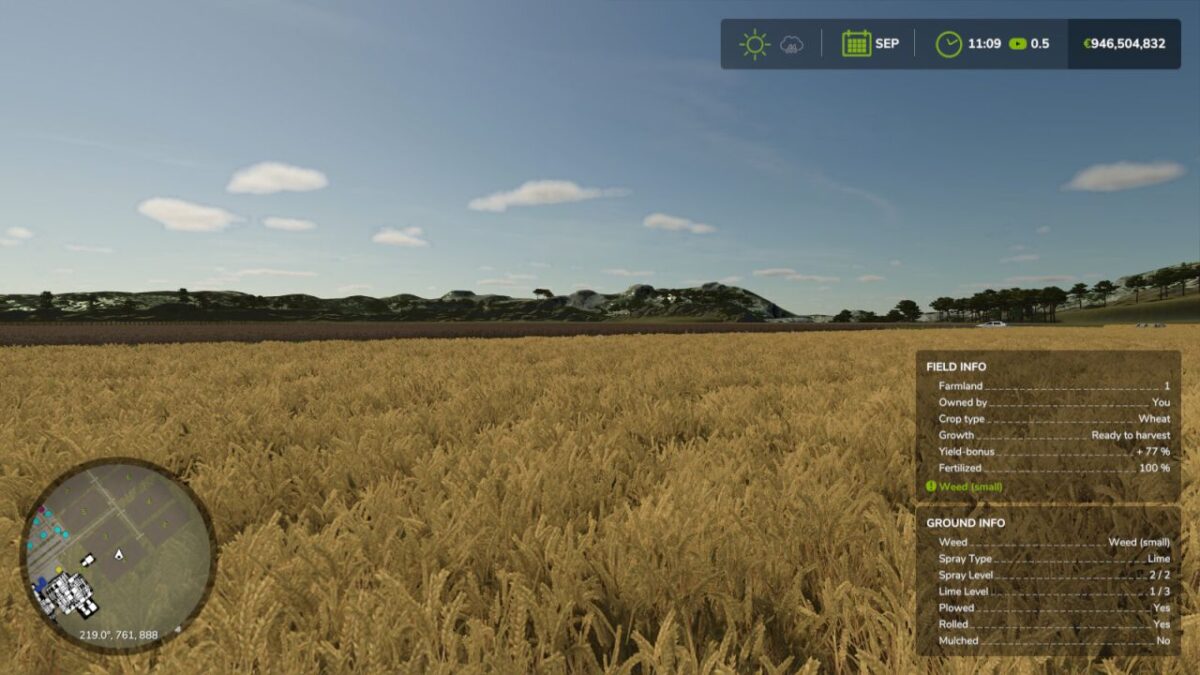
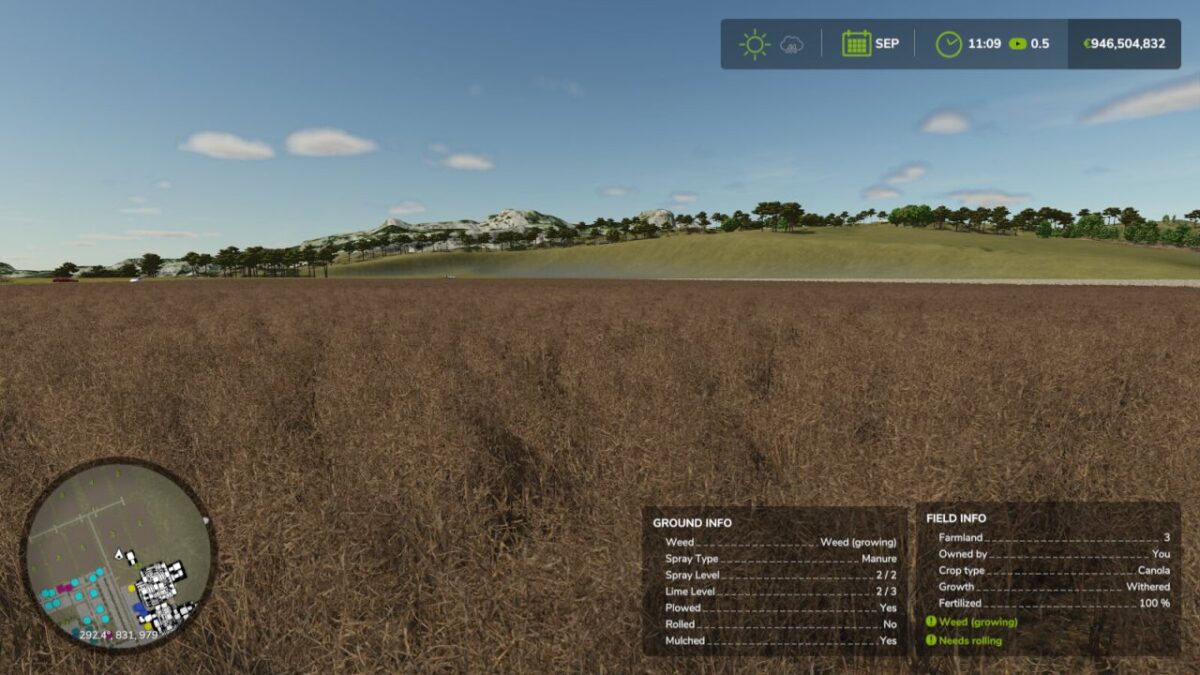
With ONE glance you’ll know:
– Ground Type — exactly what state your soil is in
– Weed Status — before it becomes your problem
– Fertilizer Type & Level — know what’s been applied
– Lime Level — never miss another lime cycle
– Plowed? Rolled? Mulched? — YES or NO, instantly
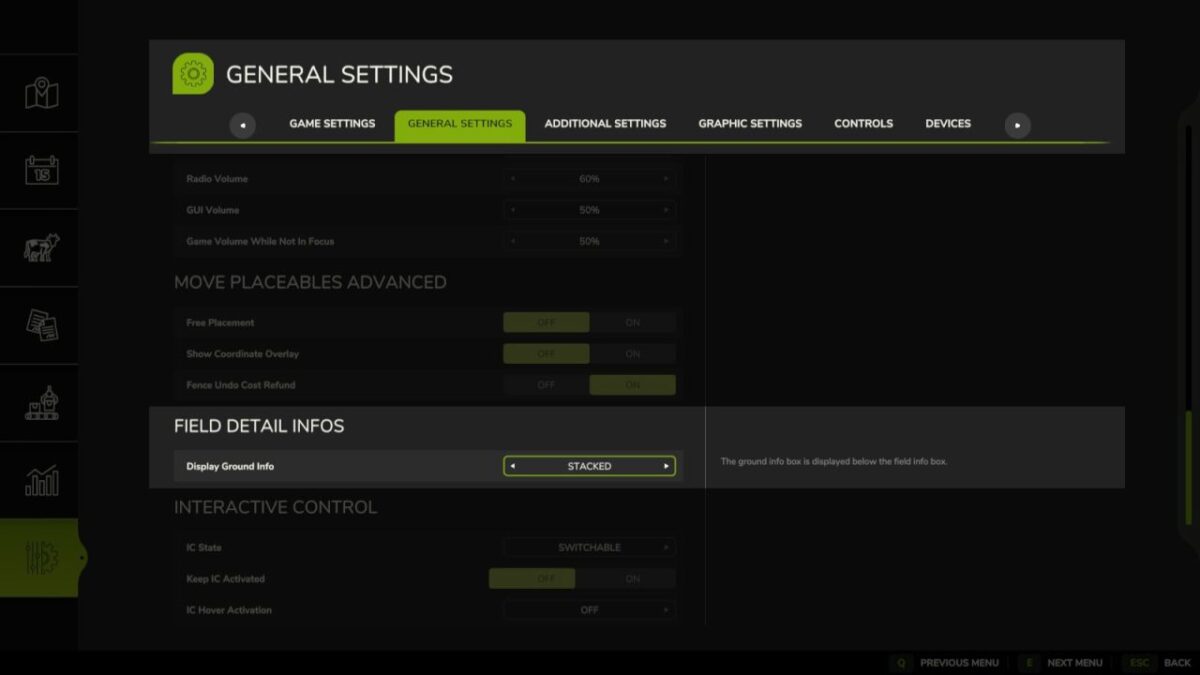
But wait — there’s MORE! Choose how your information is displayed:
– OFF — for the minimalists
– Stacked — your Ground Info box appears neatly below the Field Info box
– Side by Side — both boxes displayed together, shoulder to shoulder
Set it once in your game settings — and it stays saved. No fuss, no guesswork, no wasted passes across the field!
Your soil knows everything. Now YOU do too.
Field Detail Infos — because great farmers make informed decisions.
Credits:
Helfer B.


