Fertilizer Production v 1.0


Fertilizer Production introduces a new way for players to enhance their farming experience in Farming Simulator 25.
This mod enables the production of fertilizer, a crucial resource for optimizing crop yields.
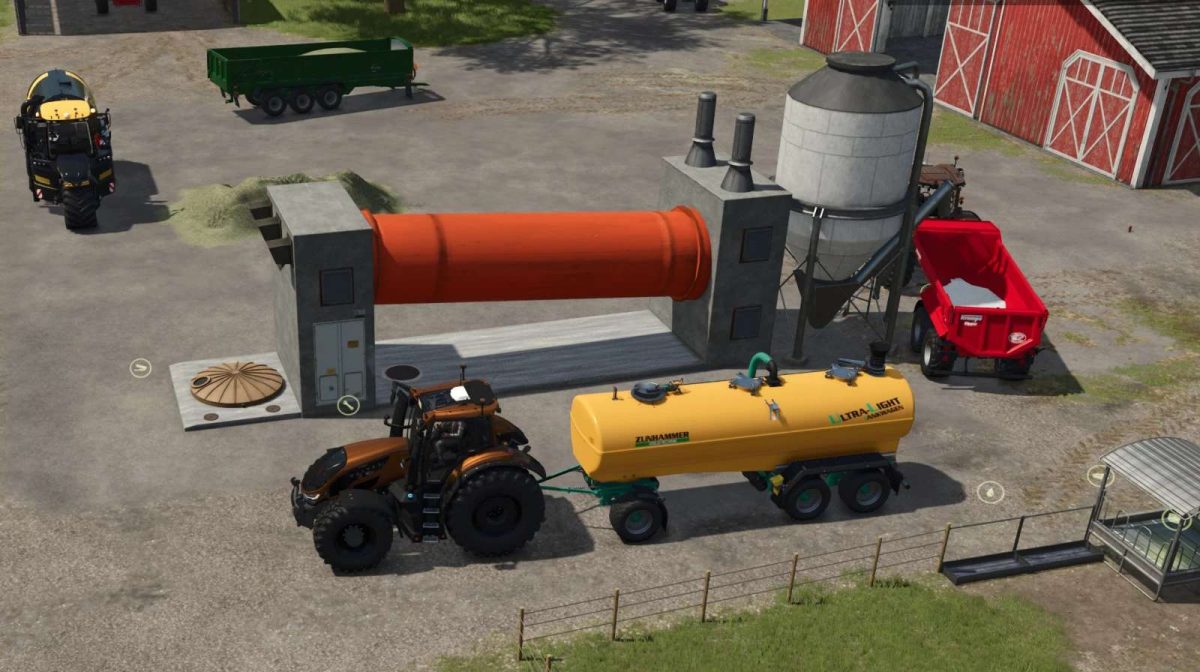
The process requires input in the form of digestate, which is commonly produced from biogas production.
Once the digestate is processed through the mod’s production facility, players can obtain finished fertilizer ready for application on their fields.
The integration of this mod can help you manage resources more efficiently, making use of by-products from other farming operations.
This not only promotes a more sustainable approach to farming but also allows for improved crop health and profitability.
– Input: Digestate
– Output: Fertilizer
– Enhances farming sustainability
– Optimizes crop yields
– Resource management feature
Credits:
DrXmL