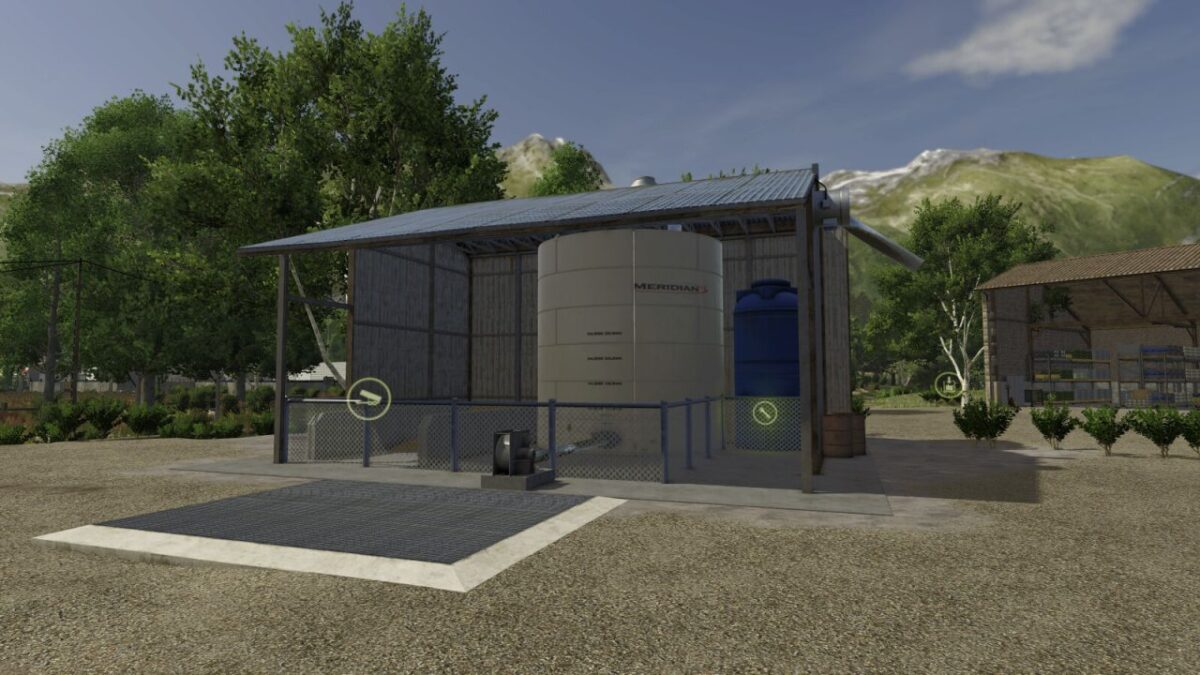
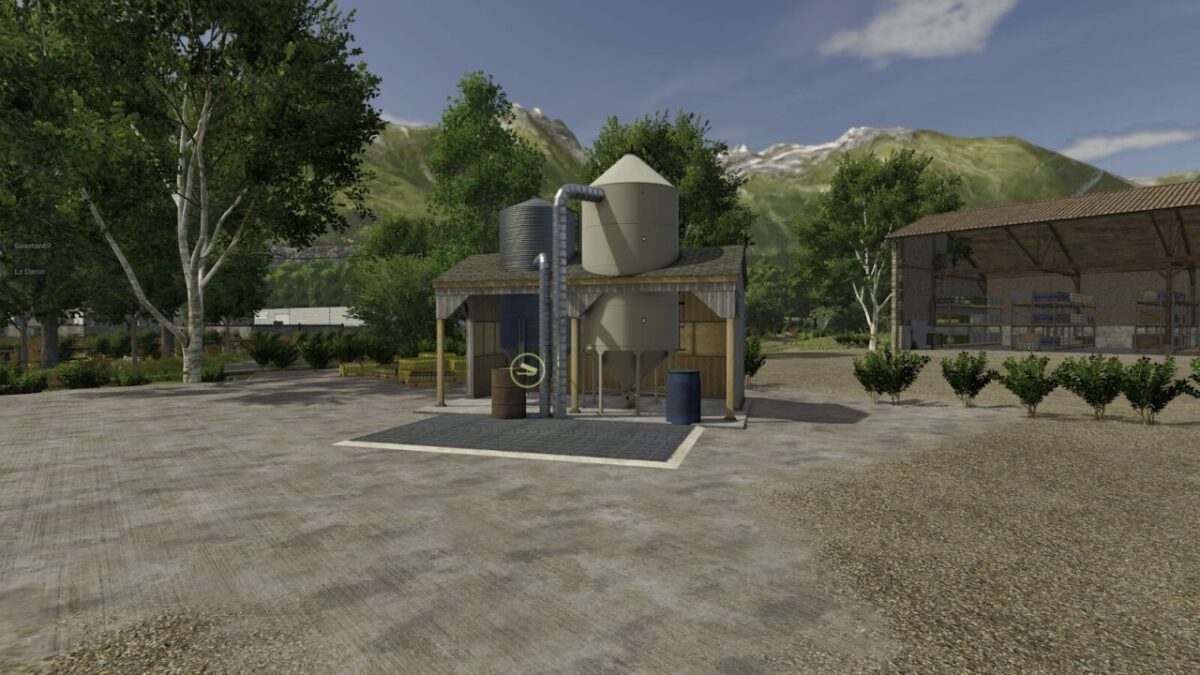
Fertilizer and Herbicide Production and Sales Outlet v 1.0.1.1


Transform your slurry/manure into solid/liquid fertilizer or make your own herbicide. A sales point for fertilizer and herbicide is also available. You can sell your produce there.
Factory:
Cycles per hour: 4
Input:
Liquid Manure: 100.000 liters
Manure: 100.000 liters
Water: 50.000 liters
Lime: 10.000 liters
Salt: 10.000 liters
Output:
Fertilizer: 40.000 liters
Liquid Fertilizer: 90.000 liters
Herbicide: 20.000 liters
Price: $10,000
Daily Upkeep: 50 $
Proportions:
500 Manure + 500 Water –> 200 Liquid Fertilizer
500 Liquid Manure + 500 Water –> 200 Liquid Fertilizer
500 Manure –> 200 Fertilizer
500 Liquid Manure –> 200 Fertilizer
200 Water + 100 Lime + 100 Liquid Manure + 100 Salt –> 500 Herbicide
500 stones –> 500 lime
Sales point:
Sale Fertilizer, Liquid Fertilizer or Herbicide
– Price: $10,000
– Daily Upkeep: 50 $
Version 1.0.1.1:
* Trigger correction for sliding floor trailers
Credits:
Le Daron