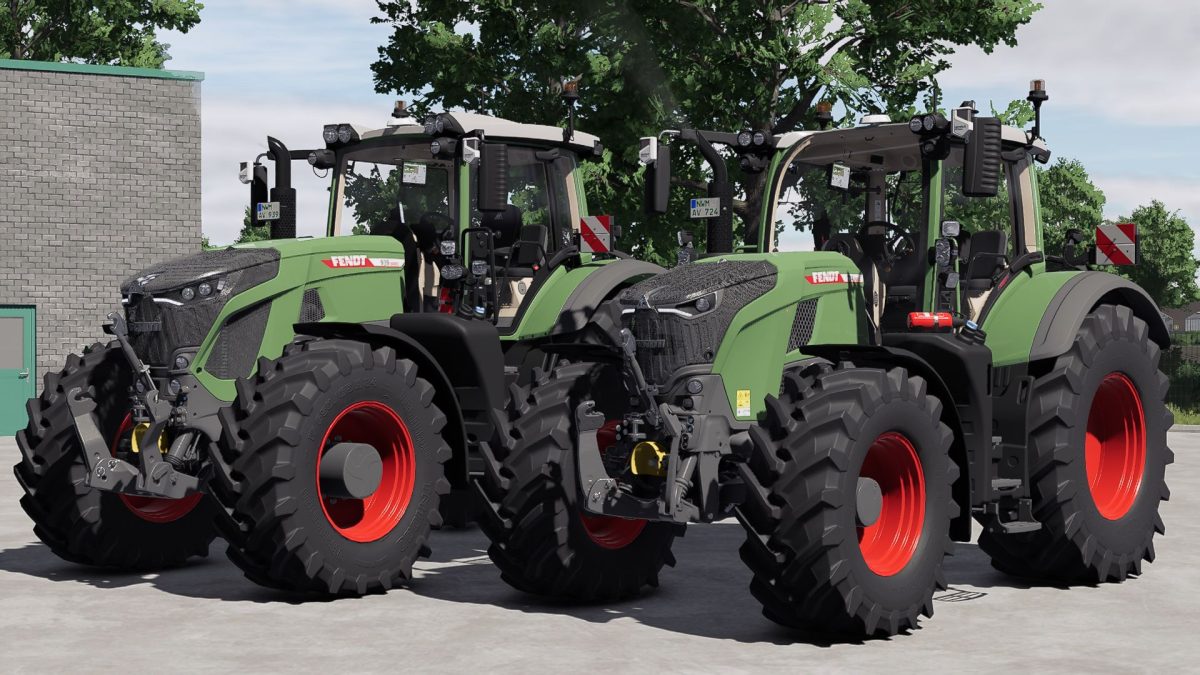
Fendt Vario 900 v 1.1


This Fendt 900 Vario has been modified in various ways to make it a better tractor than the original, while still being realistic.
Price : 327.500€
Power : 296 – 415hp
Top speed : 60 km/h
Physics adjustment
Engine adjustment
Horn config installed
Seat camera
Seat height adjusted
Cabin suspension removed (for multiplayer)
Rim color selection
Roof color selection
ISARIA
Physics adjustment: Improved driving dynamics and more realistic handling.
Engine adjustment: Optimized engine performance for better performance.
Horn configuration installed: For a new gaming experience.
Seat camera: The seat camera has been mounted on the seat and now offers proper suspension for a realistic driving experience.
Seat height adjusted: Slight changes to the seat height for better comfort.
Cab suspension removed (for multiplayer): To optimize multiplayer performance.
Wheel color selection: You can now customize the wheel color to your liking.
Roof color selection: The roof can also be customized.
ISARIA installed for PF
Version 1.1:
* Gonrgys installed
* Name signs installed
Credits:
Entlibucher, Agrarlohn Virtual