

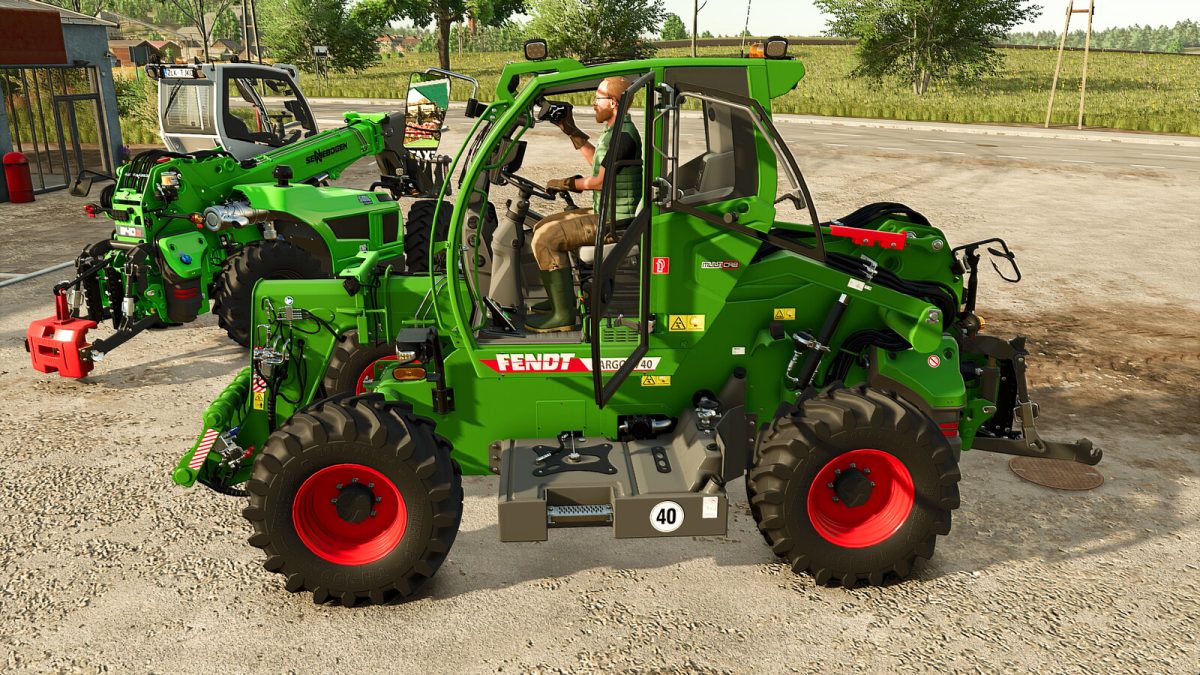
Fendt/Sennebogen Telehandler v 1.0.0.1


These telehandlers have been designed to offer a gameplay experience that is not only more authentic but also more realistic, with the following features:
– A rear 3-point hitch
– A cabin height adjustable with the mouse
– An adjustable terminal displaying useful driving information
– A realistic player skin animation when opening the door and adjusting the terminal
The machine is equipped with several dynamic animations, such as door opening and steering wheel adjustment, ensuring optimal realism.
All animations are controlled via the mouse:
– Group 1: Telehandler functions + cabin
– Group 2: Doors and windows
– Group 3: Driver’s seat and terminal
– Mirrors and engine flap
Available configurations:
– Additional headlights
– 3-point hitch
– Engine grille
– Mudguards
– Category: Telehandler
– Price: 115 000 $
– Power: 170 HP
– Max Speed: 40 km/h
Version 1.0.0.1:
* Added Interactive Control
* Option to choose between multiple grouped animations or simple animations without groups
Credits:
Just Farming


