

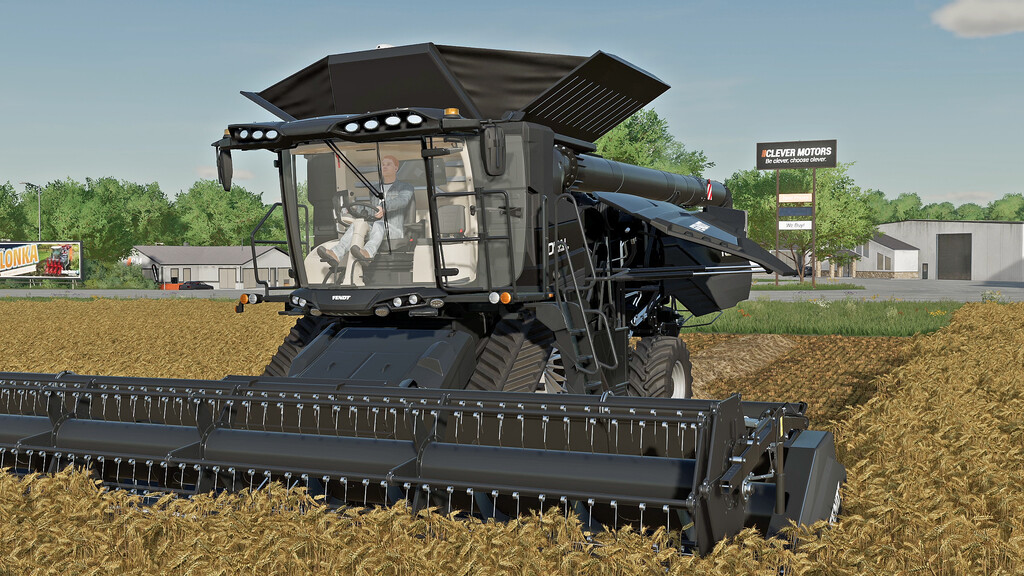
Fendt Harvesters Pack v 1.0


– This pack contains the Fendt Ideal combine harvester, which comes in three versions.
– These are the same machines as those in the base game, with identical characteristics in terms of engine power, working speed, hopper capacity, etc. Additionally, they are equipped with numerous animations.
– All animations are controlled either by mouse or with “Interactive Control”.
– The animations present on the machines are:
* Right/Left Door
* Left and Right Mirrors
* Monitors
* Joystick Armrest
* Idrive Armrest
* Engine Hatches
* Main Access Ladder
* Engine Access Ladder
* Steering Wheel
* Driver’s Seat Armrest
* Passenger Seat
-Fendt Ideal 7T-10T Idrive/Fendt Ideal 7T-10T Steering Wheel
Price: $419,500
Power: 451-790 hp
Maximum speed: 40 km/h
– Configuration:
-Design (Exhaust Cover)
-Wheel
-Hopper
-Fendt Ideal 7T-9T Para Level
Price: $405,000
Power: 451-647 hp
Maximum speed: 40 km/h
– Configuration:
-Design (Exhaust Cover)
-Wheel
-Hopper
Credits:
Just Farming


