

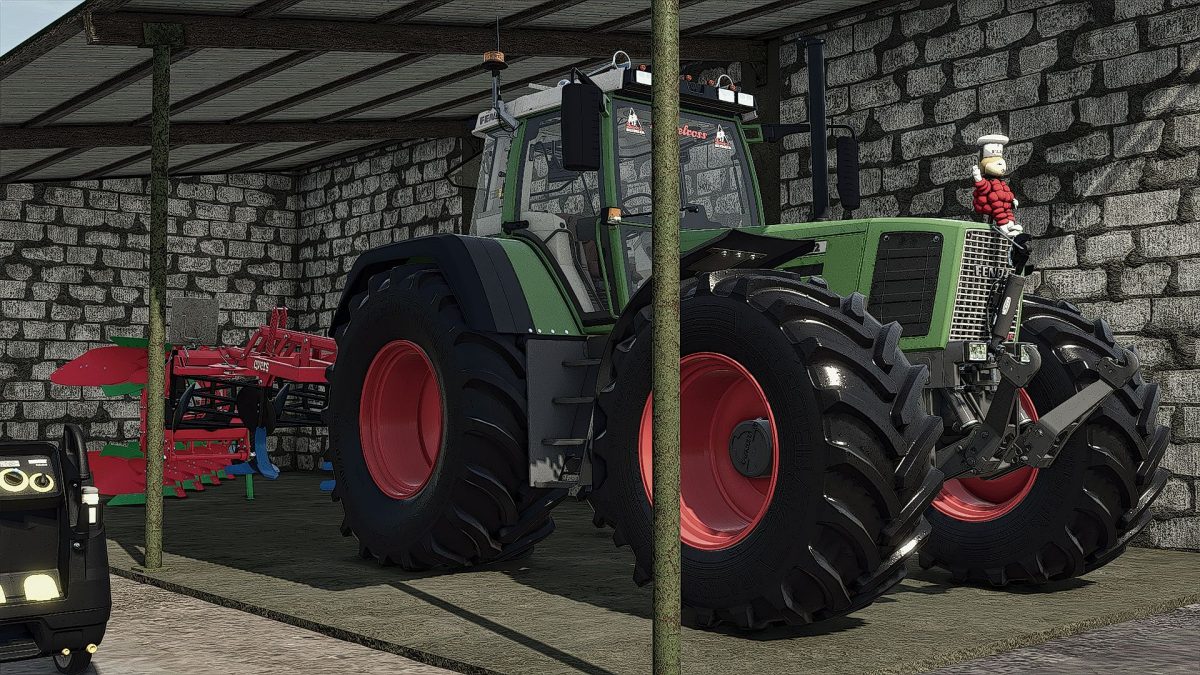
Fendt Favorit 800 Turboshift v 1.0


The Fendt Favorit 800 Turboshift v 1.0 mod introduces a versatile tractor option for Farming Simulator 25, perfect for various farming tasks.
This model features functional top lights, enhancing visibility during night operations or low-light conditions.
It includes a dieselross sticker, adding a unique touch to enhance the vehicle’s appearance.
The mod also incorporates a fliptile, which can be particularly useful for adjusting the tractor’s setup based on specific farming needs.
For those looking for better traction and stability, the mod offers wider tire options, allowing players to customize their equipment for different terrain conditions. Additionally, the inclusion of an air horn provides an engaging audio element, making the experience more immersive.
– Functional top lights
– Dieselross sticker
– Fliptile feature
– Air horn for enhanced audio
– Wider tire options for improved traction and stability
Credits:
trienus


