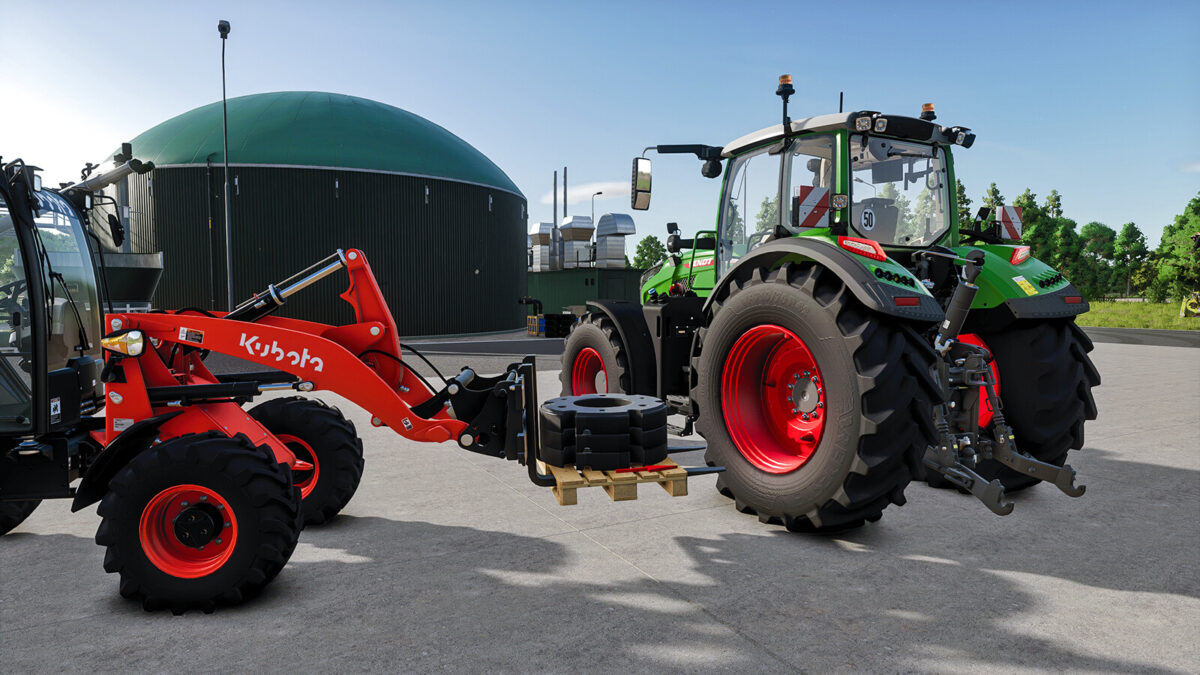
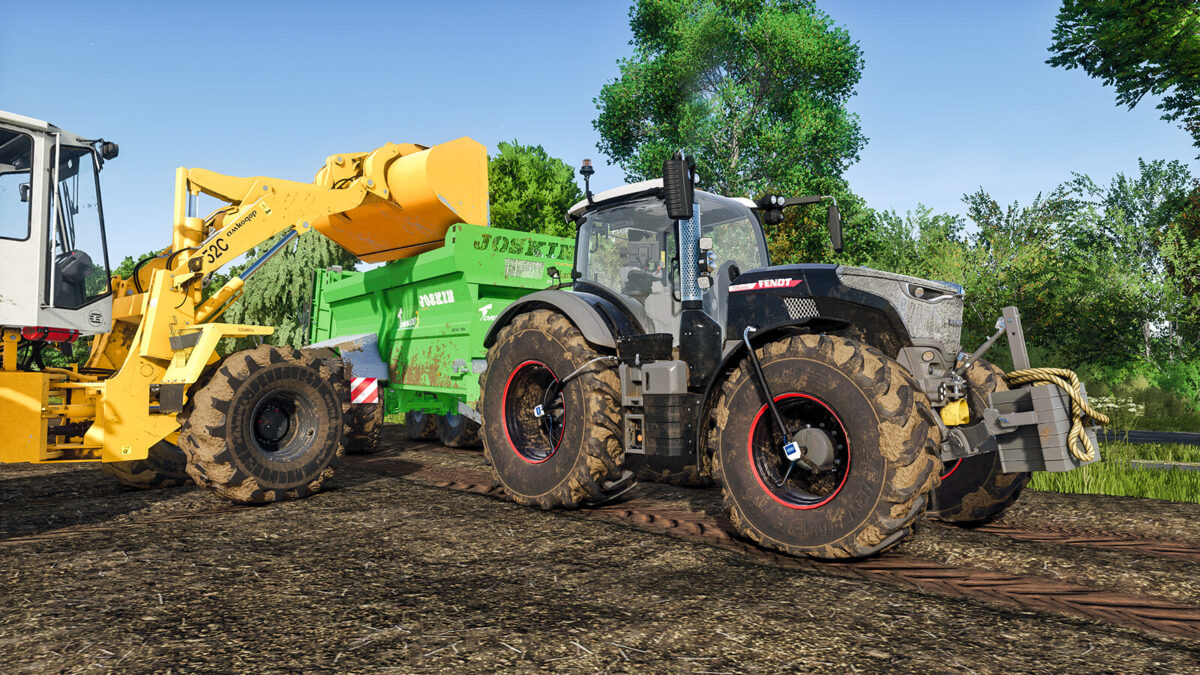
Fendt 720 – 728 Vario v1.0.0.0


Fendt 700 Vario Gen.7(.1)
Price: 239500$
Power: 203 hp
Max. Speed: 60 kp/h
Engine configurations:
– 720 (203 hp)
– 720 DP (223 hp)
– 722 (223 hp)
– 722 DP (243 hp)
– 724 (243 hp)
– 724 DP (262 hp)
– 726 (262 hp)
– 726 DP (282 hp)
– 728 DP (303 hp)
Available configurations:
– engine power
– max. Speed
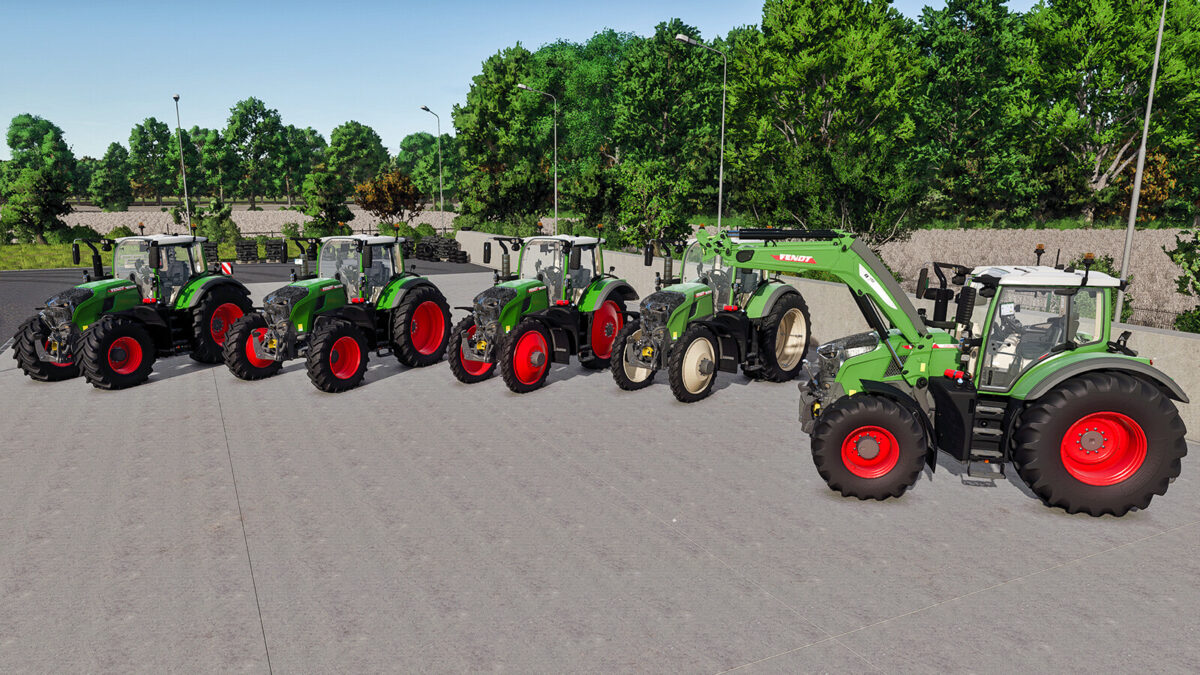
– main colour
– rim colour
– interior colour
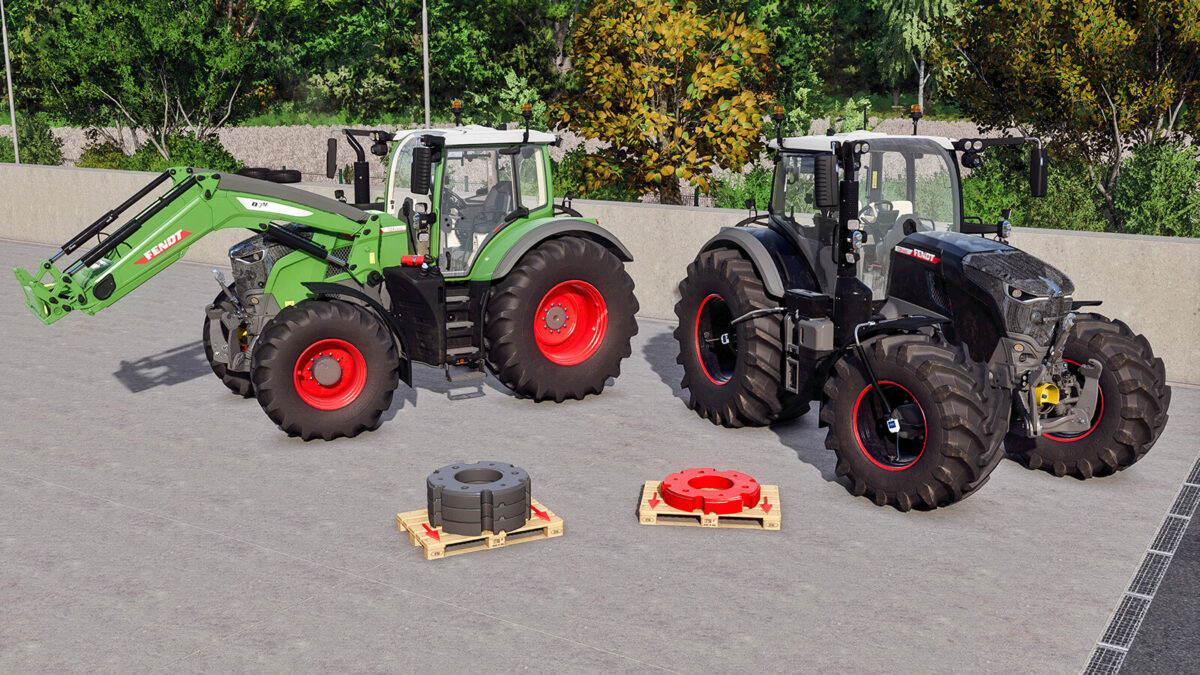
– more wheel configurations
Special details:
– new original engine sound
– detail- and ambient sounds
– reworked physical driving behaviour
– realistic engine and gearbox settings
– custom rims
– rebuilt Quicke q7M frontloader with hydraulic connector
– Wheel weights Prefab by deutzfreakwsm
– The beginnings of Vertex IC
– Passenger added
– Real GPS installed on the monitor from Bayerngames
– PTG tyre pressure control system
– Cameras installed on the monitor (Mercedes Benz DLC)
– Agribumper configuration by Bayerngames
Credits:
Farming Dud's - Marcel