

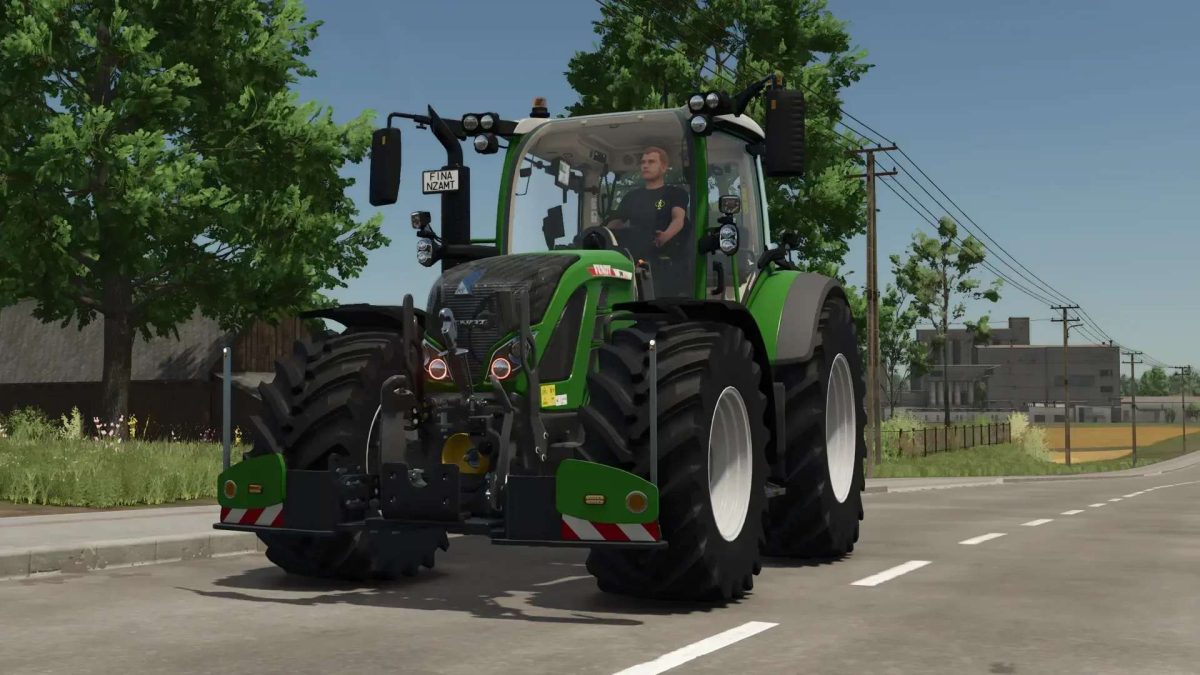
Fendt 500 Vario with Agribumper Options v 1.0.2.2


500 sound with turbo
Fendt front loader console with hydraulic quick coupler
Passenger script
Lowerable front axle with sound (hold mouse wheel and then move to the right)
Mouse control: Left door, roof hatch, and rear window with sound
Interior trim (beige) now freely color-customizable
Rotating beacon can be configured between rotating beacon and flasher
Agribumper weight can be configured from 400-1800 kg
Main color can be configured for Fendt + Agribumper
Rim color can be configured
Agribumper: Flasher can be configured
Agribumper: Driving light can be configured
Agribumper: Side light can be configured
Agribumper: Original prices
Rotating beacon can be configured between rotating beacon and flasher
Configurable daytime running light color
CCI200 terminal: Lemken/Zunhammer/Kuhn/Krone/Amazone/Pöttinger
Configurable decorative light
CB radio can be configured with lighting
Animated antenna and cable for CB radio
Fendt stickers on the front and rear windshield can be configured with color selection
Display start images
Display dark mode when lights are on
Mobile phone can be configured with a start image and dark mode when lights are on
Version 1.0.2.2:
* Fixed Color configuration due to Giants Patch 1.11
* ModDesc version increased
* Further modifications and improvements are still to come
Credits:
Finanzamt31er


