

Feliz Map v 2.0


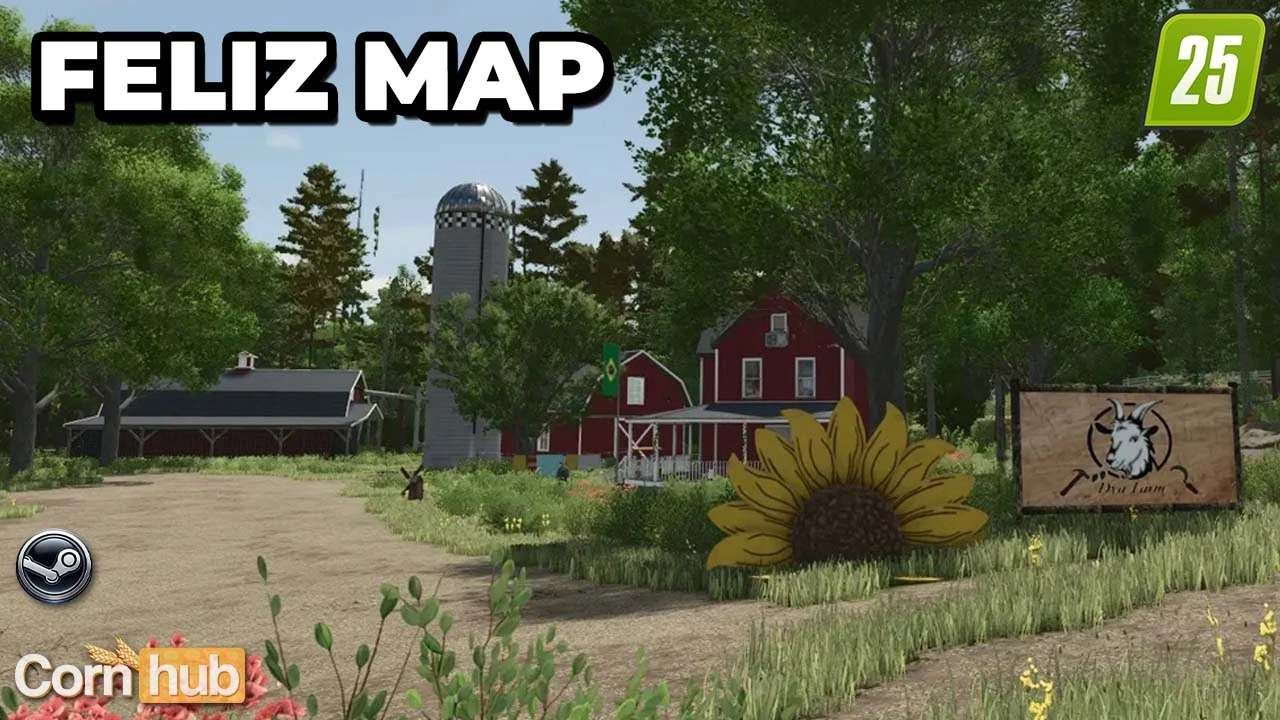
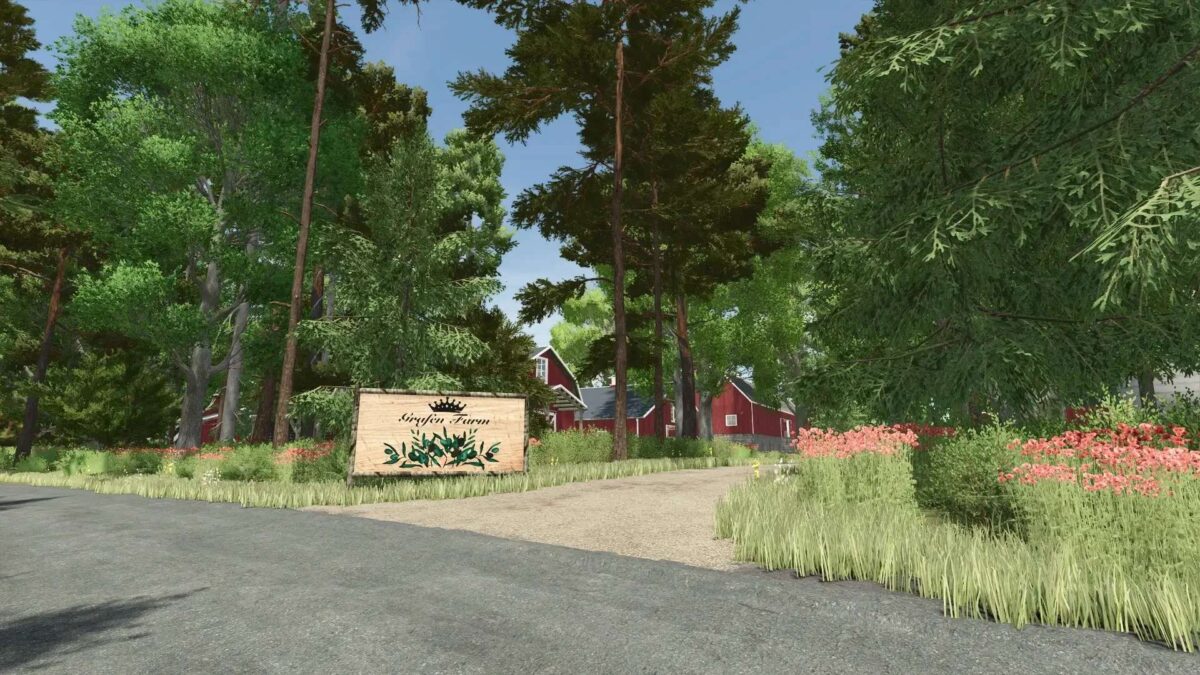
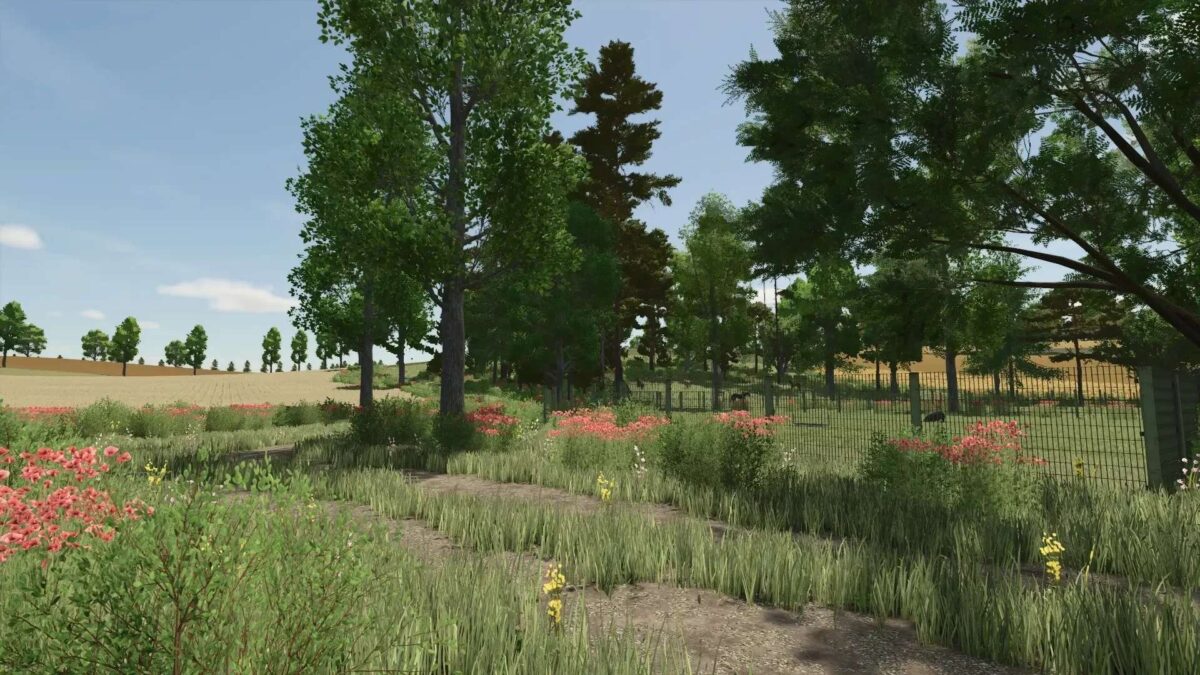
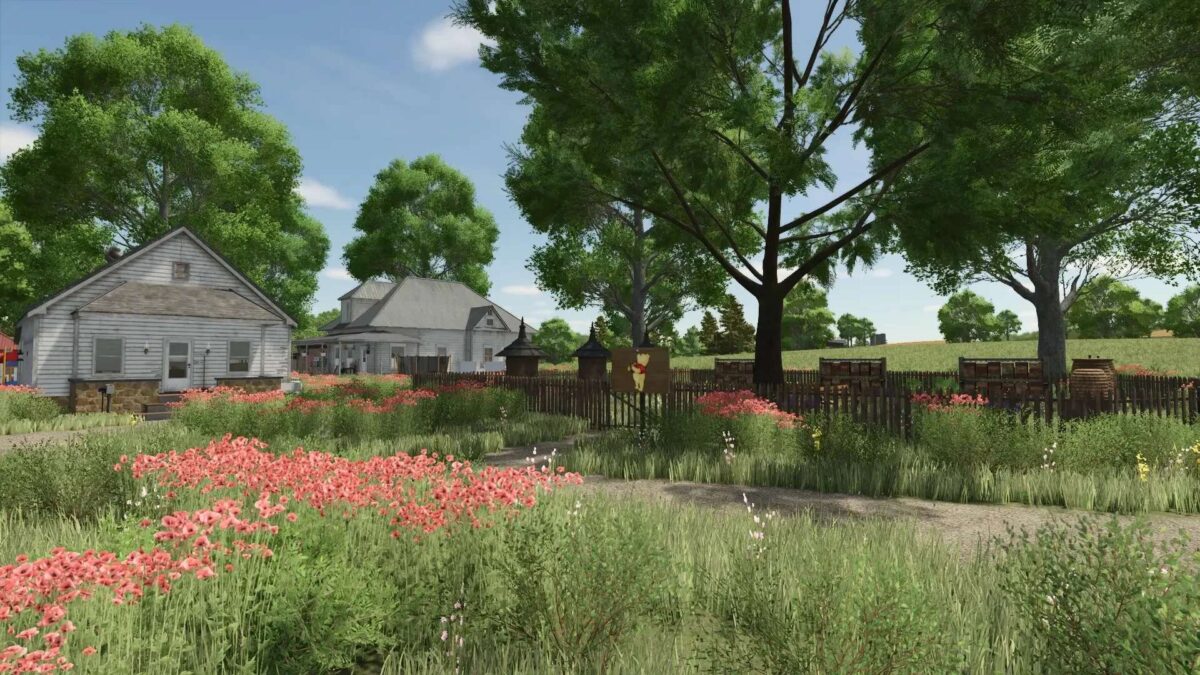
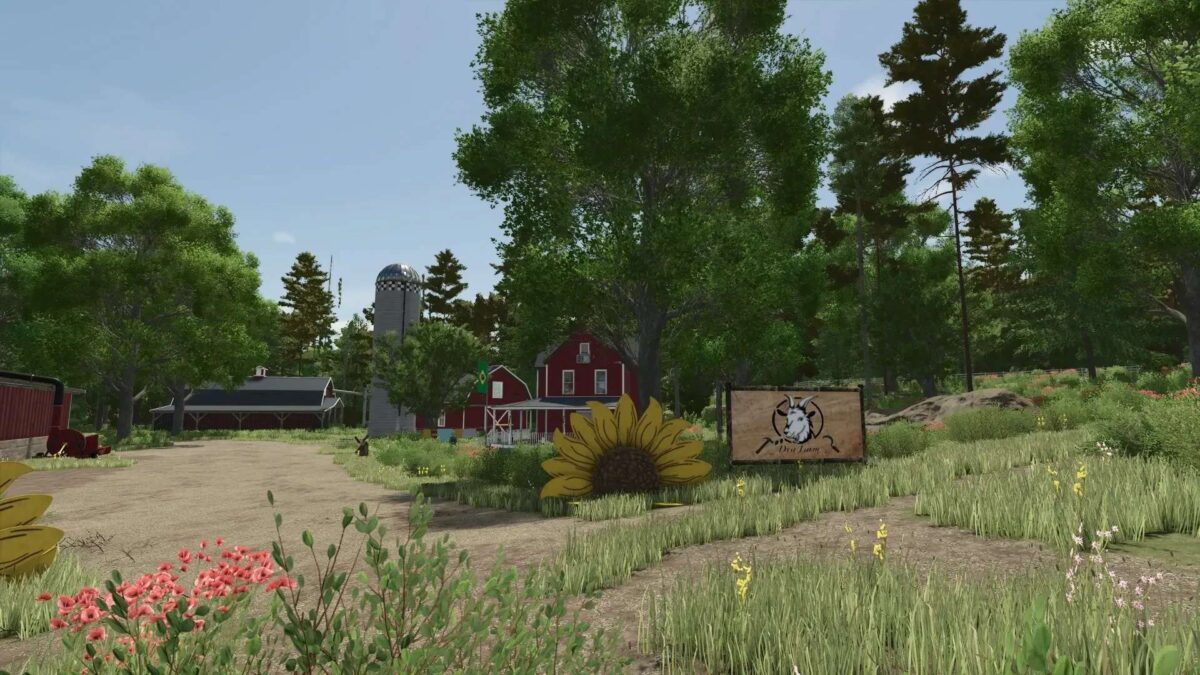
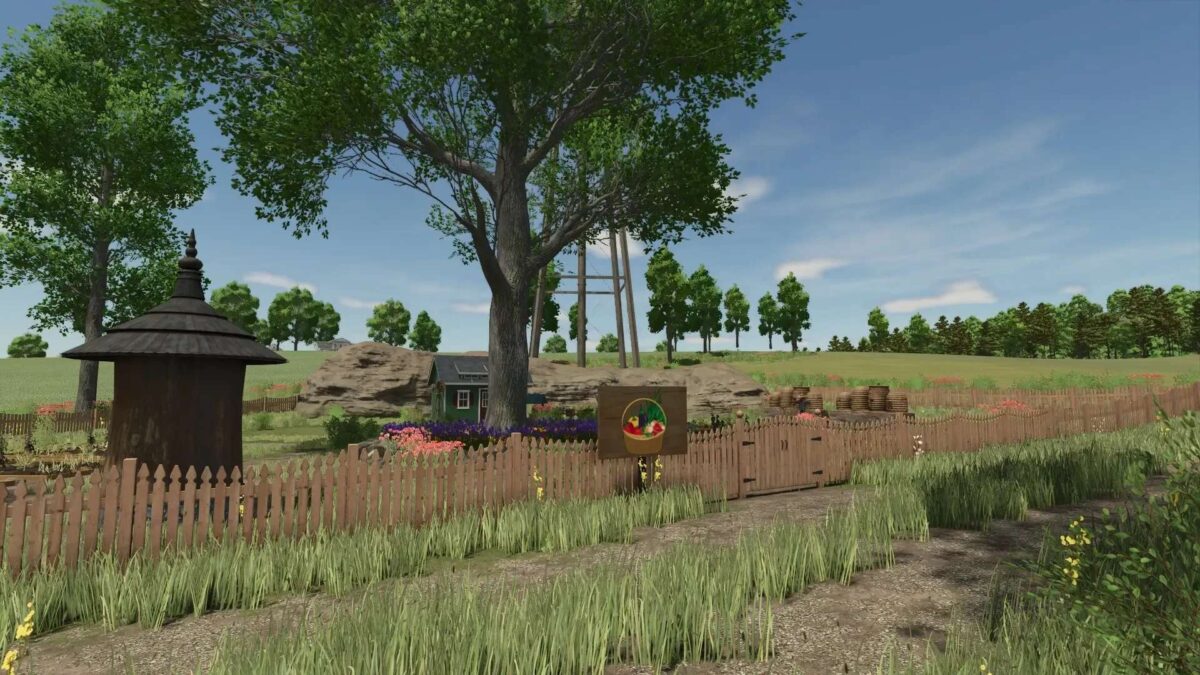
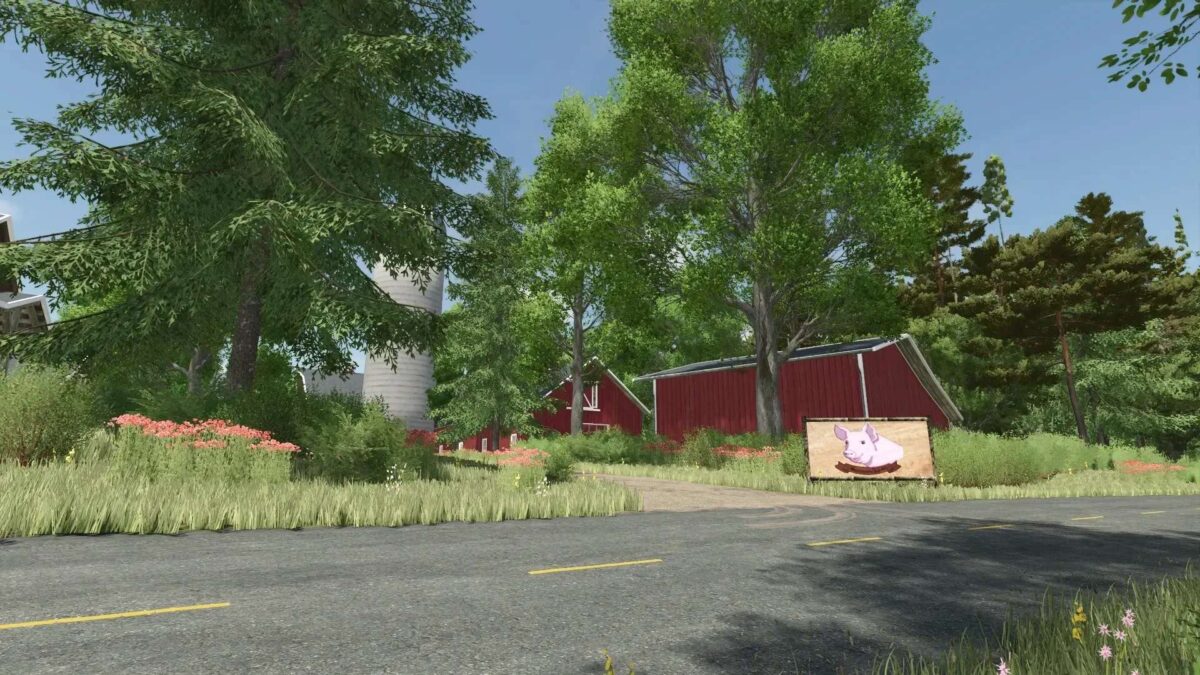
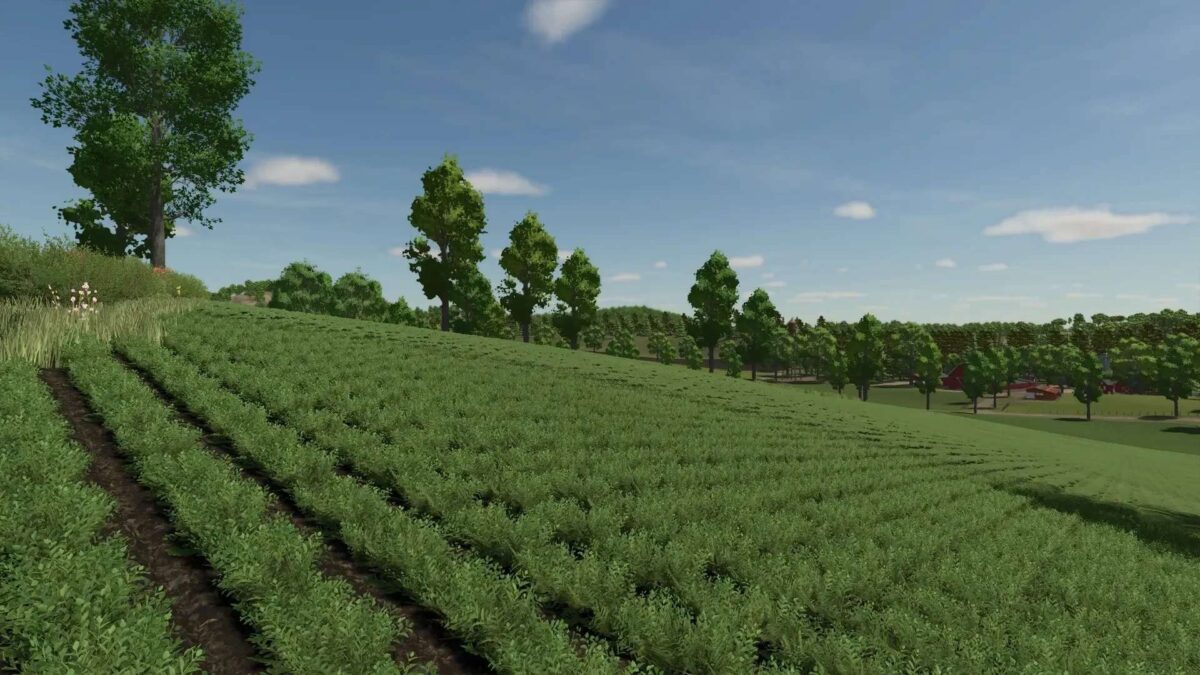
The Feliz Map for Farming Simulator 25 offers a well structured terrain complete with an impressive elevation model and adheres to the Giants’ mapping standards.
It features a total of 54 fields and multiple areas for construction or grazing.
The map includes three established farms, with the Dya and Hansen farms allowing for expansion, while the central farm has a fixed structure.
Each farm provides essential field production facilities and small production units for a seamless start to your farming activities.
The map introduces new crops: rye, spelt, and triticale, enhancing the agricultural variety available to players.
Additionally, players can engage in activities such as stone removal, dead wood clearing, and wood transportation for further engagement.
A total of 50 collectibles are hidden throughout the map, offering an exploratory challenge.
Players are advised to use small to medium sized machinery, as navigating with larger equipment can be cumbersome in certain areas.
Merging fields is not possible, as the layout is deliberately designed to maintain the integrity of the farmland.
Some buildings are non removable, a choice made by the creator to preserve the map’s intended design.
For those who utilize Autodrive, specific instructions regarding its implementation and course management are provided to prevent loss of pre built routes when starting.
Version 2.0:
* Due to the extensive renovations in the villages and the new template, a new save is urgently required for this version
* Completely new map template integrated
* Two villages completely redesigned and rebuilt
* Road routing, decorations and surroundings revised
* Numerous visual improvements for a more realistic appearance
* Added new fruits
* Production chains and warehouses expanded accordingly
* Adjustments made for the new crop types
* Reworked many small details throughout the map
* Various objects replaced or replaced
* Optimizations to terrain, vegetation and decoration
* Various bugs fixed
* General performance and stability improvements
* Adjustments to various productions
* Revision of individual points of sale
* Improvements to immersion and feel
* Numerous other minor changes and optimizations
Credits:
Tamara_von_Graf


