Feliz Map v 1.2


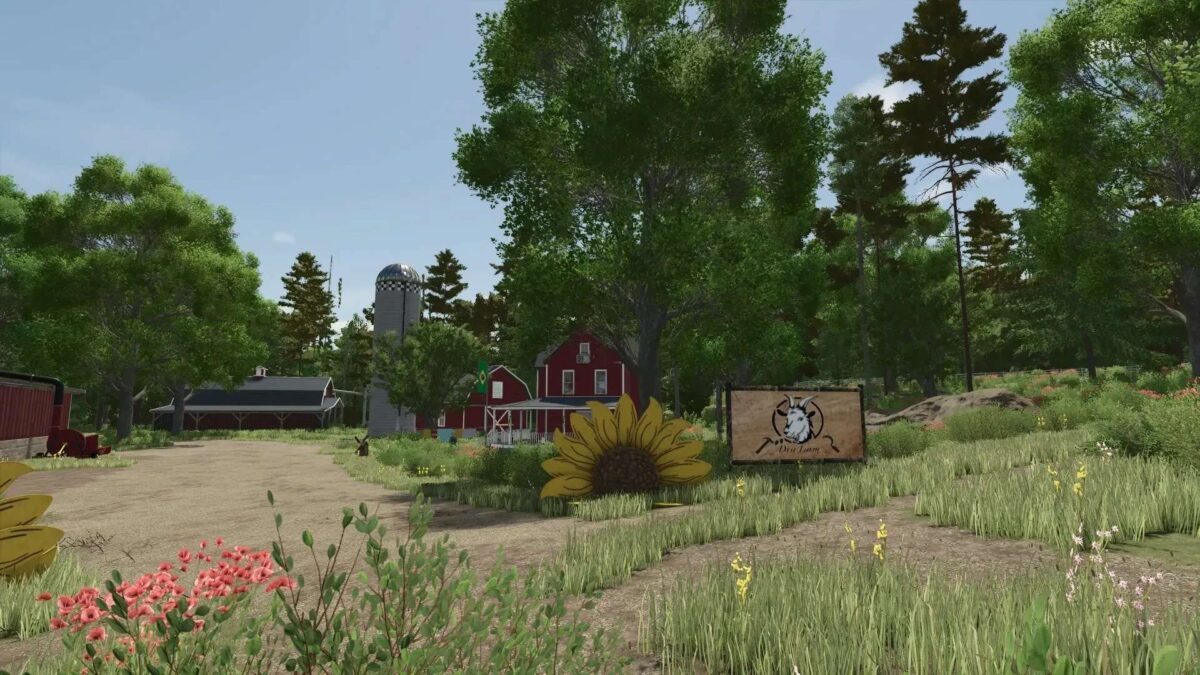
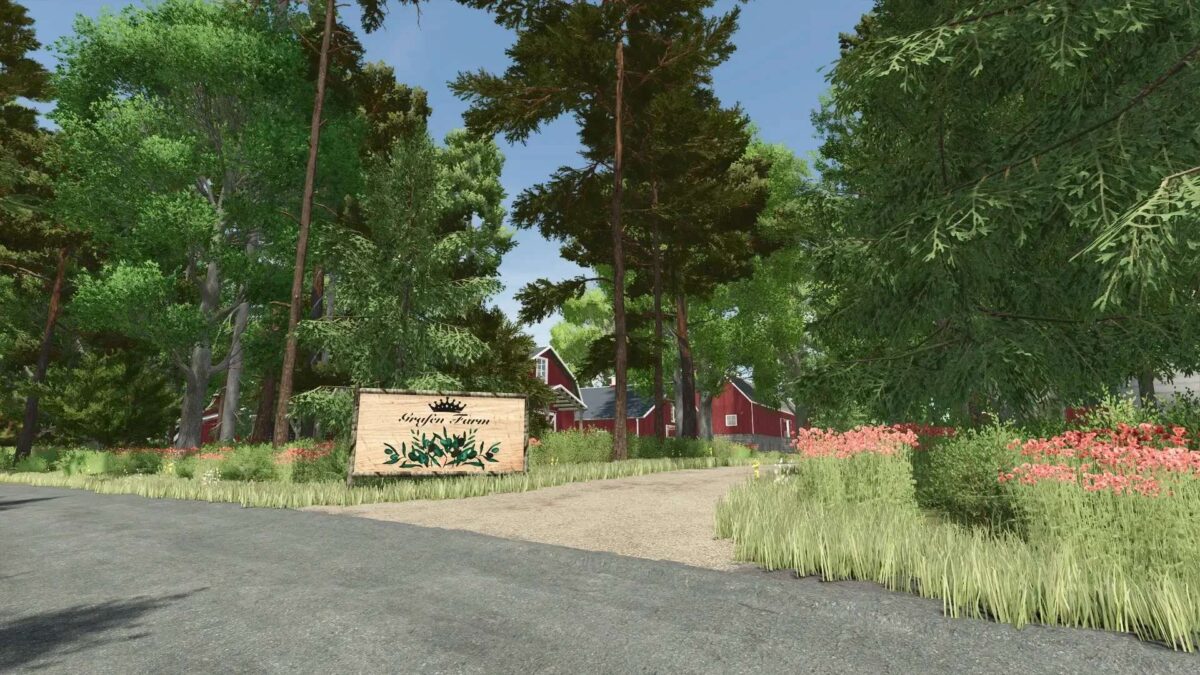
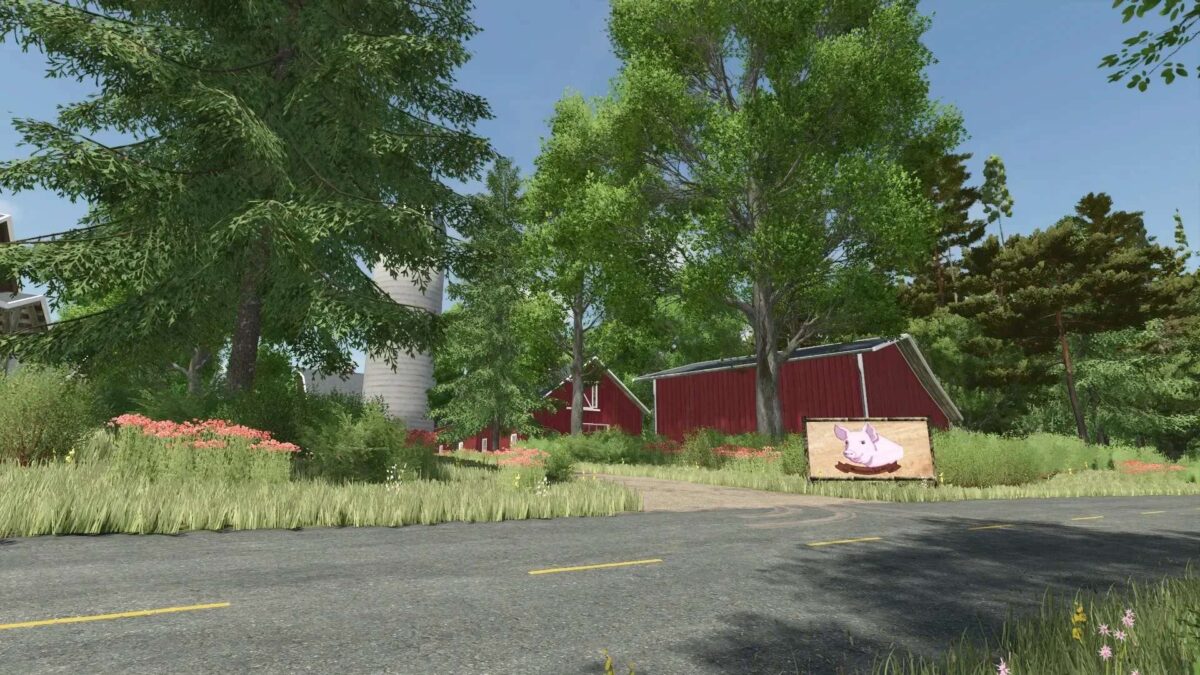
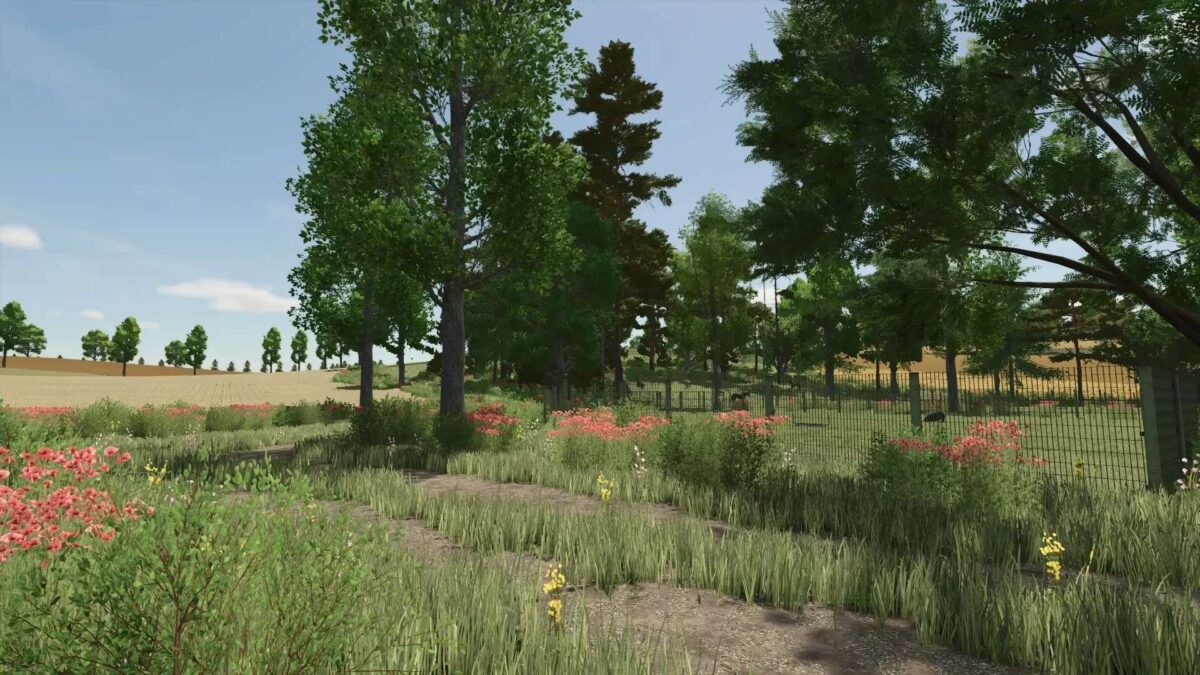
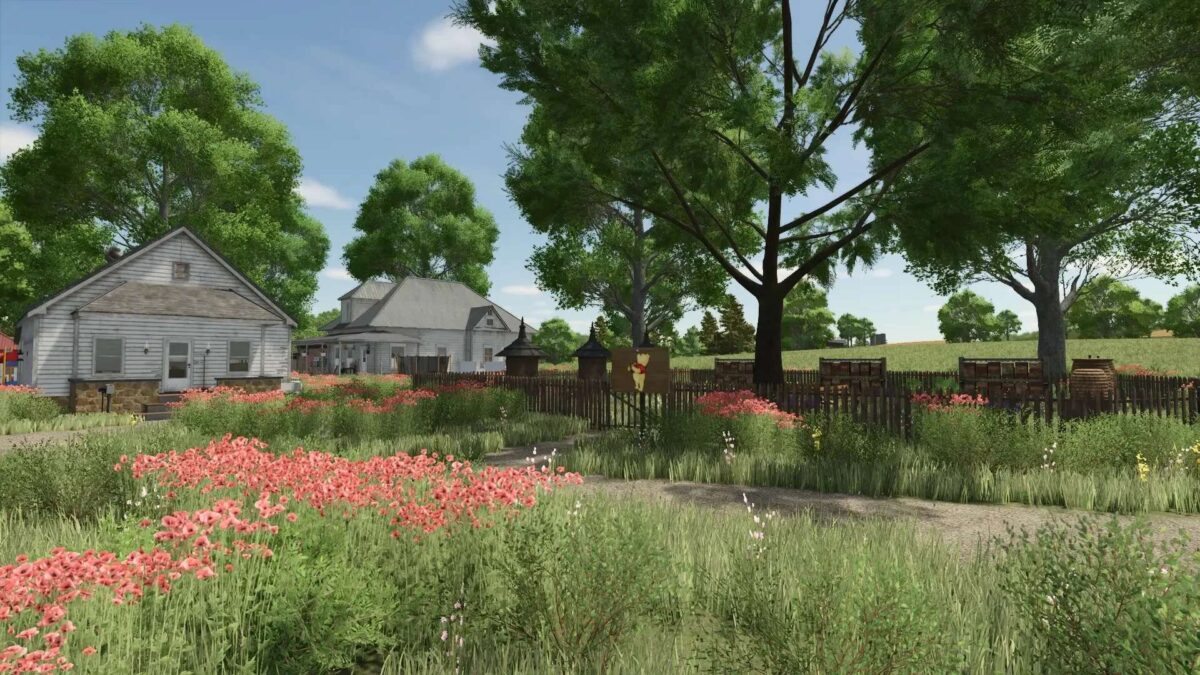
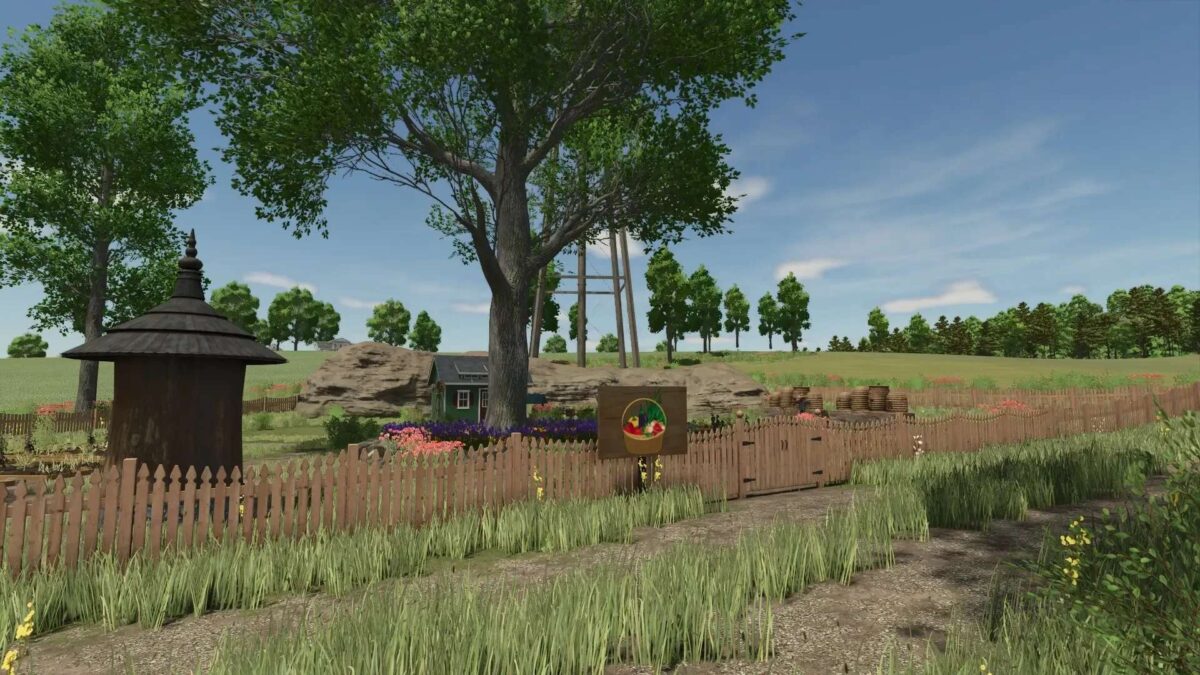
The Feliz Map for Farming Simulator 25 offers a well-structured terrain complete with an impressive elevation model and adheres to the Giants’ mapping standards. It features a total of 54 fields and multiple areas for construction or grazing. The map includes three established farms, with the Dya and Hansen farms allowing for expansion, while the central farm has a fixed structure. Each farm provides essential field production facilities and small production units for a seamless start to your farming activities.
The map introduces new crops: rye, spelt, and triticale, enhancing the agricultural variety available to players. Additionally, players can engage in activities such as stone removal, dead wood clearing, and wood transportation for further engagement. A total of 50 collectibles are hidden throughout the map, offering an exploratory challenge.
Players are advised to use small to medium-sized machinery, as navigating with larger equipment can be cumbersome in certain areas. Merging fields is not possible, as the layout is deliberately designed to maintain the integrity of the farmland. Some buildings are non-removable, a choice made by the creator to preserve the map’s intended design.
For those who utilize Autodrive, specific instructions regarding its implementation and course management are provided to prevent loss of pre-built routes when starting a
Version 1.2:
* Completely new road system installed
* All field paths rebuilt
* Rice fields installed on Arable Land 80
* Compost registered and boosted in greenhouses
* Composter at the allotment garden
* All cow pastures have a milk trigger
* All cow & sheep pastures have ball triggers in the pastures
* Free-range chickens at Grafenhof
* Farmlands revised, farmland errors removed
* Farm 3 farmland separated from the forest
* Several sheep pastures installed
* Several cow pastures installed
* Wholesale has opening hours
* New fence at the grain sales point
* AD courses completely revised
* Cowstal Farm 2 rebuilt and milk trigger installed
* Sheep pasture at the sawmill rebuilt
* Guru’s fish pond fish production installed
* Grill at Farm 2 Grafenhof, processes raw fish
* New preview image received
Credits:
Tamara_von_Graf