Fed Productions Pack v 1.7.1


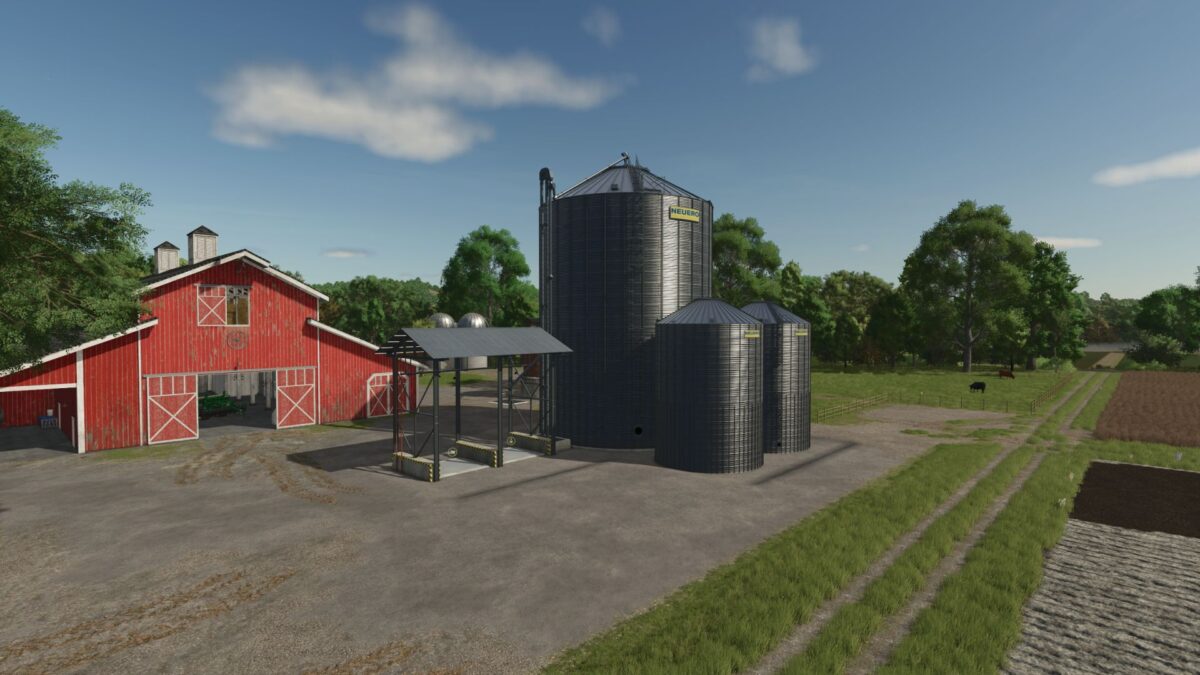
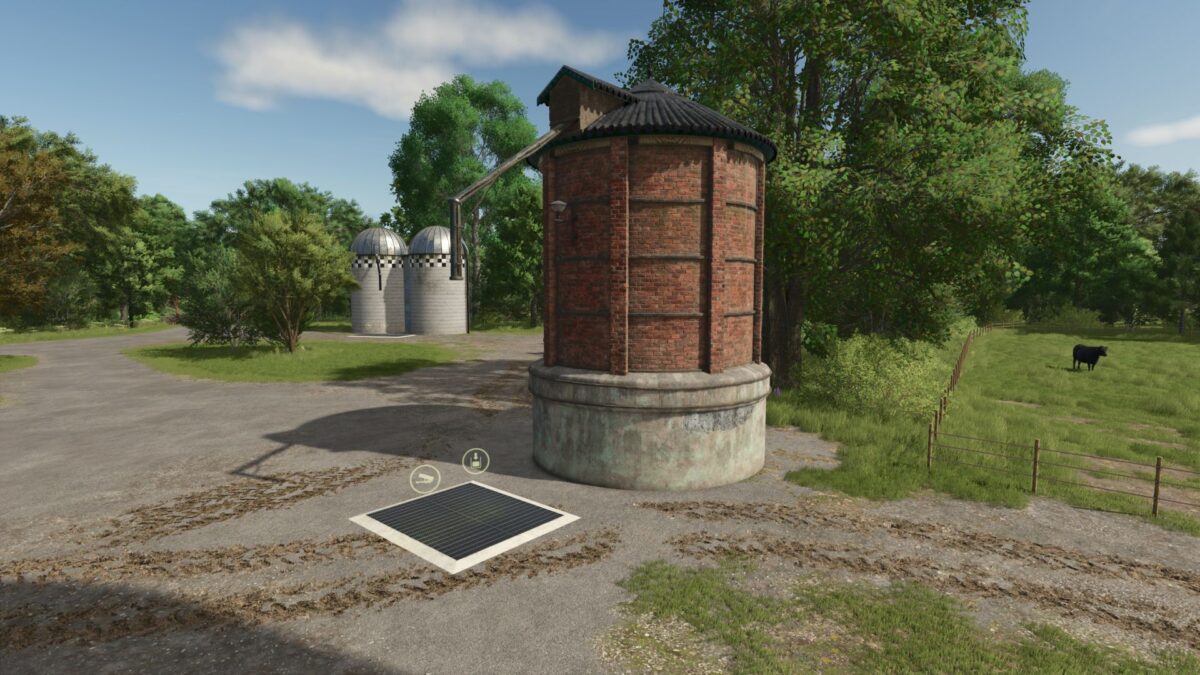
2 Fermenters:
In the fermenter, silage is produced from grass and/or chopped material using silage additives.
In the small fermenter, silage is produced only from loose grass and/or chopped material using silage additives.
Production per hour: 2000 liters each, capacity 0.4 million. Bale trigger warning in the log can only be fixed after the Giants Editor is released.
2 Tank Trailers:
These tank trailers have more capacity and can also transport diesel, silage additives, and methane.
Silage additive pallet:
More capacity and cheaper than the standard pallet
Version 1.7.1:
* Silage additive prices adjusted
* Silage additive is now displayed in the price list
* Unknown file type ‘models/colliPilzhaus. obj’ bug fixed
* Empty pallets no longer permanently spawn at the textile factory
Credits:
FedAction