

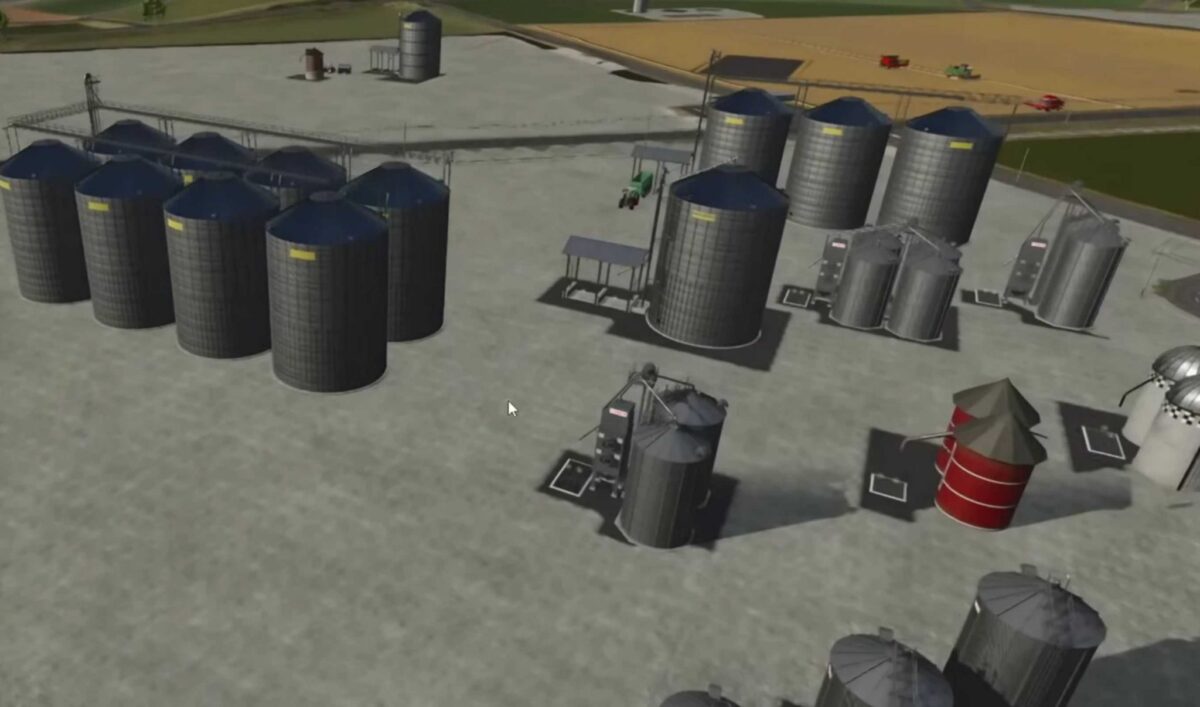
Fed Productions Pack v 1.1


The Pack consist of:
– 2 Digesters: In the digester, silage is produced from grass and/or chopped material with the help of silage additives. In the small fermenter, silage is only produced from loose grass and/or chopped material with the help of silage additives. Production per hour: 2000 liters each, capacity 0.4 million Warninginfo Bale trigger in the log can only be fixed after Giants Editor release
– 2 Tank trailers: These tank trailers have more capacity and can also transport diesel, silage additives and methane
– Silage pallet: More capacity and cheaper than the standard pallet
Version 1.1:
* New XXL production sawmill with production of boards, planks, wooden beams, OSB boards, chipboard, empty pallets, bark mulch and wood chips
* New production hay drying
* Workshop for the production of maintenance
* 4 pent roof halls for electricity production
* 2 drive through halls for electricity production
* The two liquid trailers can now also transport liquid manure and fermentation residues
* The small fermenter now also accepts bales
* Fermenter now has collision
Credits:
FedAction


