

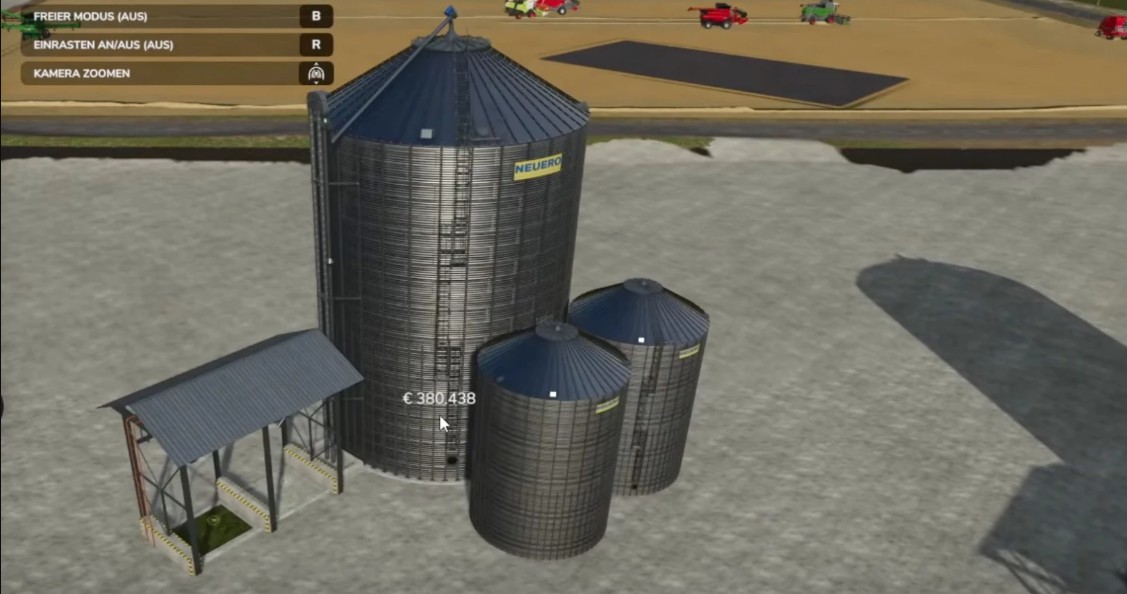
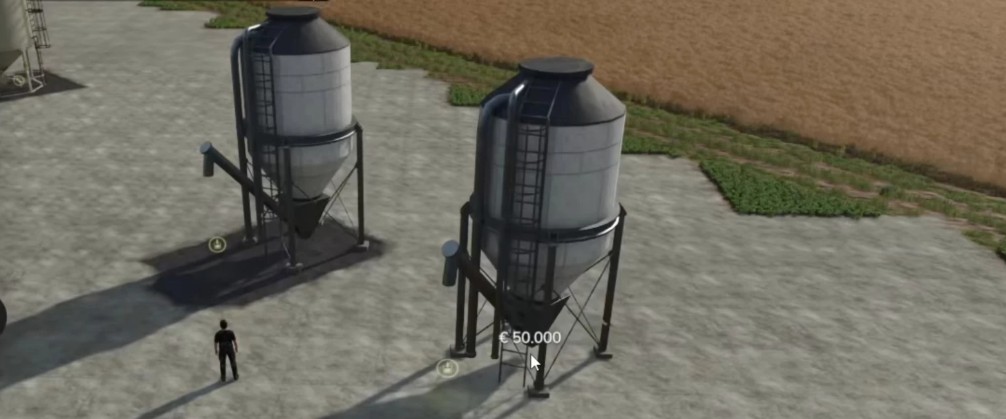
Fed Productions Pack v 1.0.0.1


Digester: In the digester, silage is produced from grass and/or chopped material with the help of silage additives. In the small fermenter, silage is only produced from loose grass and/or chopped material with the help of silage additives. Production per hour: 2000 liters each, capacity 0.4 million Warninginfo Bale trigger in the log can only be fixed after Giants Editor release.
Tank trailers: These tank trailers have more capacity and can also transport diesel, silage additives and methane.
Silage pallet: More capacity and cheaper than the standard pallet.
Version 1.0.0.1:
* Added another option to the Bredal lime spreader with a little more capacity (25,000L) for lime/fertilizer
* The normal transfer wagons in the shop can now also load/transfer lime
* Added Mks 8 trailer configuration of tank size (8,000, 15,000, or 25,000 liters)
* Added Mks 32 trailer configuration of tank size (32,000, 50,000, or 80,000 liters)
* Fixed an error in the English translation
Credits:
FedAction


