
FS25 Misc

Fast Night v 1.0
Fast Night v 1.0
Fast Night v 1.0

Fast Night v 1.0

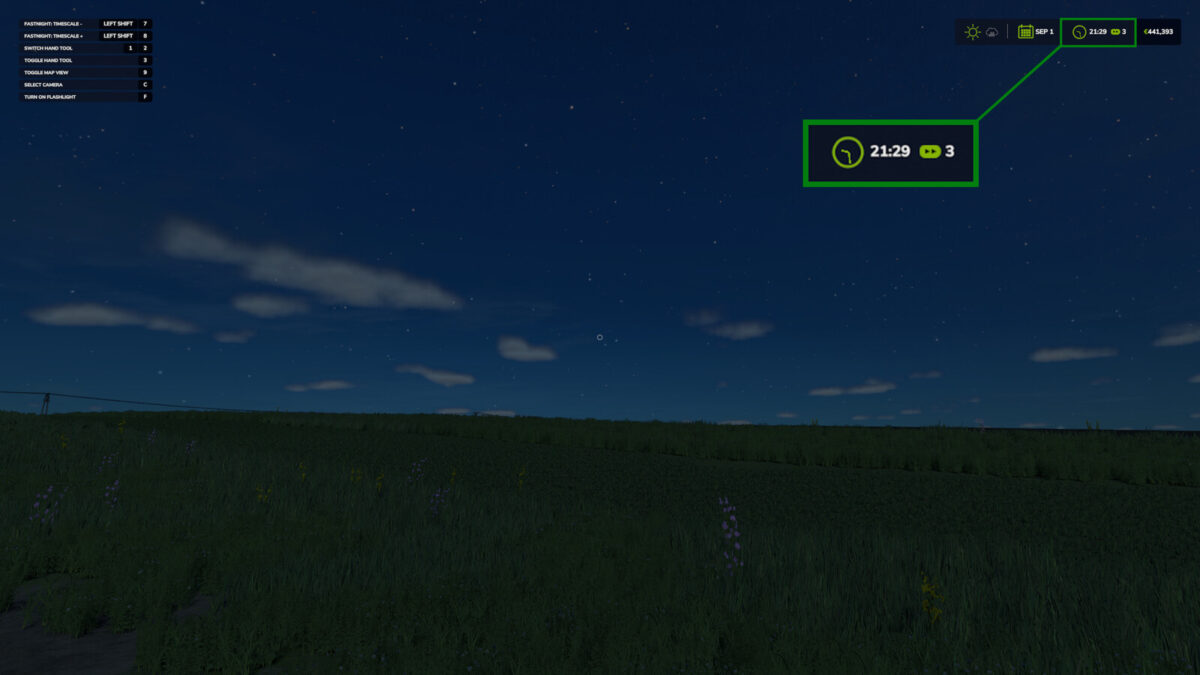
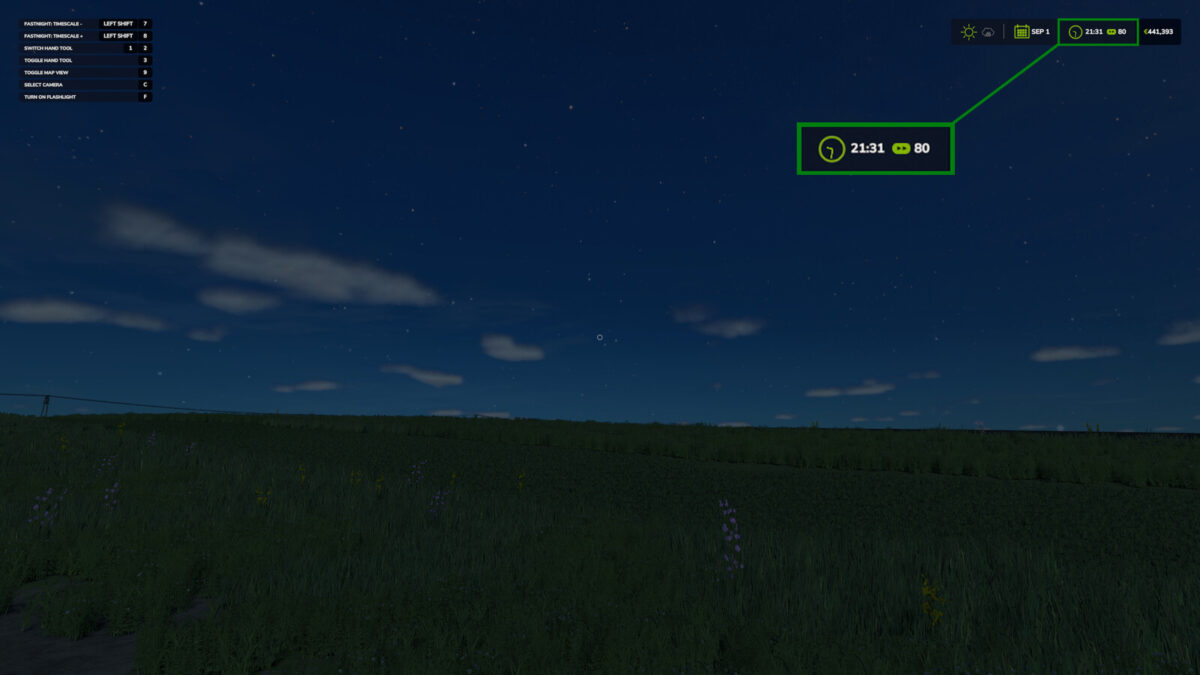
The night will pass faster than you think.
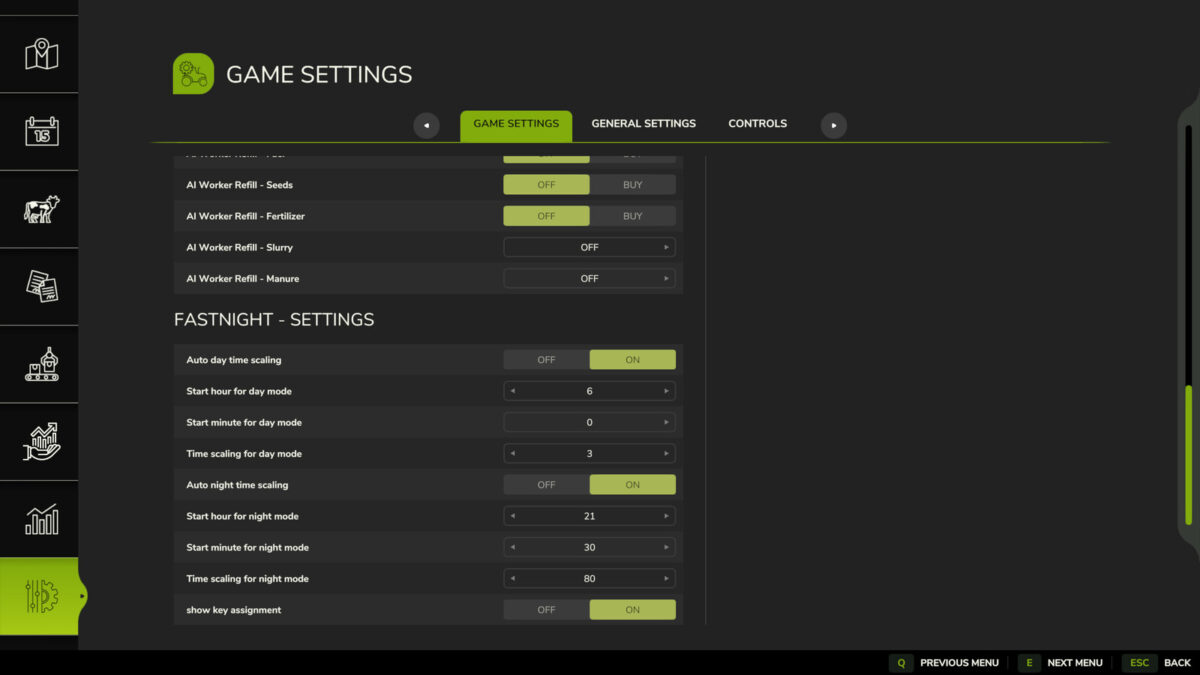
This mod sets the time scale to a specific value once in the morning and once in the evening.
The settings can be easily adjusted in the game settings, and are saved in the “fastnight.xml” file in the modSettings folder.
In multiplayer, the settings can only be managed by the administrator.
Using the keys “Shift-Left” + “7” / “Shift-Left” + “8” you can manually change the time scaling in finer steps.
Operation only works outside of vehicles.

Credits:

apuehri

How to install FS25 Misc?
Firstly find a mod which you like and want to download. Then download a mod to your PC. Mods are usually in .zip format file. But sometimes it can be in .rar. If a mod file is a .zip format no needed additional actions. If a file is in .rar, then you must unarchive mod with software like WinRar or Zip7. Windows 10 users no need to use software for archives, Win10 itself has a feature to unarchive files.
The next step is to find mods folder in your PC. Usually, it is in Documents/My Games/Farming Simulator 25/2025. Open the "mods" folder and put downloaded .zip archive or unarchived .rar file to this folder.
Last step. Enjoy of FS25 mods!

Leave a Reply

Your email address will not be published. Required fields are marked *