

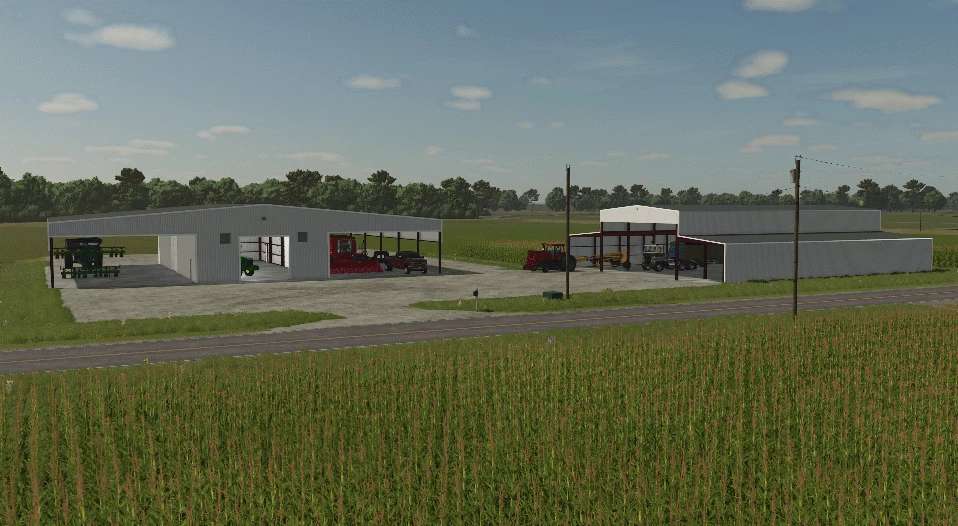
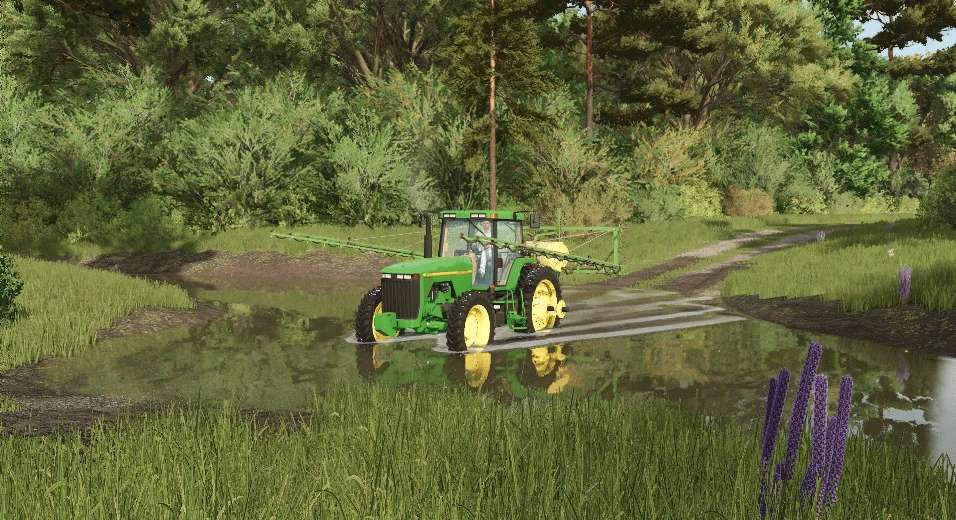
Farmville North Carolina Map v 1.0


Farmville North Carolina Map is a first testing release that introduces players to a new farming environment inspired by the American South.
This map is designed to provide a fresh experience for Farming Simulator 25 enthusiasts.
In this version, the stubble destruction feature has been repaired, ensuring more realistic gameplay and agricultural management following crop harvesting.
For optimal functionality and a seamless experience, certain required mods must be installed.
These mods enhance the overall gameplay and expand the options available to players as they navigate their farming journey.
– First testing release
– Fixed stubble destruction issue
– Diverse fields for planting and harvesting
– Varied terrain types to explore
– Custom structures and facilities tailored to North Carolina aesthetics
Required mods:
– DefaultTypes
– Finnish Sheds
– Pack Sheds Br
– OldBare
– American Fence
– Fuel Storage
Credits:
RockLand USA


