
FS25 Maps

Farmville Map v 0.1.8

Farmville Map v 0.1.8

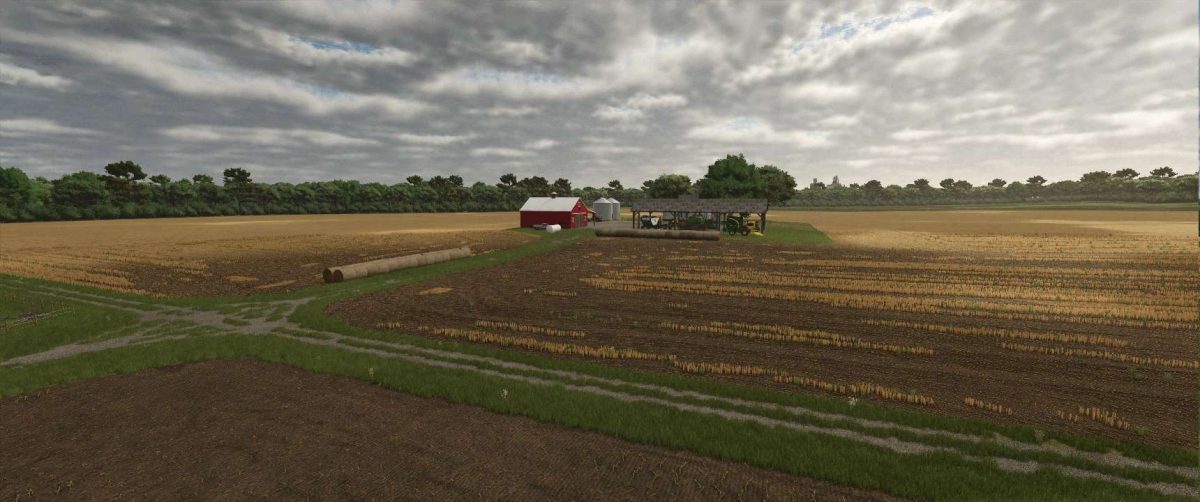
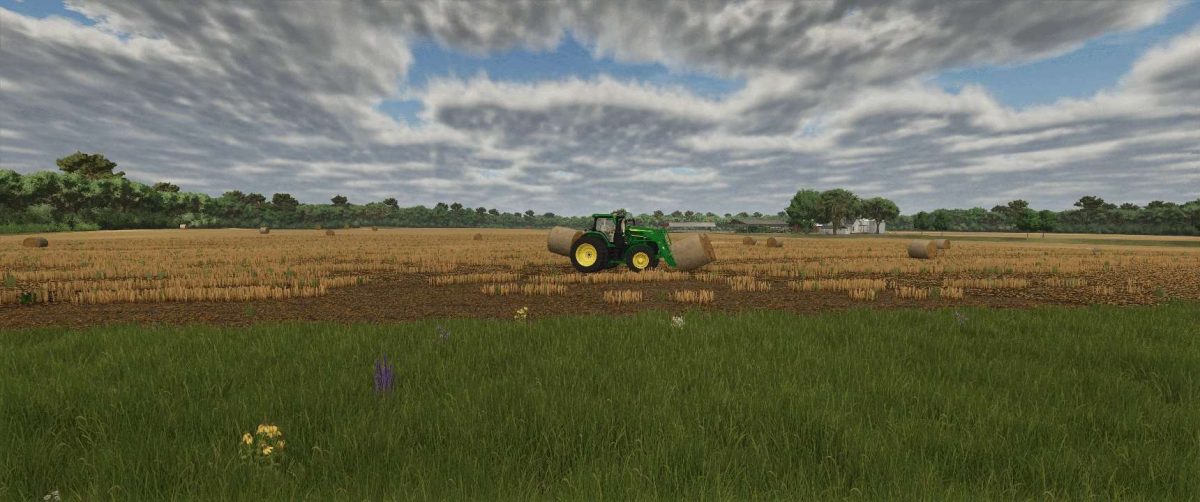
– Varied Field Sizes – From small starter fields to expansive farmland, Farmville offers a range of options for both casual and large-scale farmers
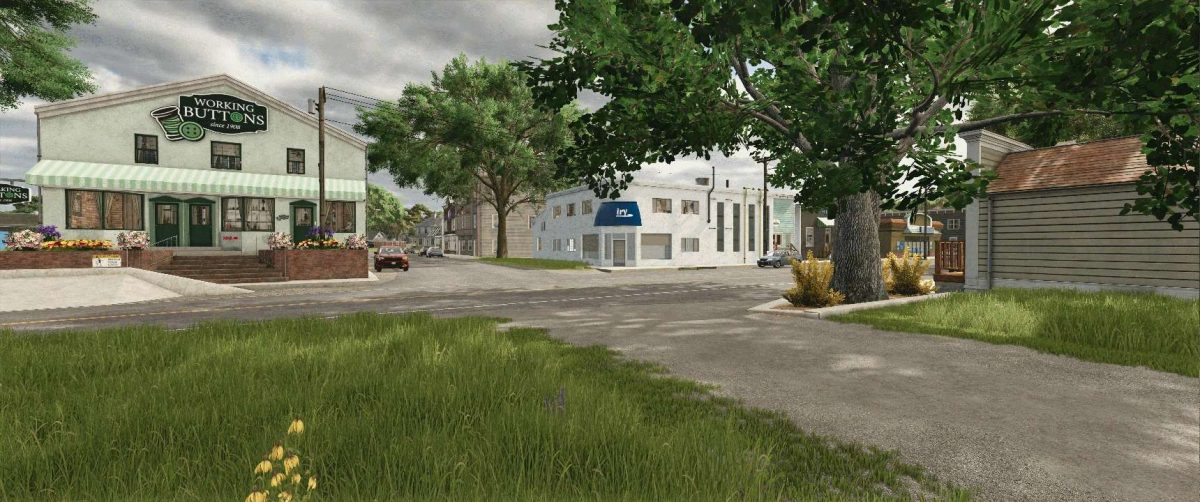
– Realistic Small Town – A detailed town center adds immersion and provides key production and sell points
– Multiple Production Chains – Take advantage of numerous factories and processing facilities to expand your operation beyond just farming
– Diverse Sell Points – Plenty of locations to sell your crops, livestock, and products for competitive prices
– Multiplayer Friendly – The map’s layout and variety make it perfect for servers and cooperative gameplay
– Balanced Gameplay – Designed for players who enjoy smaller fields without feeling stuck in an endless grind

Version 0.1.8:
* Grass, Stubble Destruction Sell Point fix

Credits:

drmodding

How to install FS25 Maps?
Firstly find a mod which you like and want to download. Then download a mod to your PC. Mods are usually in .zip format file. But sometimes it can be in .rar. If a mod file is a .zip format no needed additional actions. If a file is in .rar, then you must unarchive mod with software like WinRar or Zip7. Windows 10 users no need to use software for archives, Win10 itself has a feature to unarchive files.
The next step is to find mods folder in your PC. Usually, it is in Documents/My Games/Farming Simulator 25/2025. Open the "mods" folder and put downloaded .zip archive or unarchived .rar file to this folder.
Last step. Enjoy of FS25 mods!

Leave a Reply

Your email address will not be published. Required fields are marked *