

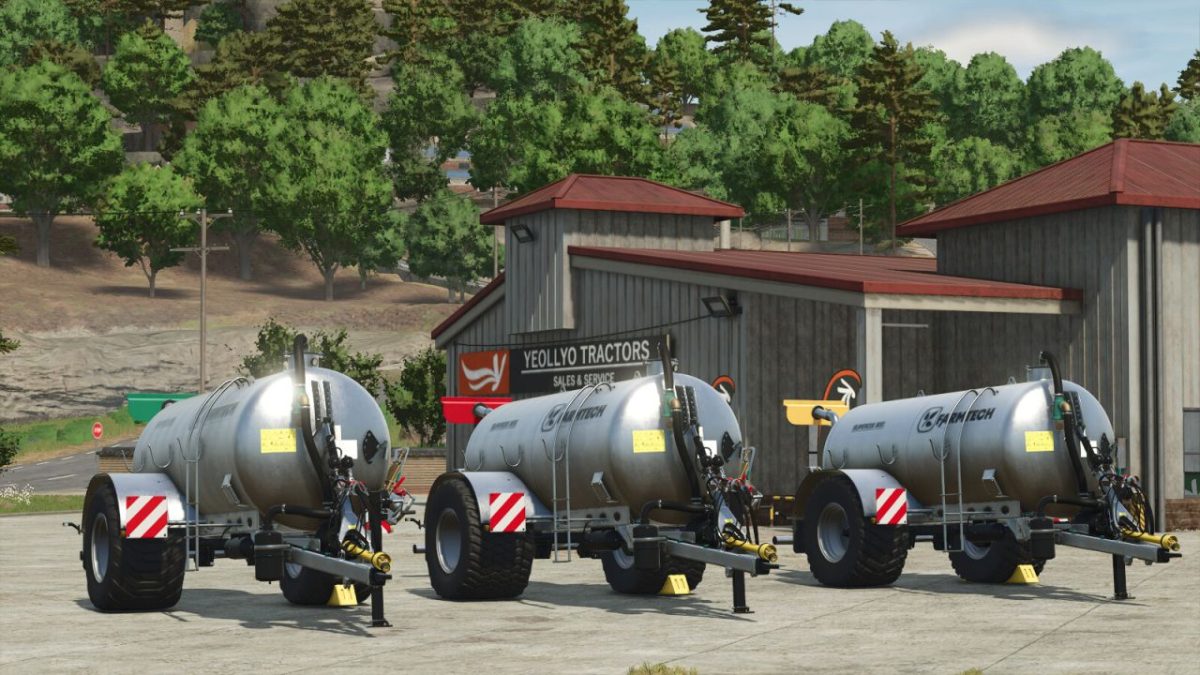
Farmtech Supercis 800 more Realistic v 1.0


Category: Slurry Tankers
Price: $31,500
Required power: 80 hp
Working speed: 16 kph
Capacity: 8 m³
Compared to the version from the basic game, this Farmtech Supercis 800 has a more realistic distribution of the slurry when the oscillating slurry spreader is used. The slurry texture on the ground then follows the liquid manure jet instead of being pushed forwards evenly across the entire width as in the original (see the arrows in the pictures).
Compared to the basegame original, the following improvements have been implemented:
– More realistic slurry distribution
– Wide spreader in addition to the Möscha
– 3 slurry spreader configurations
– Different working speeds
– Different working widths
– Additional tire configurations
– Color selection for the wide spreader
Distributor configurations:
– Möscha distributor 9 m, workingspeed 10 kpm
– Möscha distributor 15 m, workingspeed 10 kpm
– Wide distributor 16 m, mworkingspeed 16 kpm
Credits:
Oldenfarm


